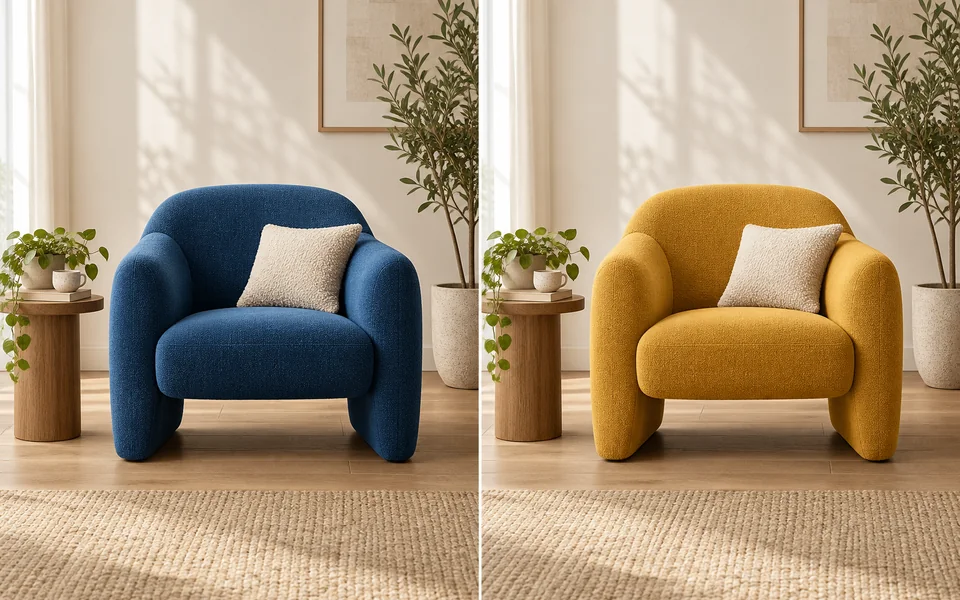
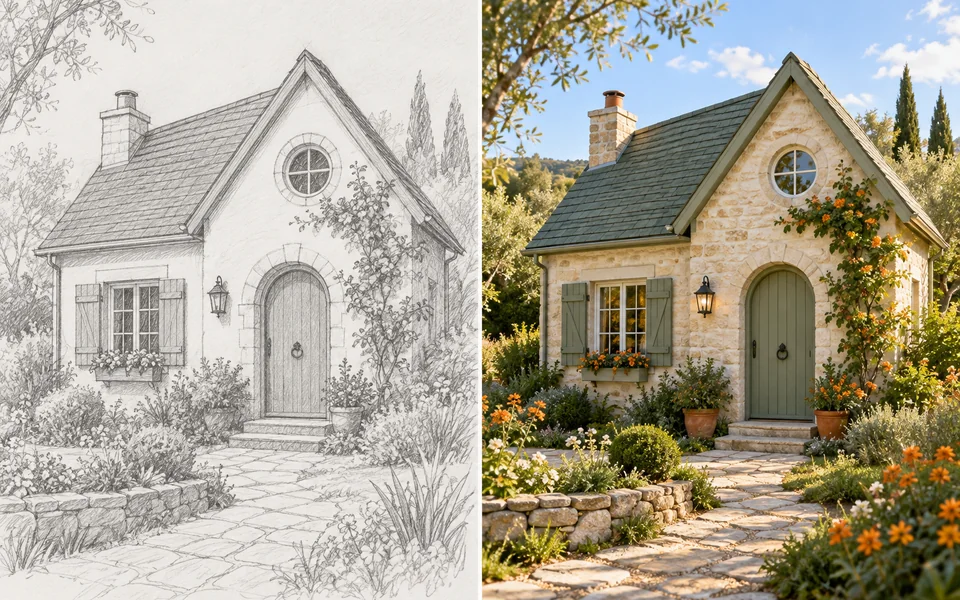
AI Image Generator & Photo Editor
Generate images from text, change hairstyles and outfits,
redesign rooms or create product photos.
Generate Images from Text
Describe the subject, setting and style you want.
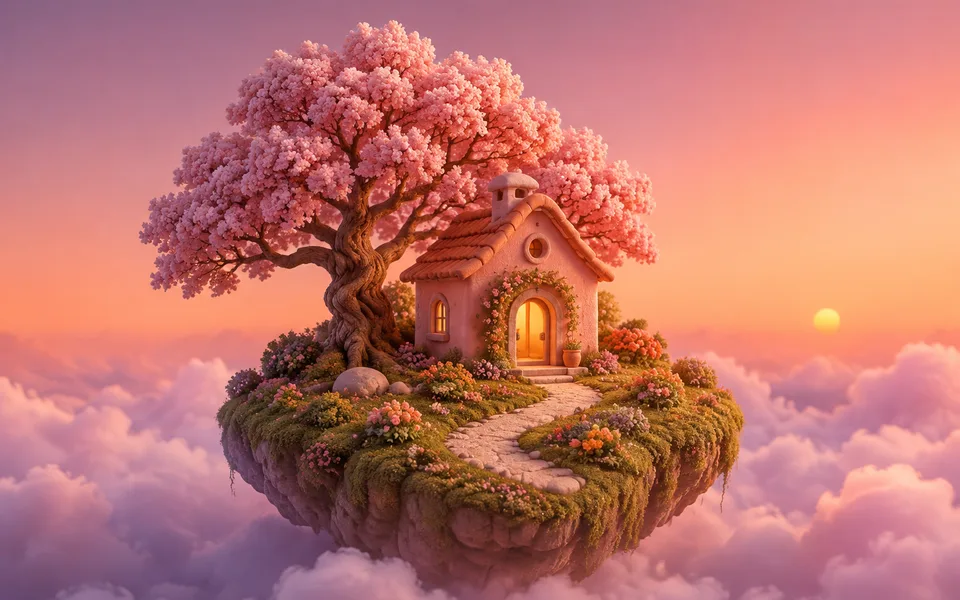
Your result will appear here.
AI Photo Editing & Try-On Tools
Upload a photo to try hairstyles, outfits, room designs and product scenes.
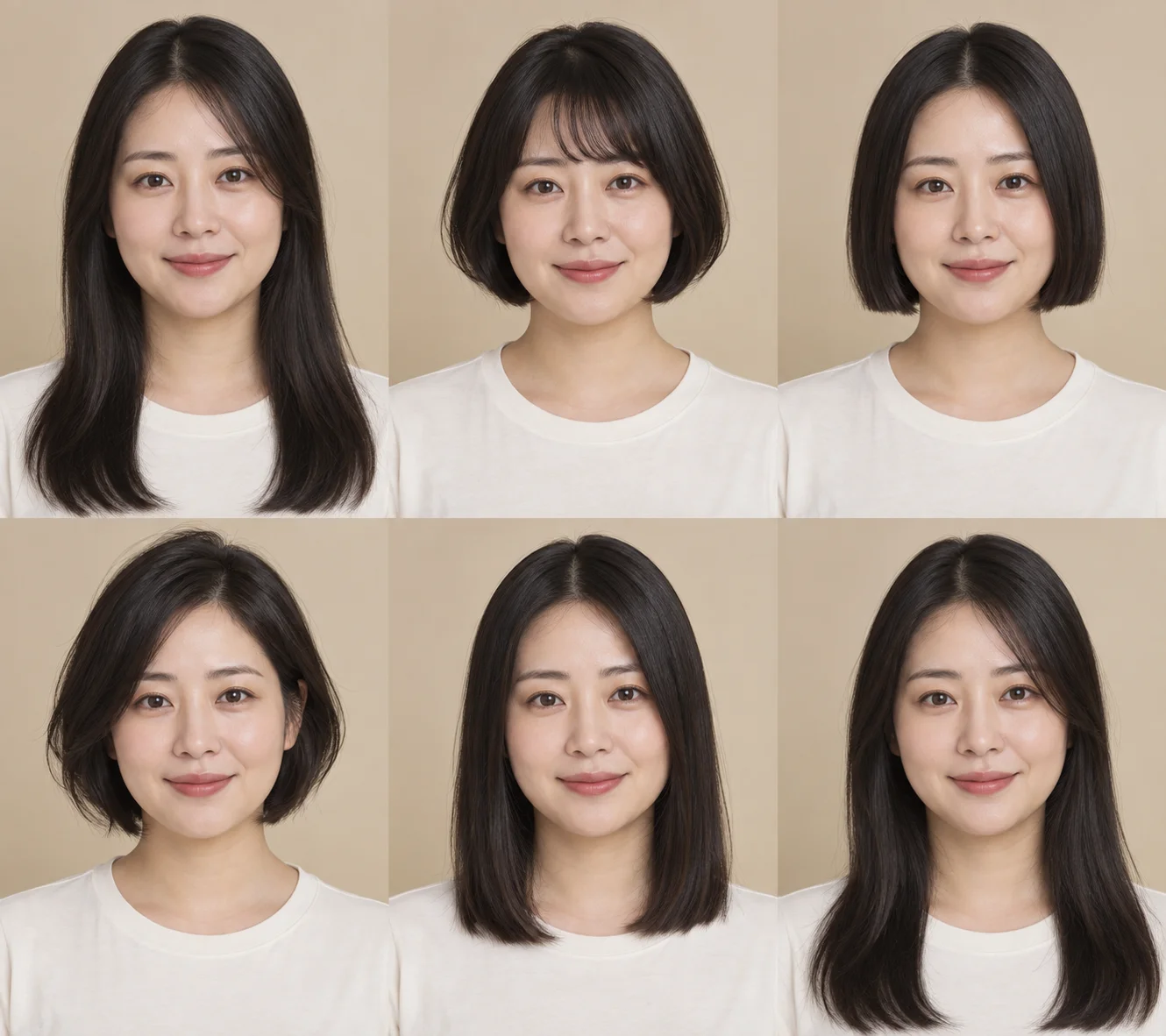
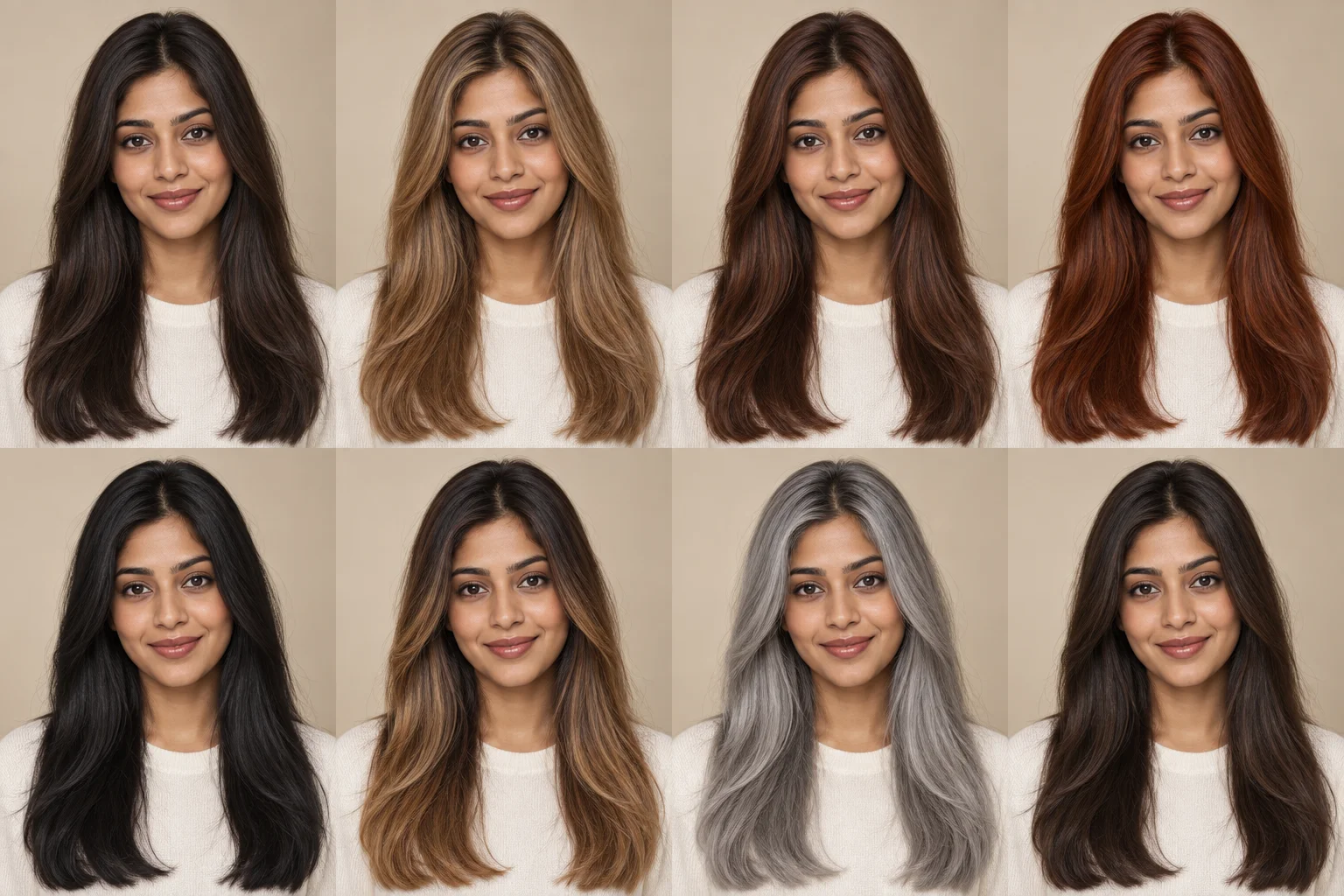
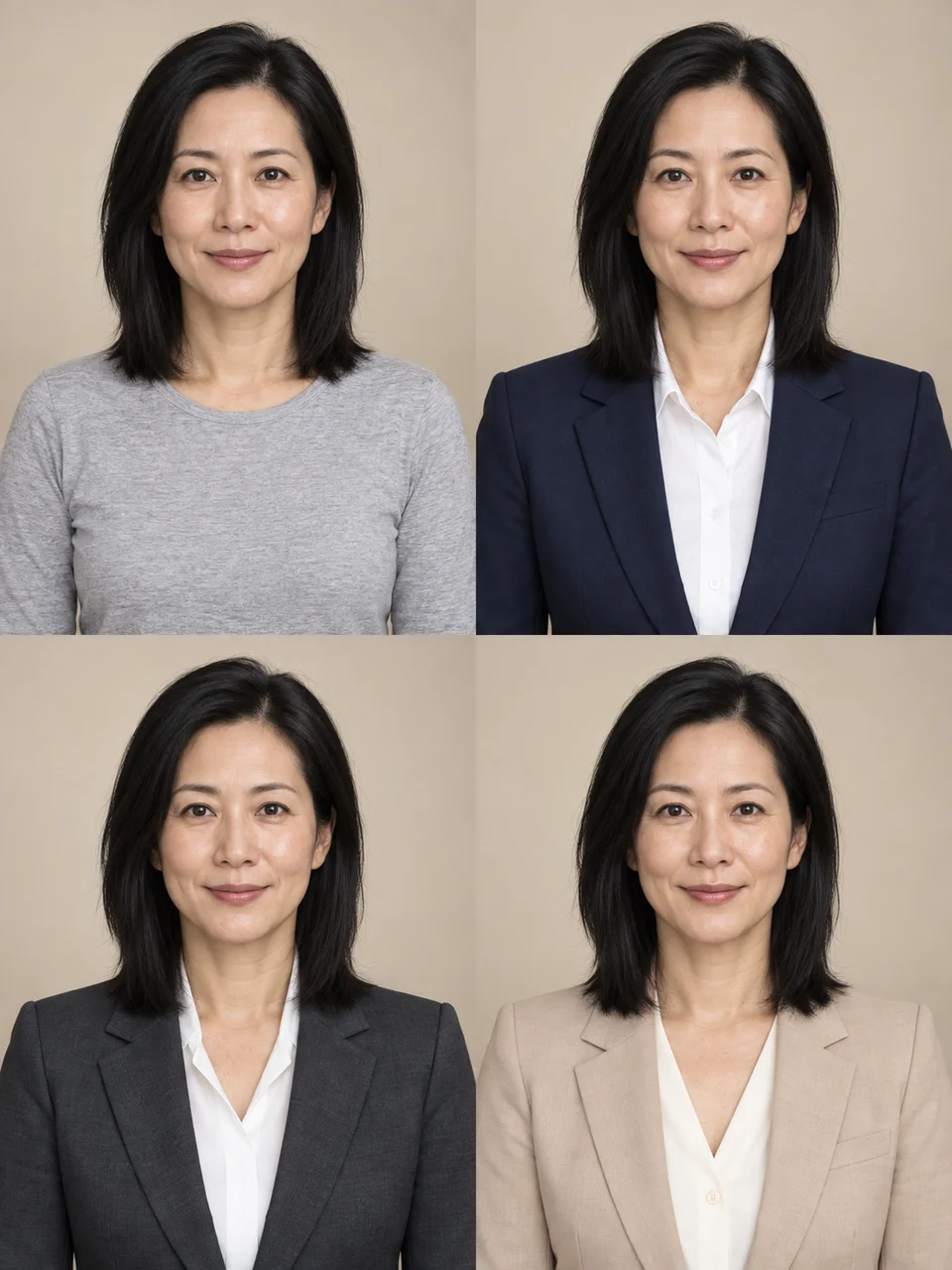
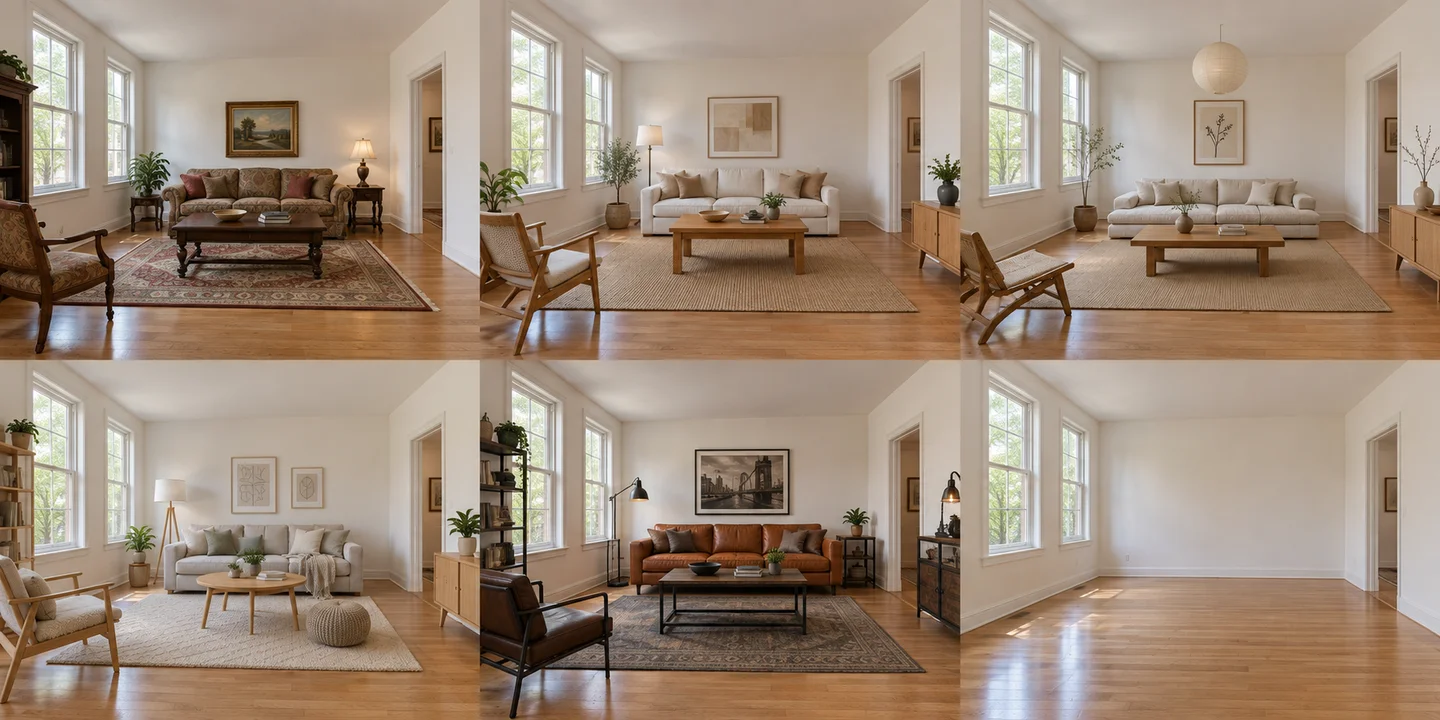
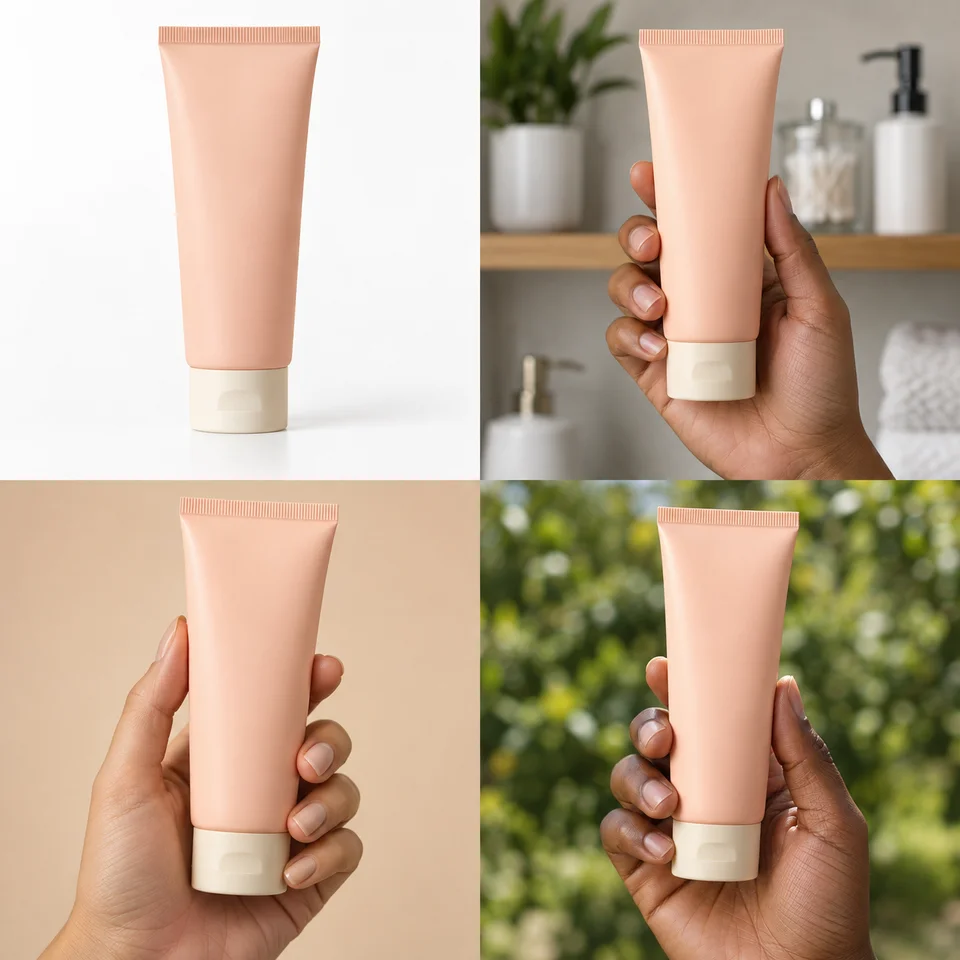
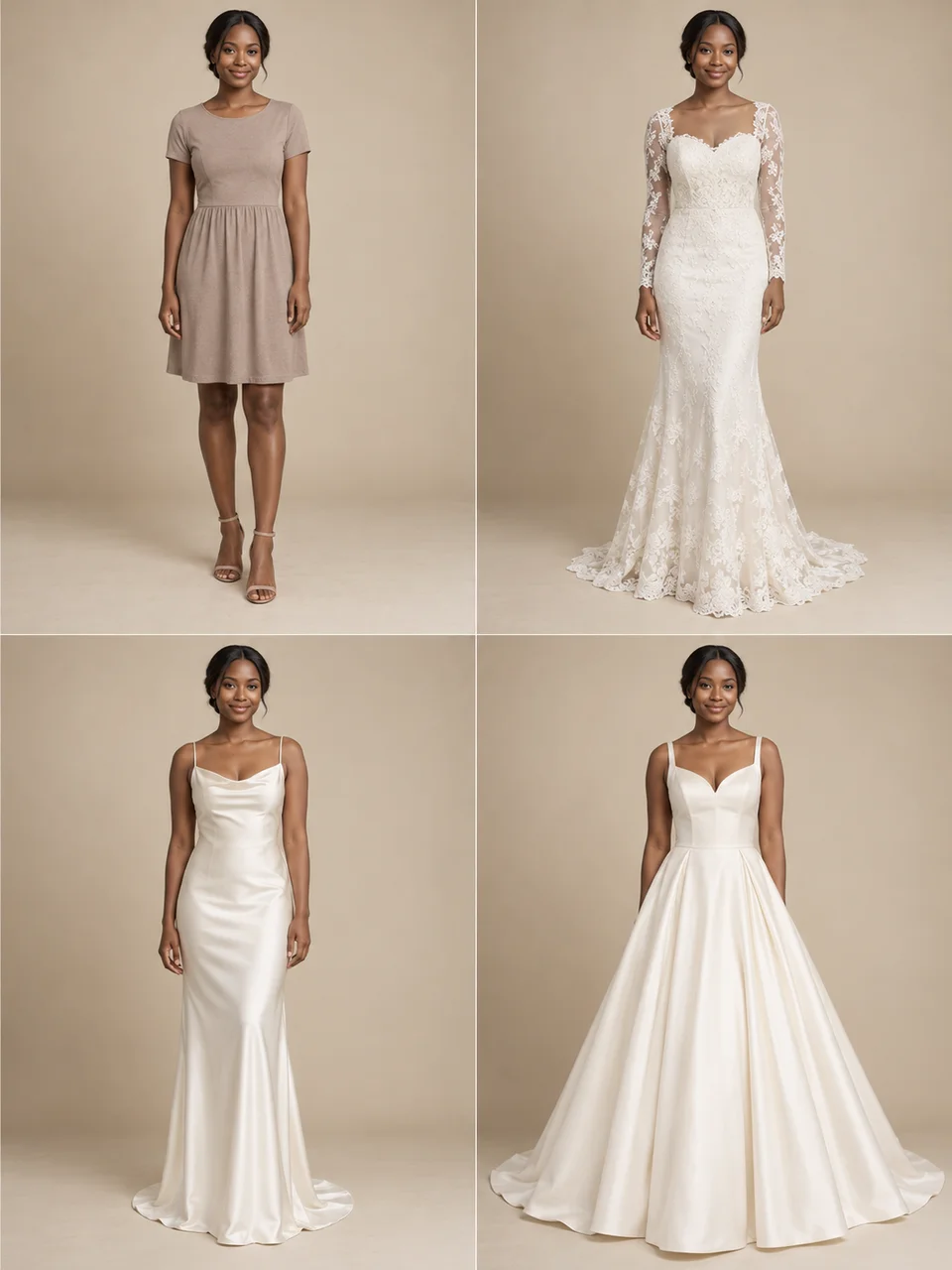
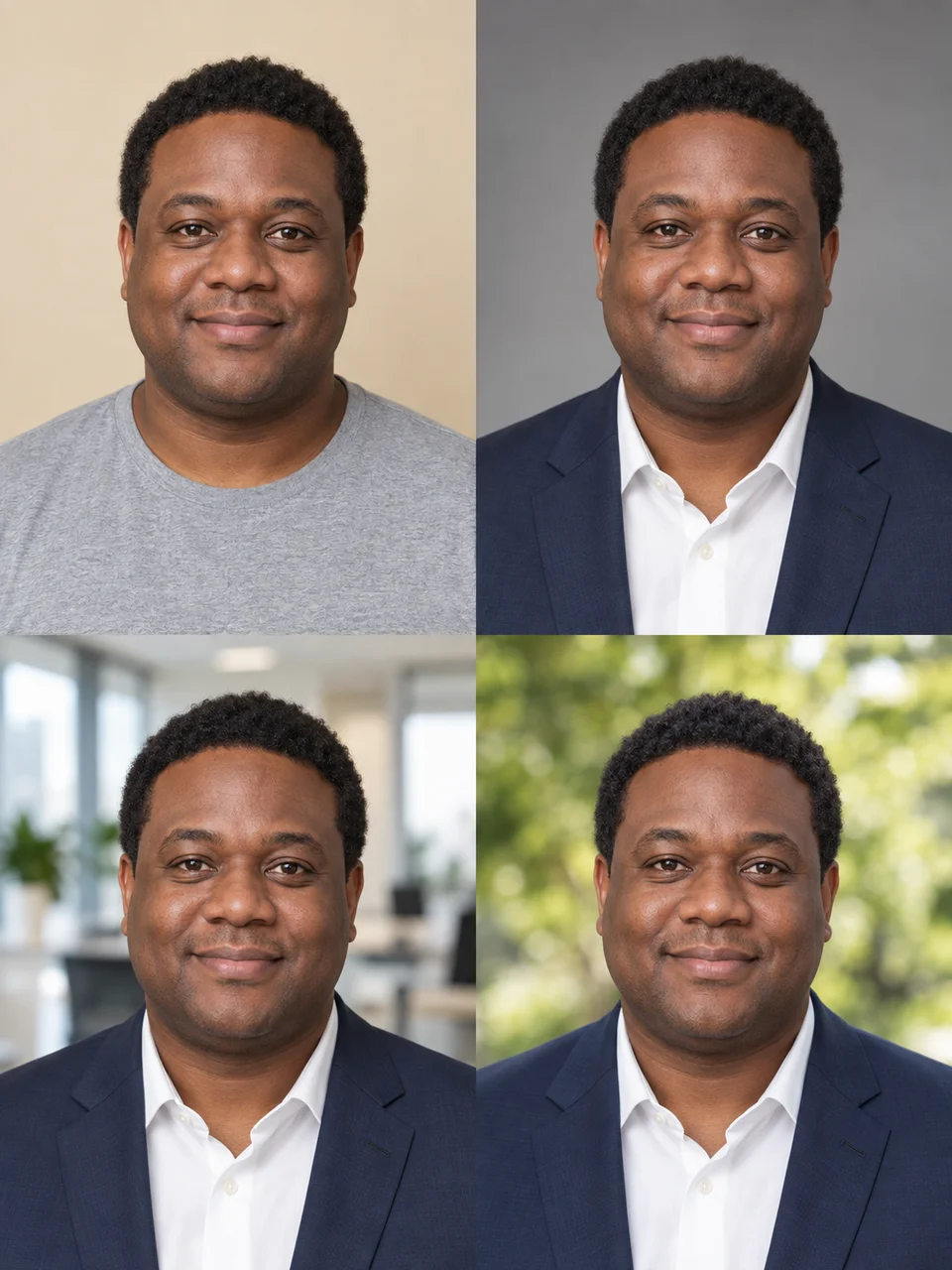
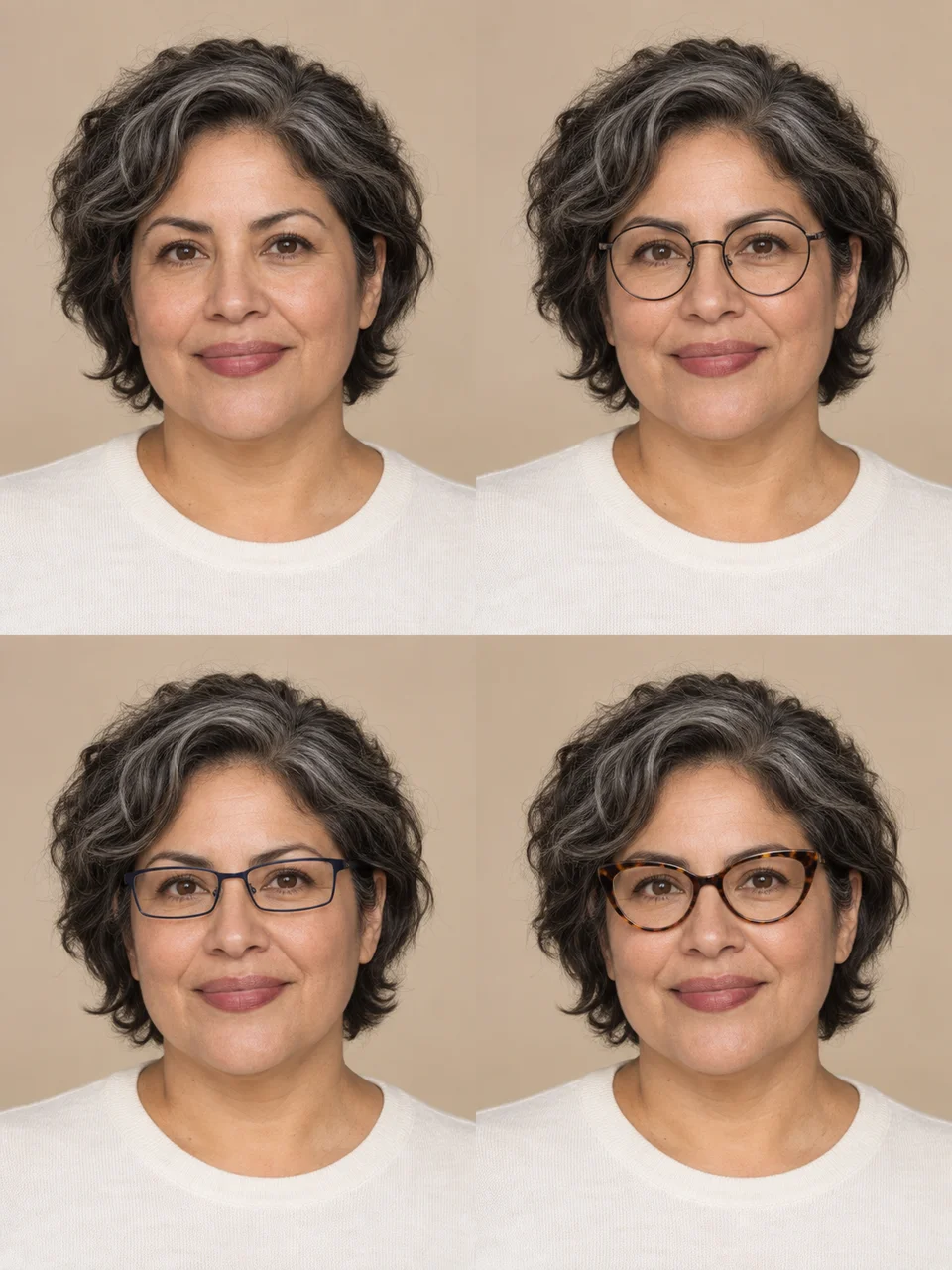
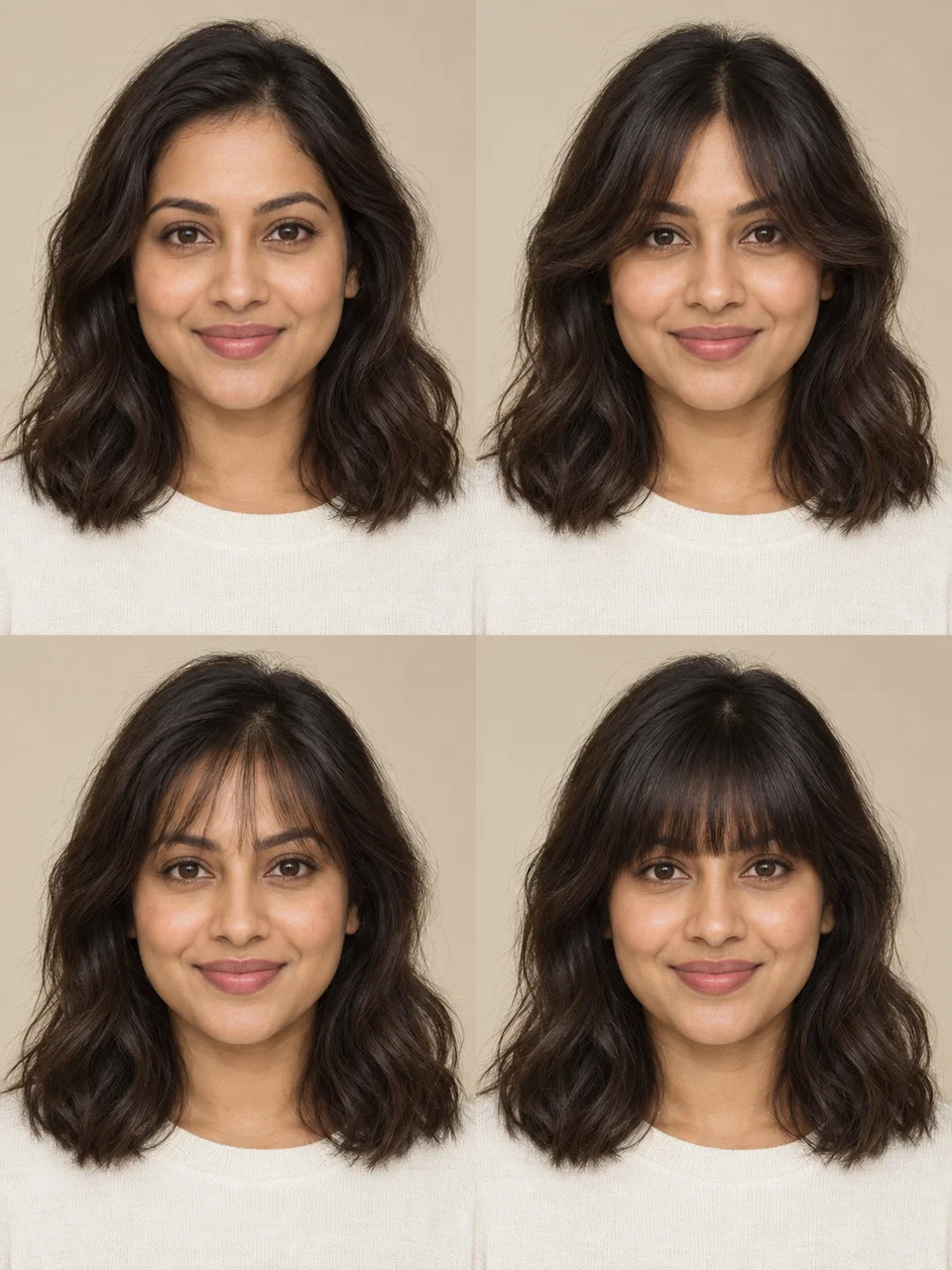
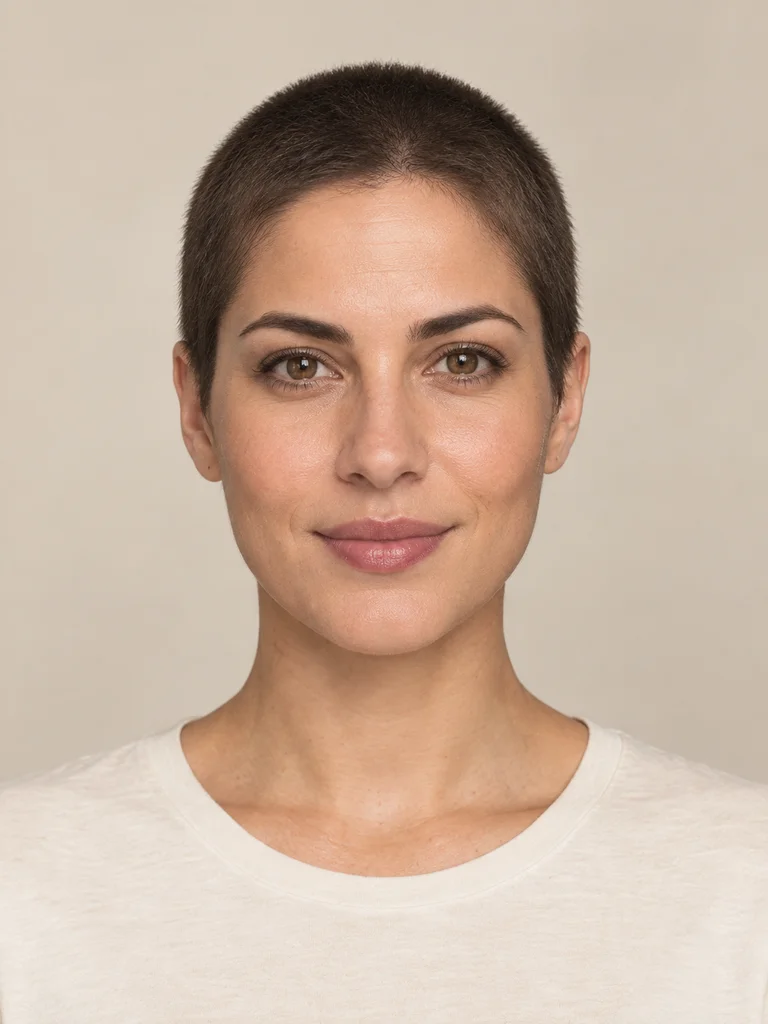
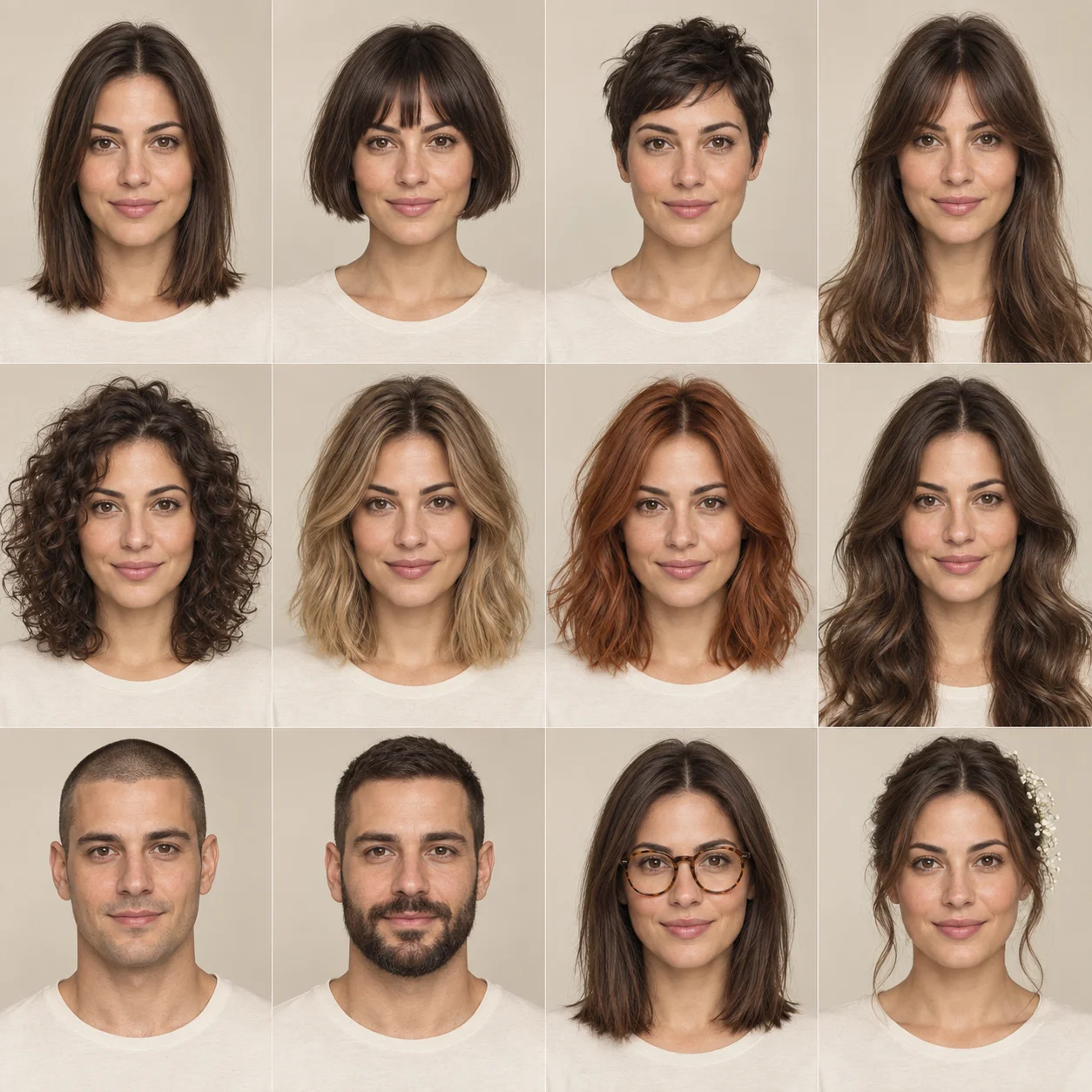
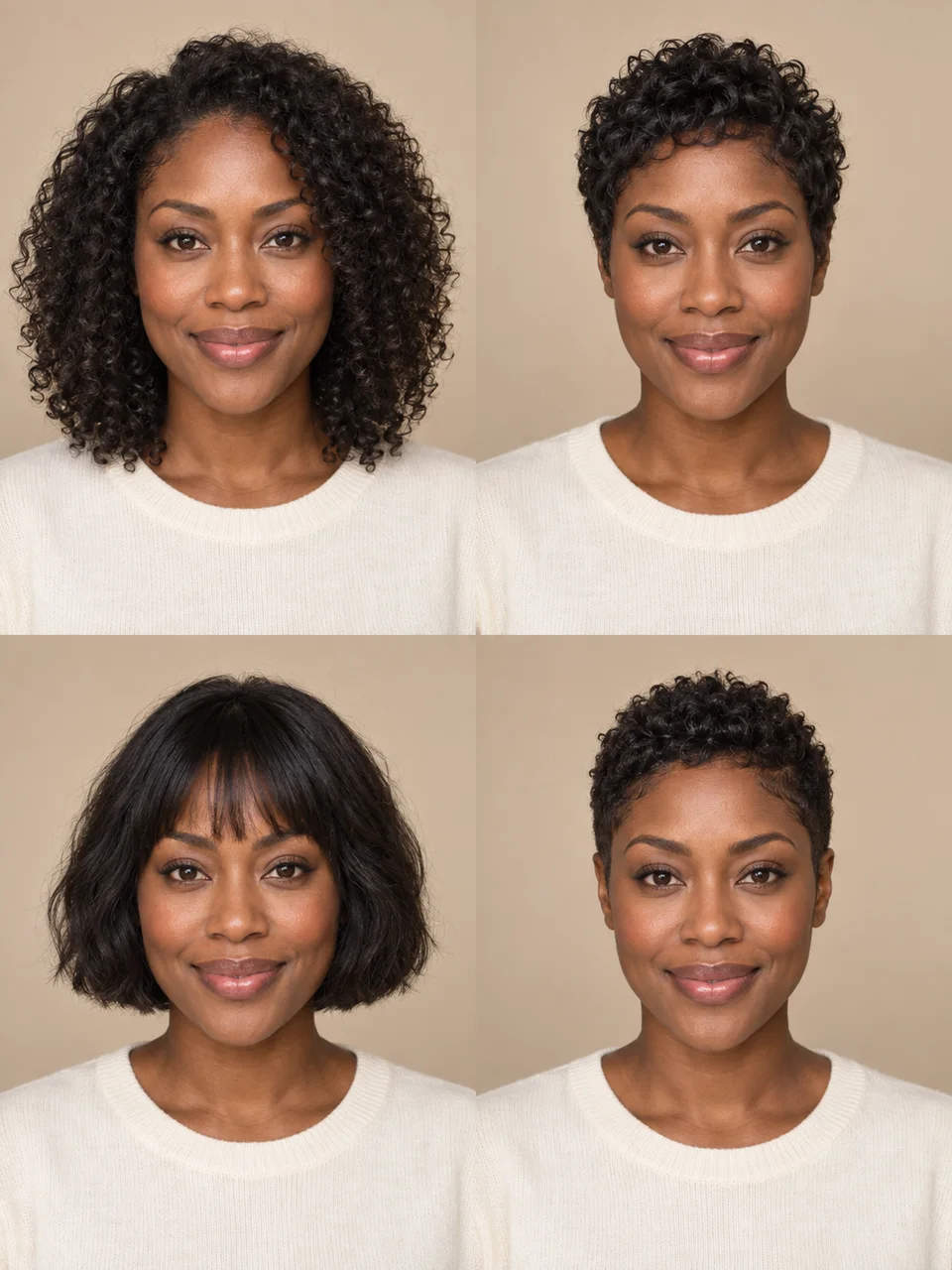
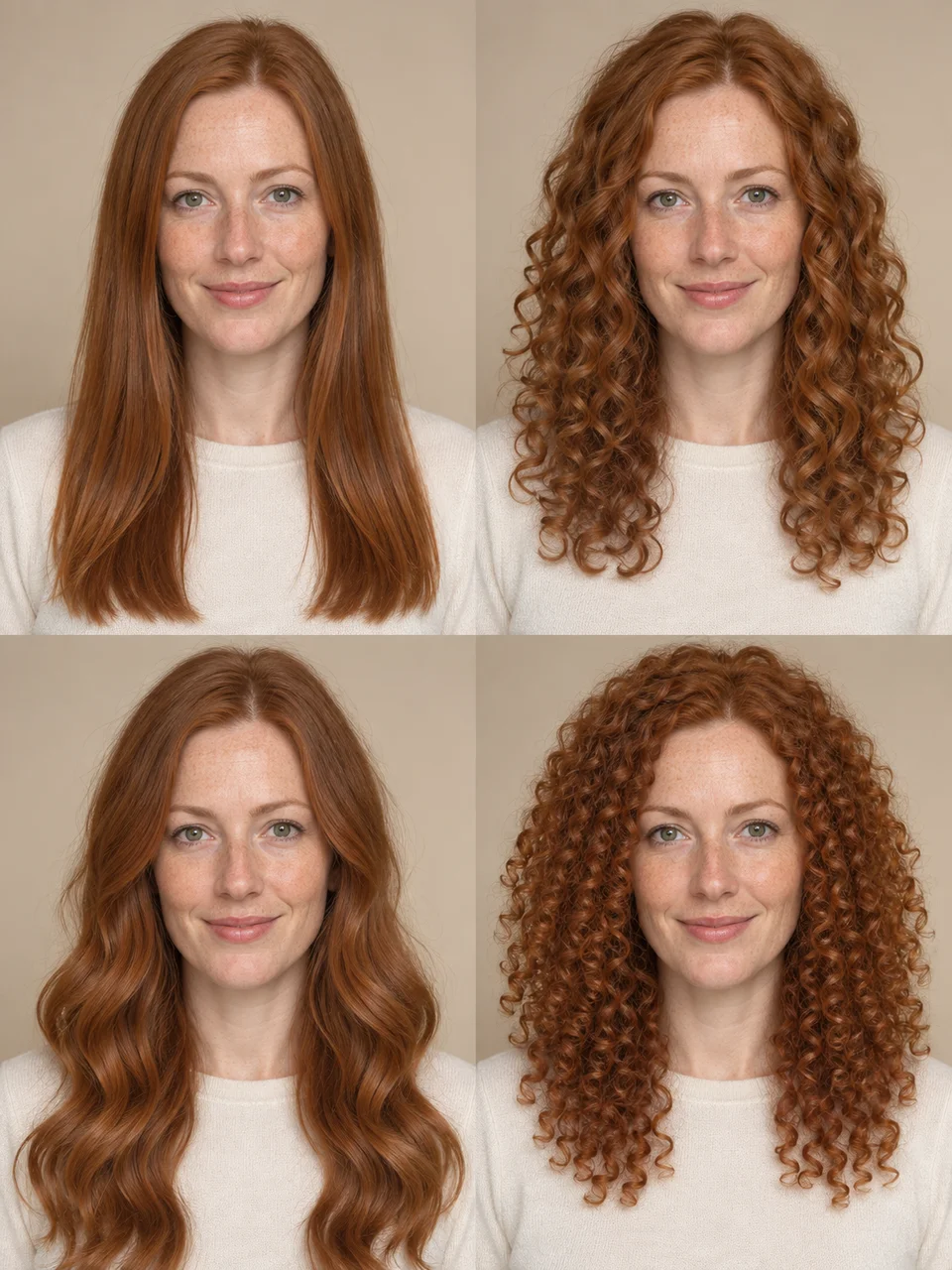
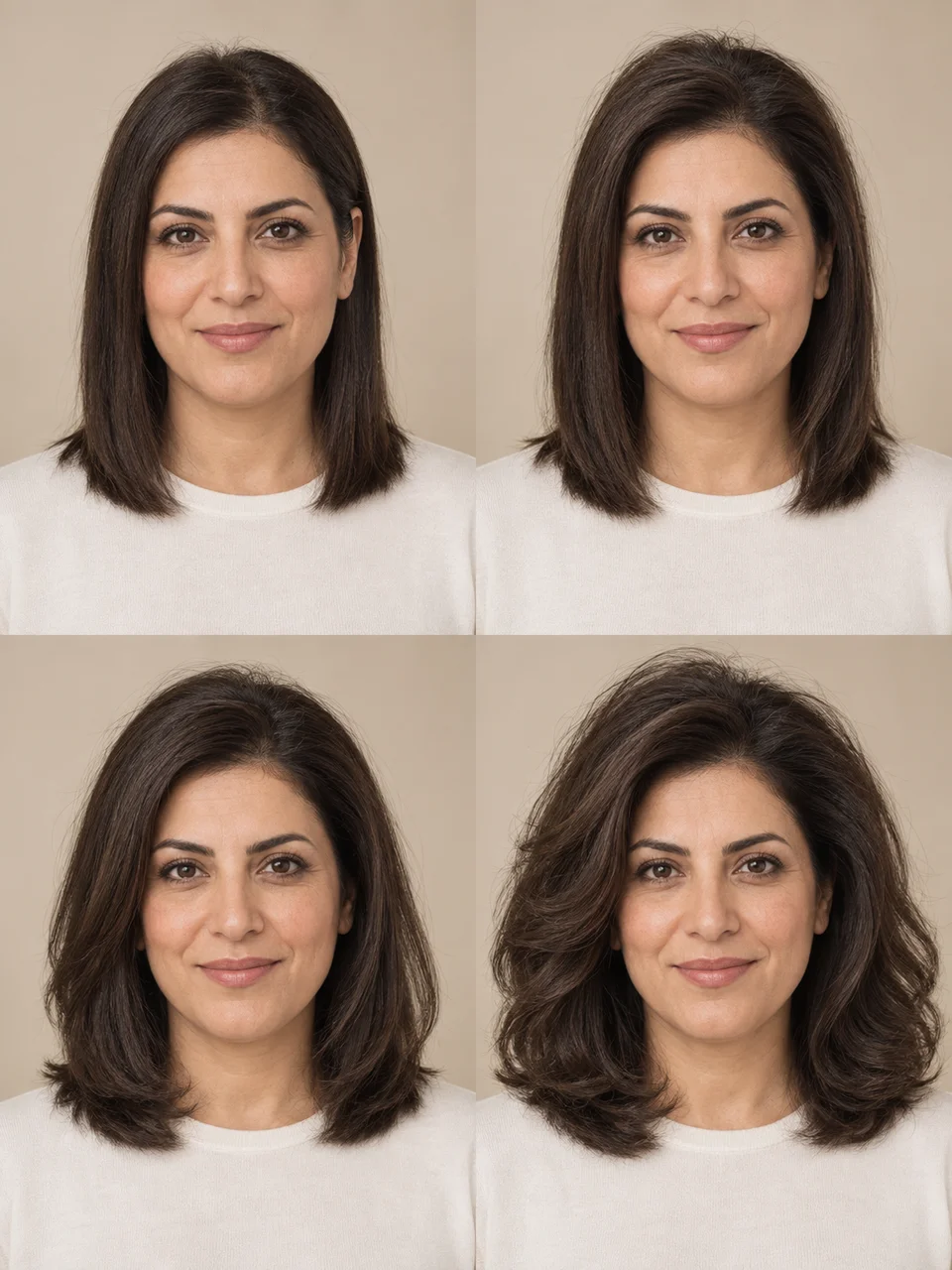
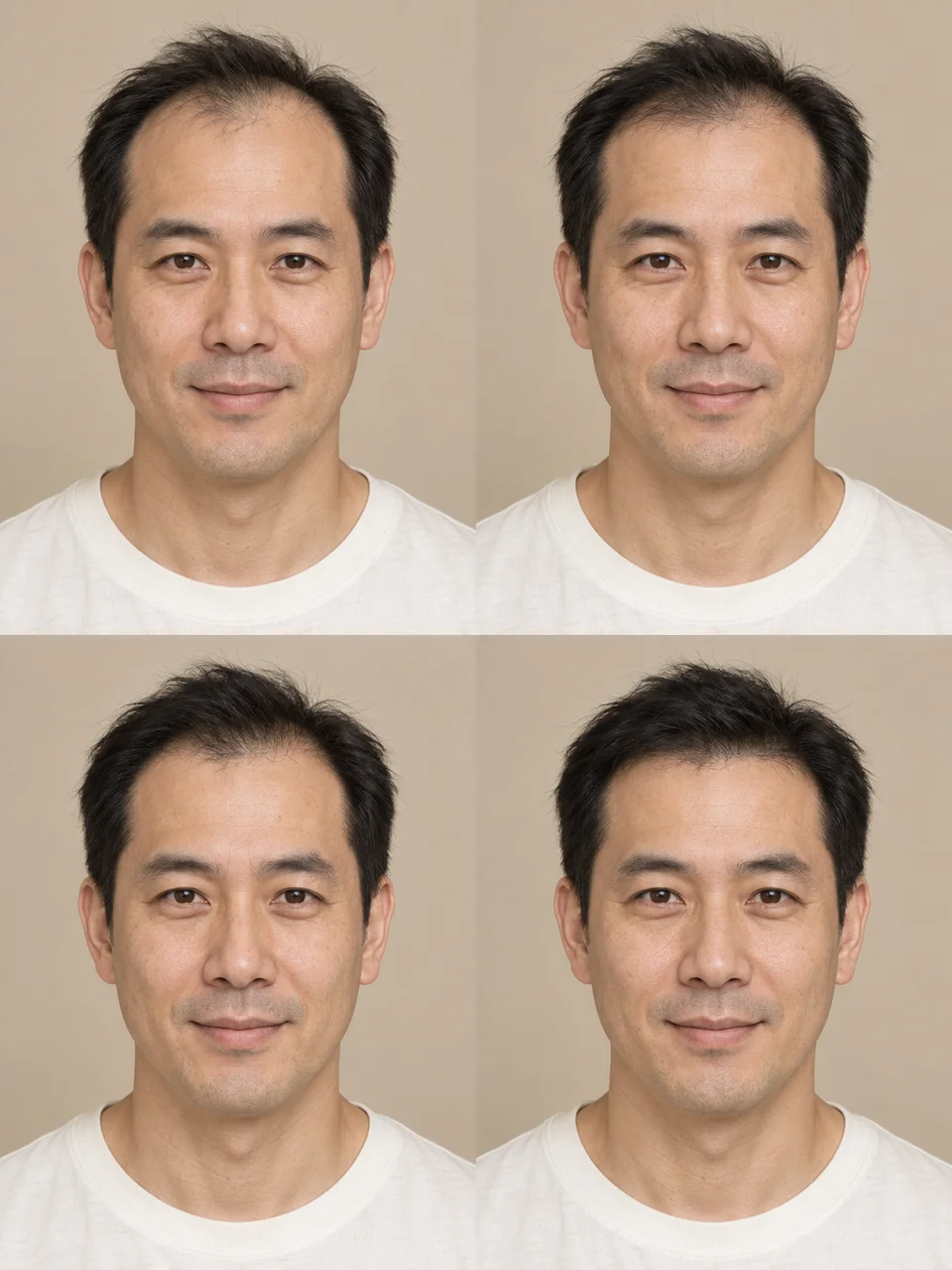
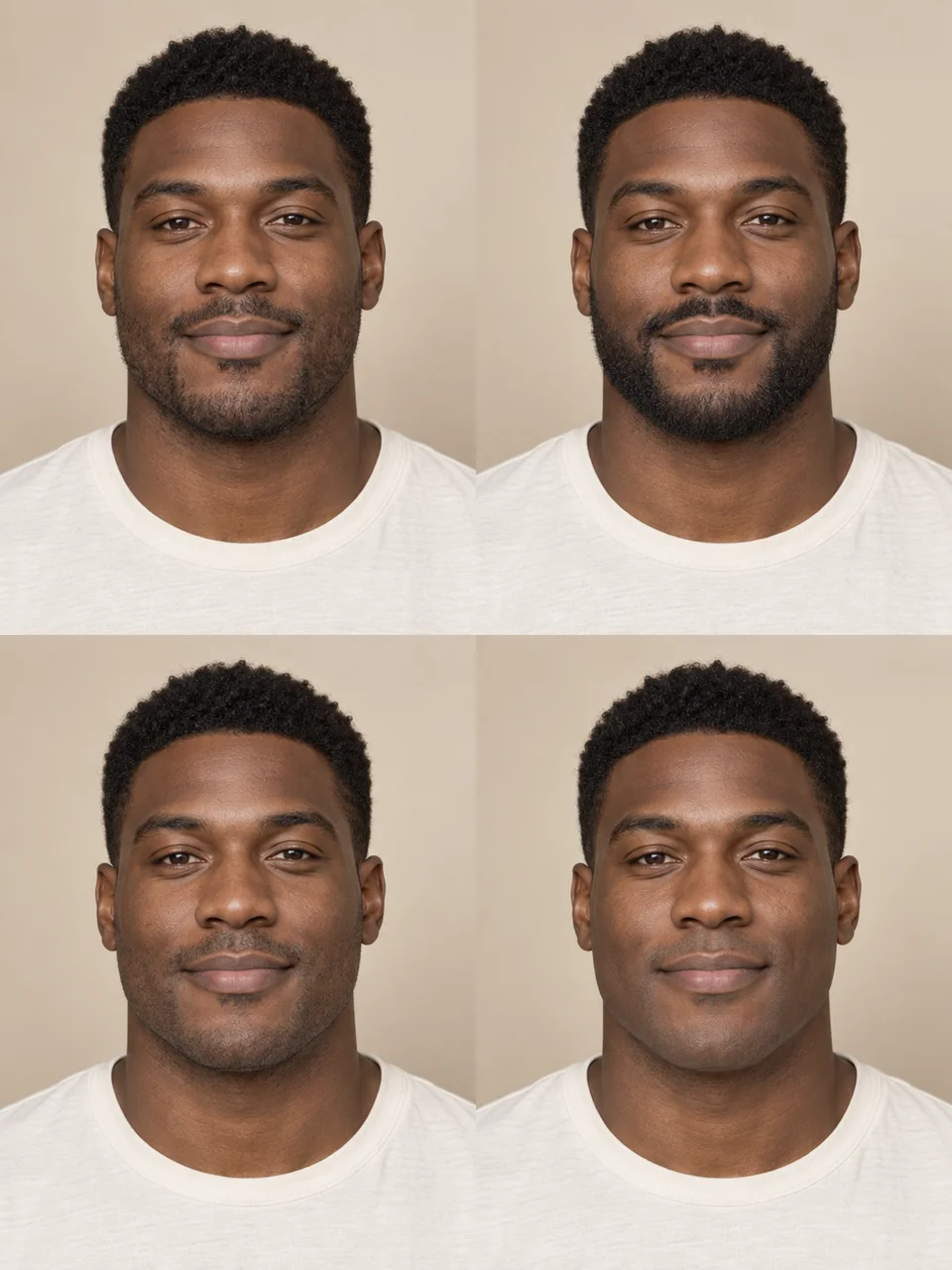
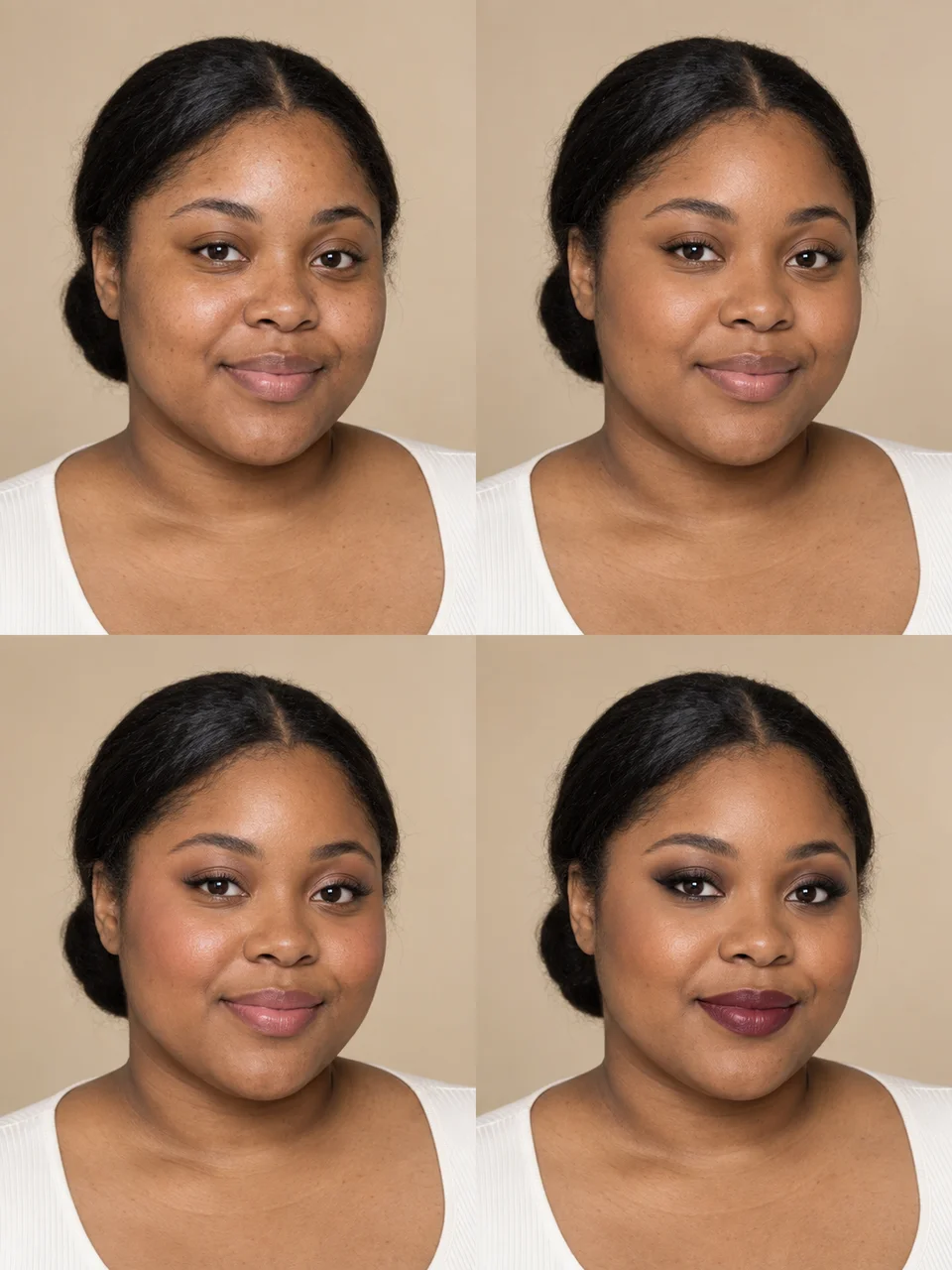
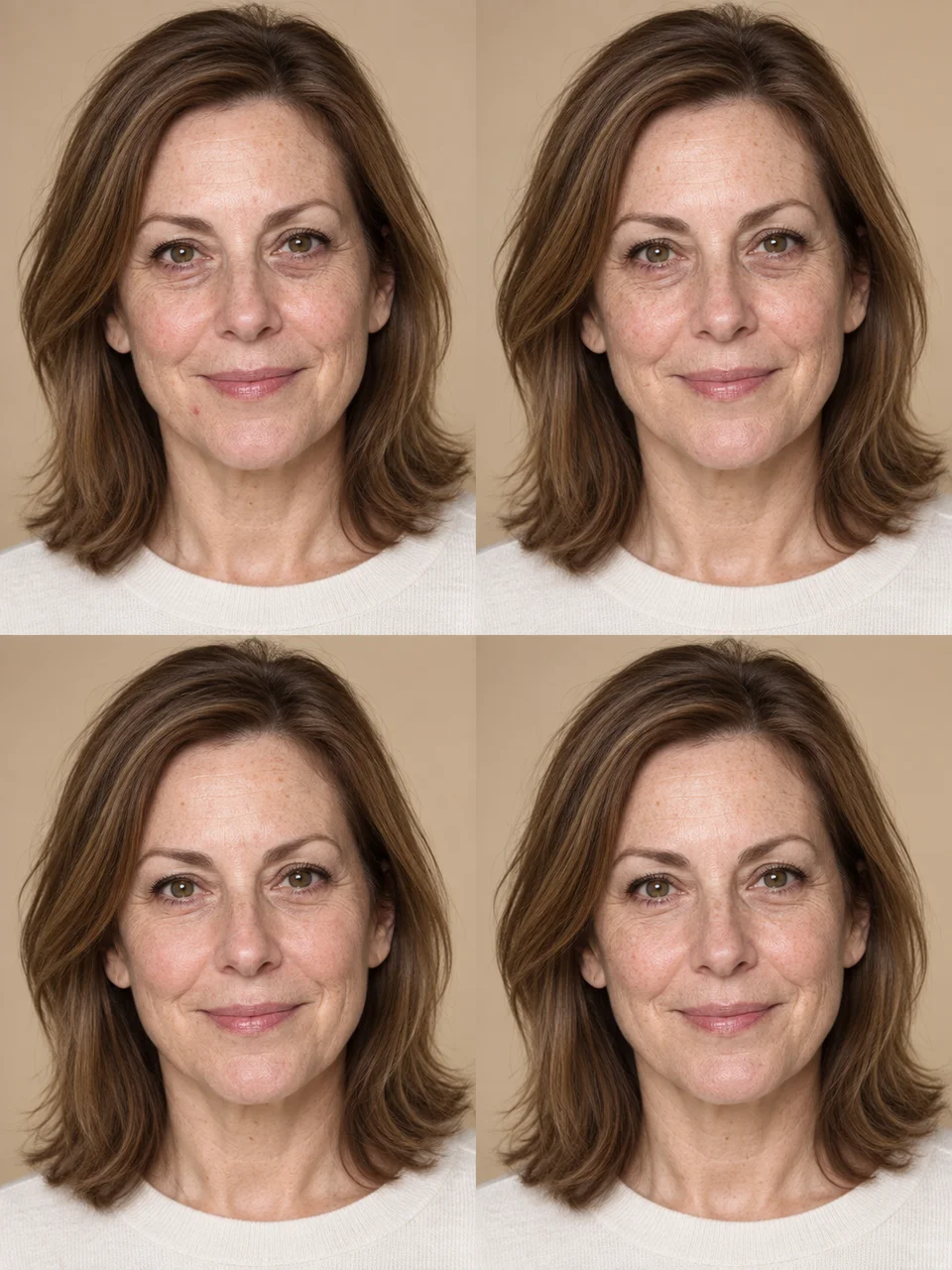
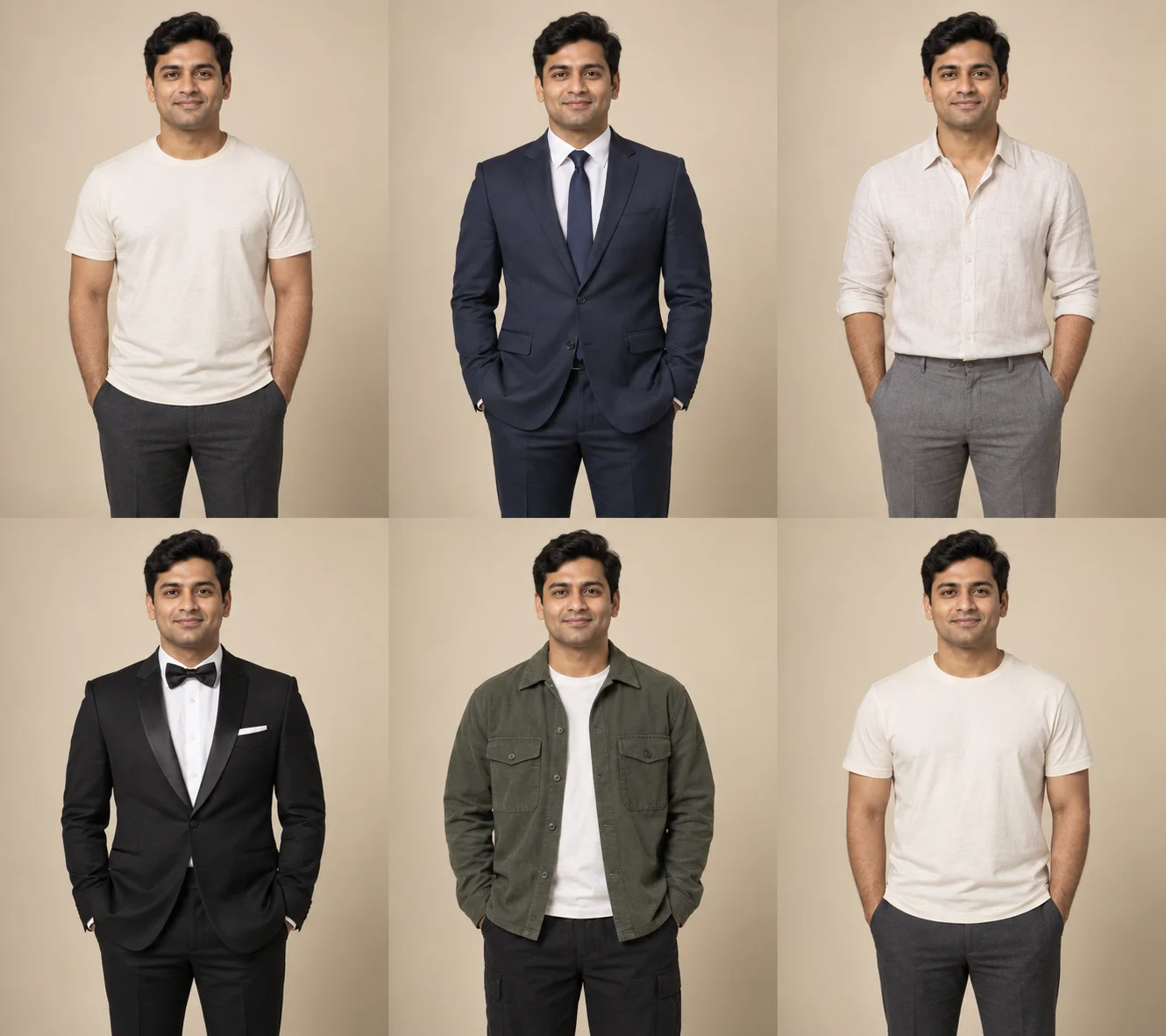
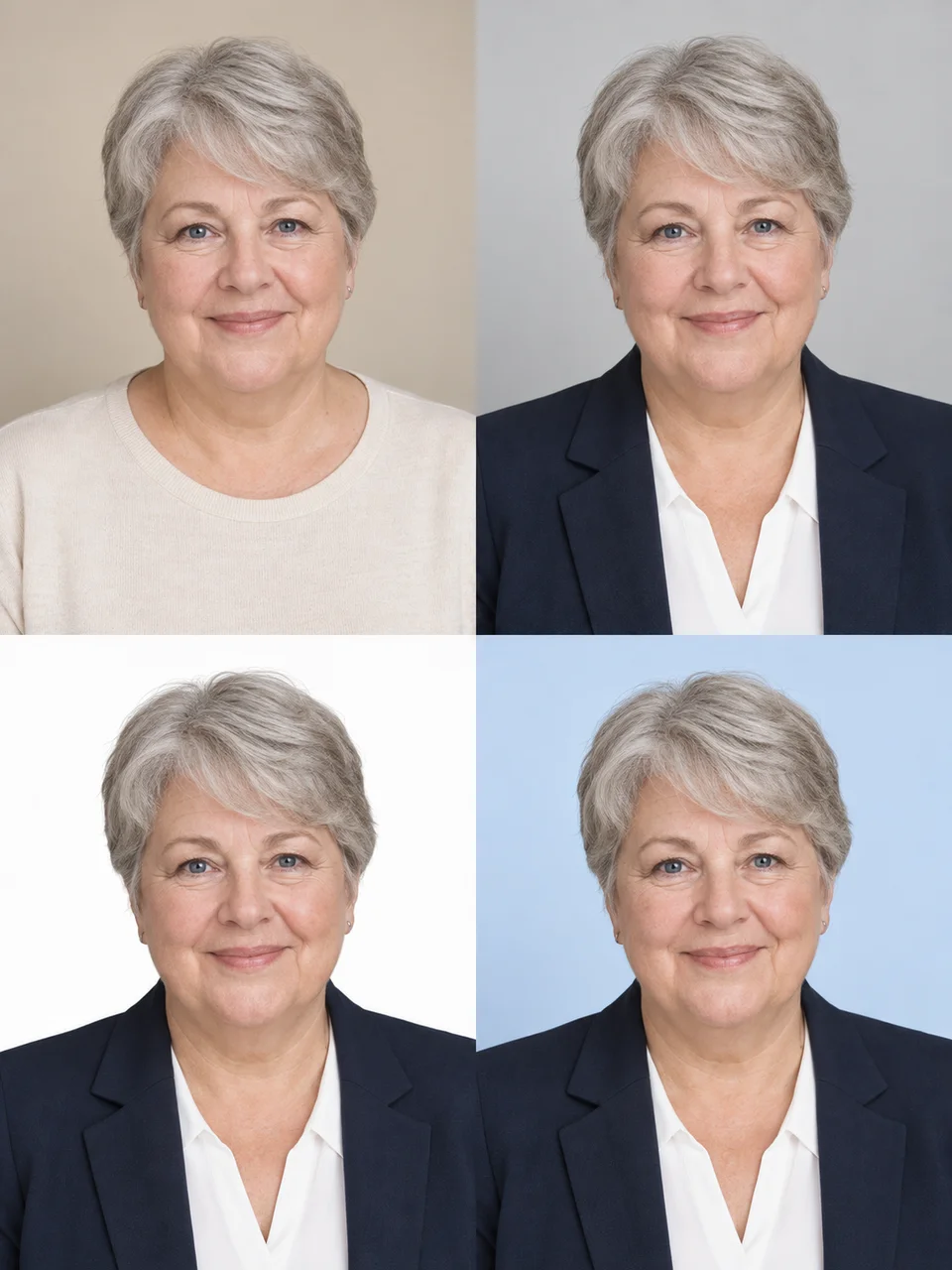
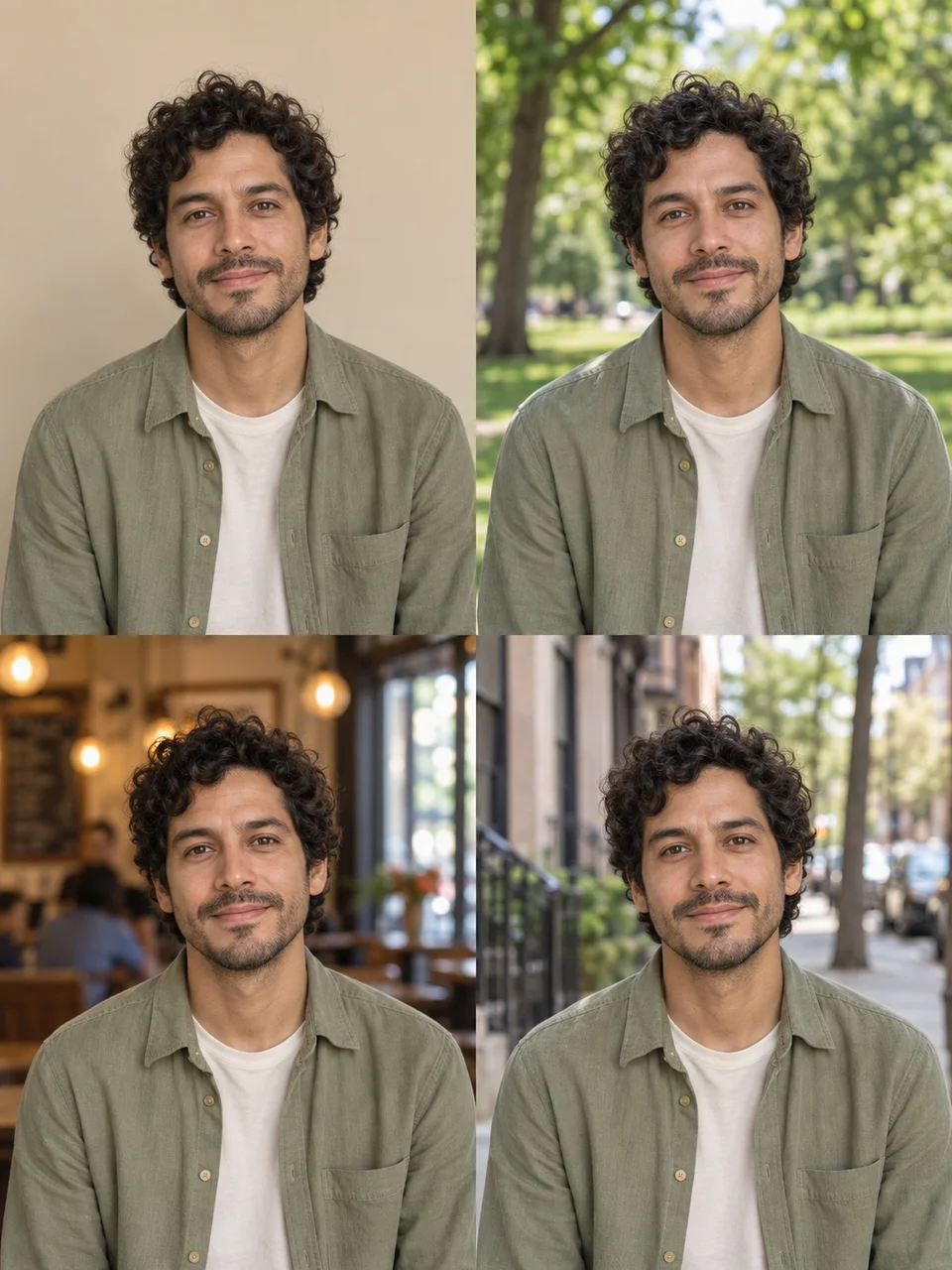
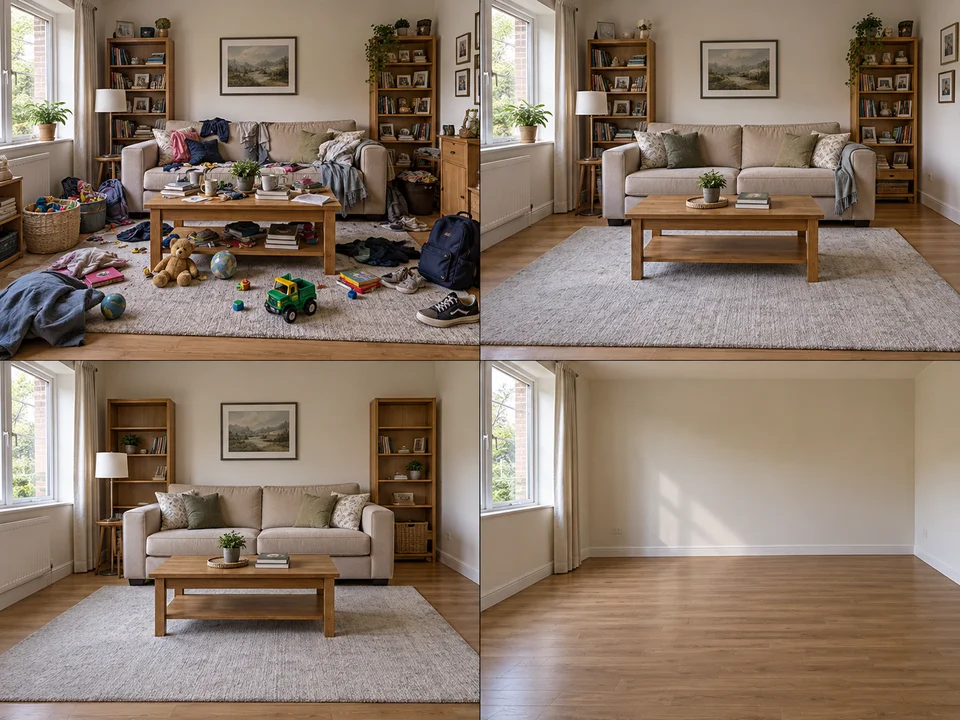
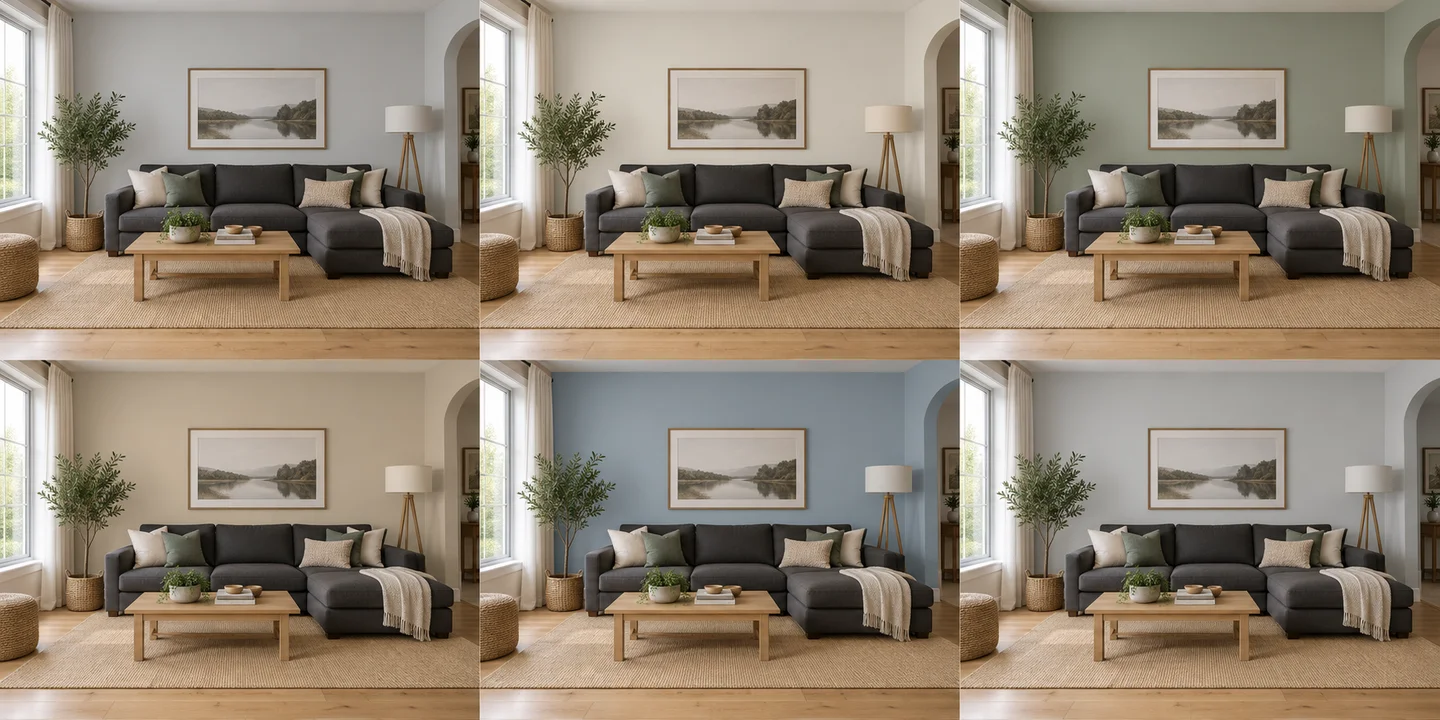
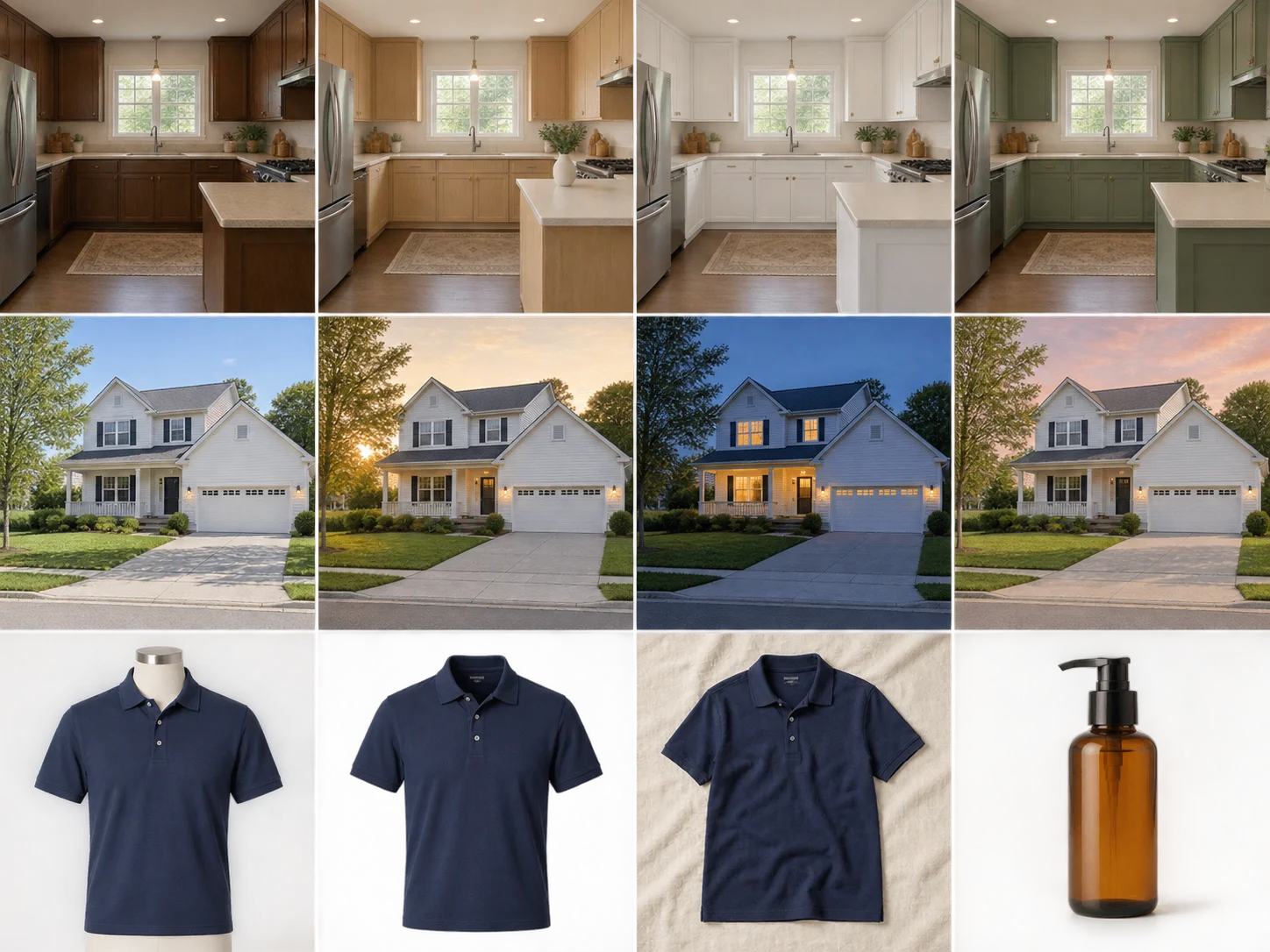
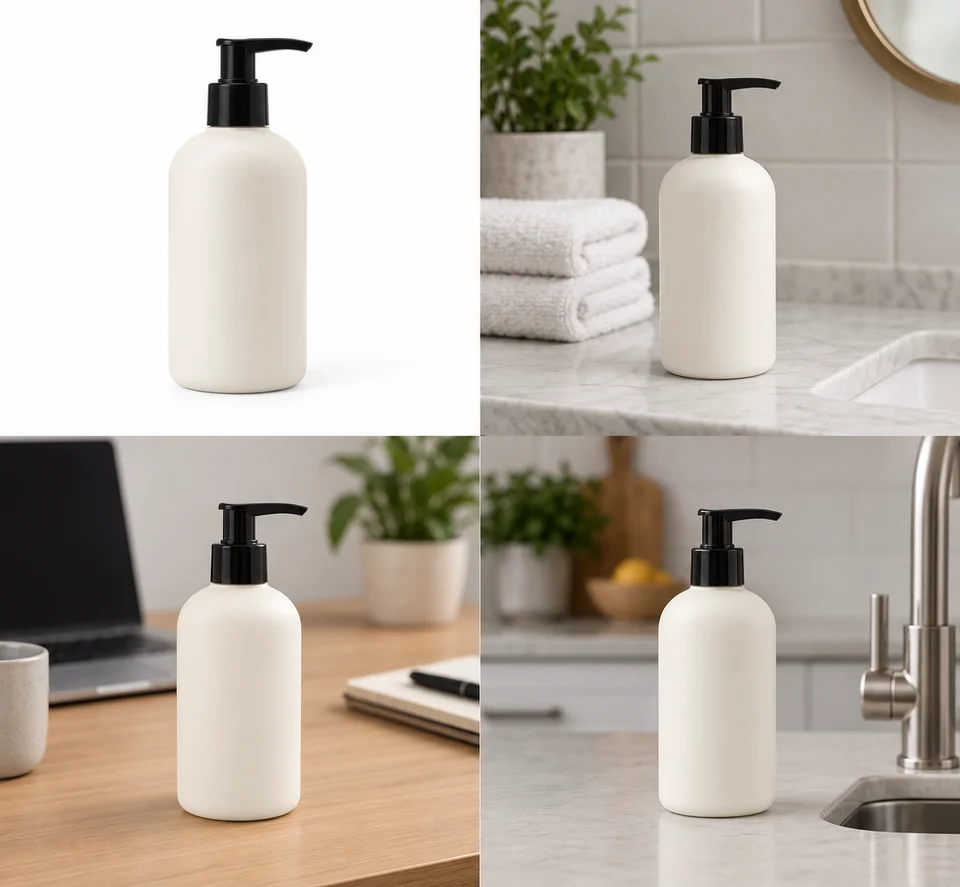
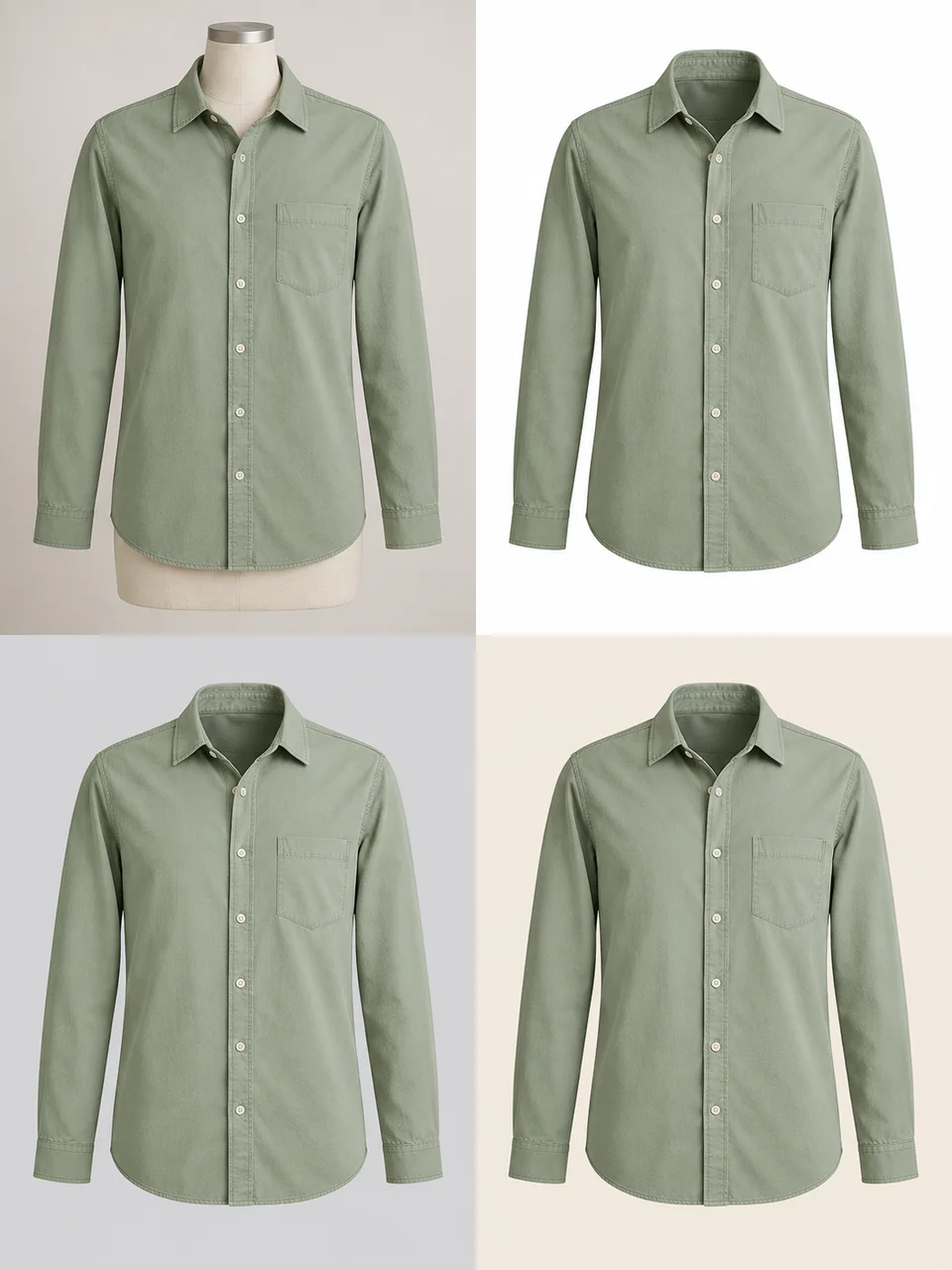
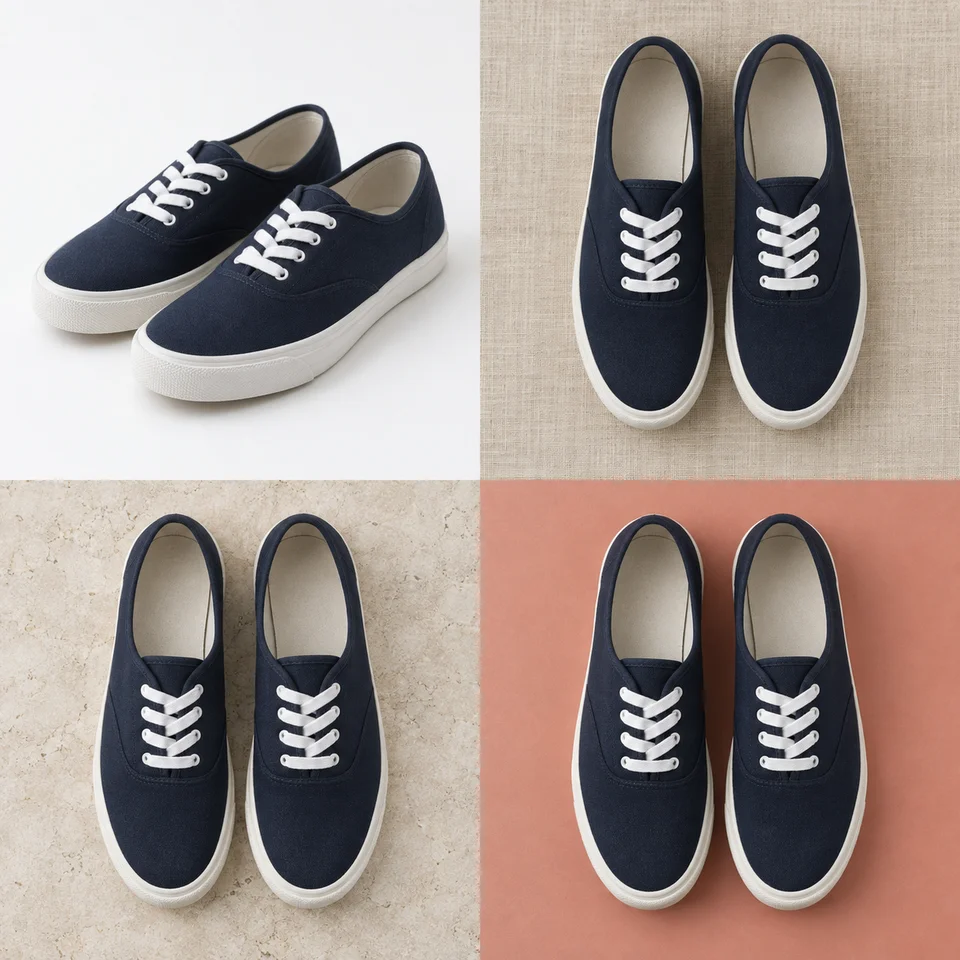
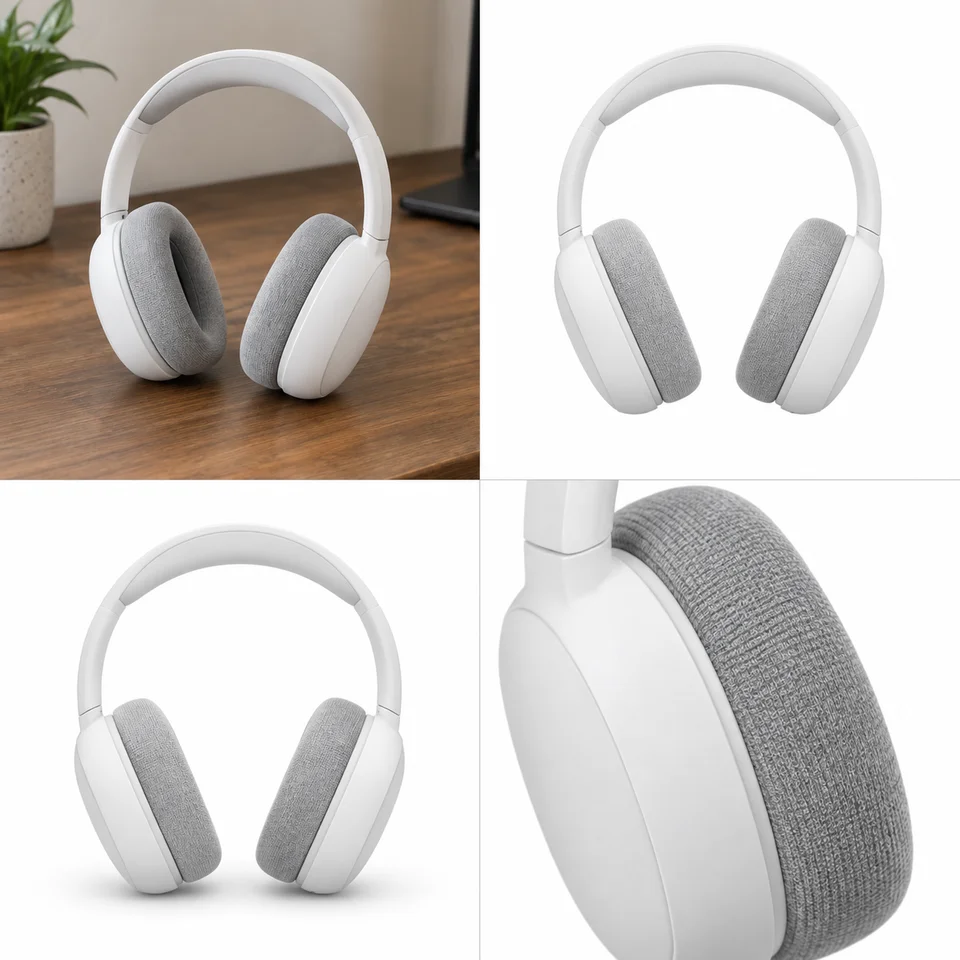
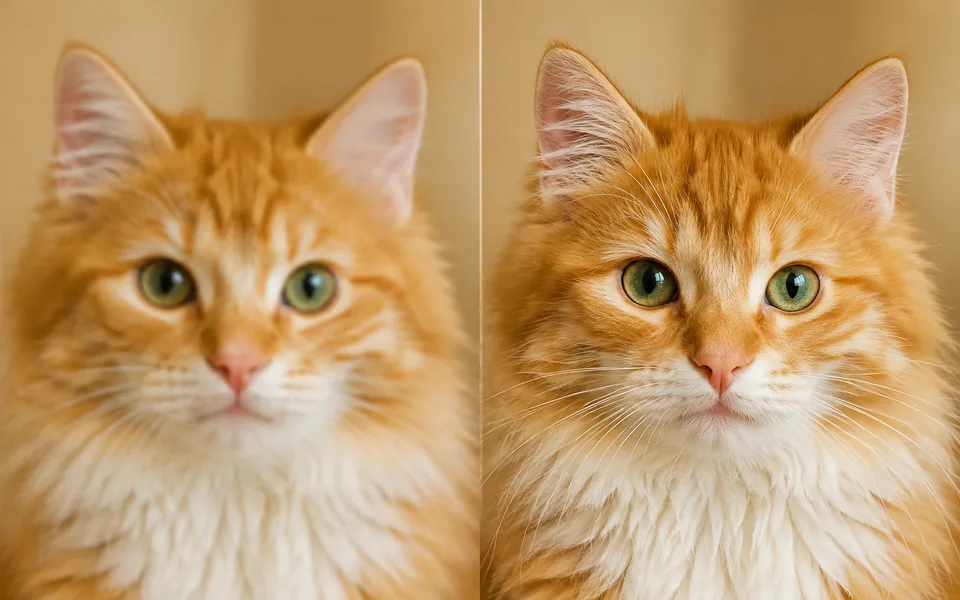
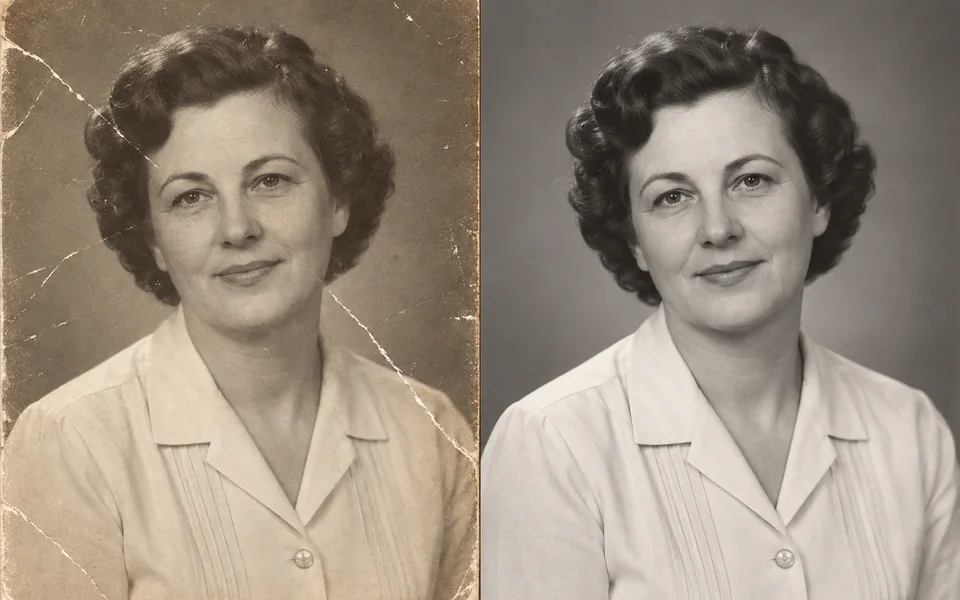
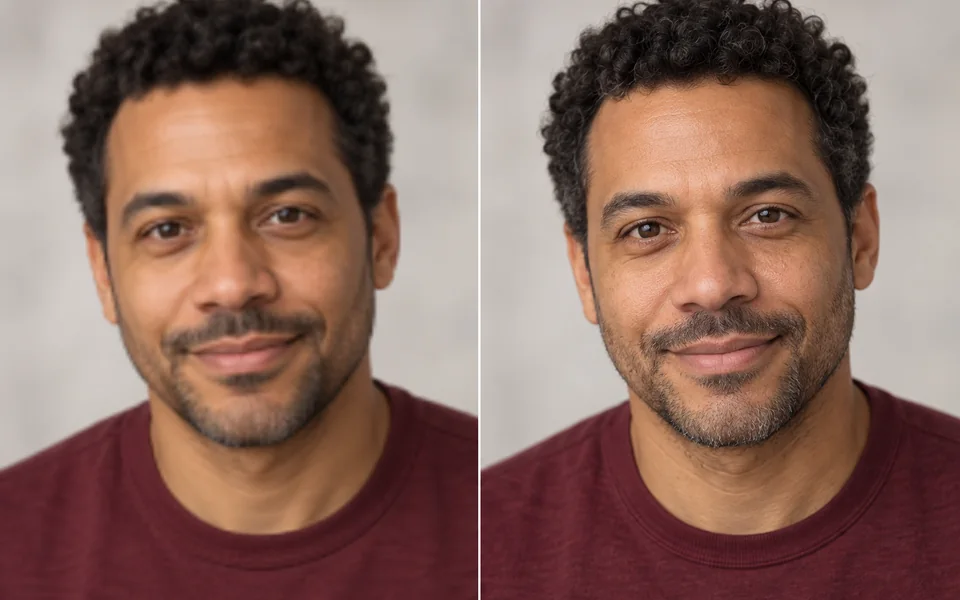
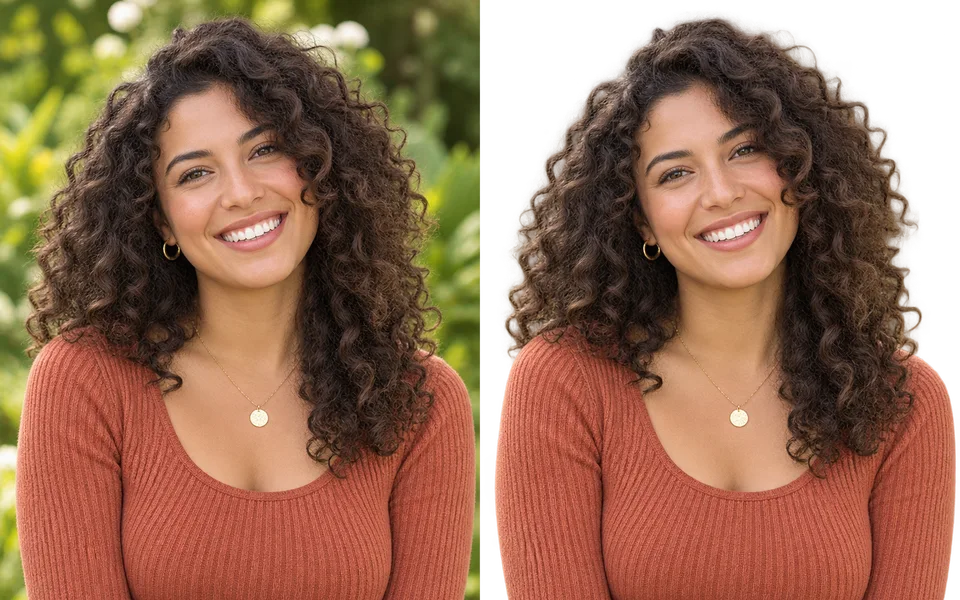
No matching effects. Try “hair”, “room” or “photo”, or .
AI-created style illustrations. Your result depends on your photo and the effect you choose.
Advanced image studio Choose models, compare results and explore prompts
Start with an example
AI image examples & prompts
Find an image you like. Make the prompt your own.
About AI Image Generator
Start with the result you want. Photo transformations let you upload a photo and pick an effect without writing instructions. The simple image generator creates a new image from your description with settings already chosen.
Generate photos, illustrations, product images and posters with the image AI models available on All Image AI. Start from a text prompt or reuse one from the curated image gallery. Open Advanced image studio to select up to 2 models on a free account, or up to 10 on a paid account, and see how each interprets your idea.
Compare composition, lighting, textures and text with side-by-side images, a comparison slider and synchronized zoom. Each model has its own resolution, settings and credit price. You can download a result or open it in the AI Image Editor.
How to generate AI images
- Write a prompt or pick an exampleDescribe the subject, setting and style. Click a gallery image to see its original prompt.
- Select your modelsAdd models, choose an aspect ratio and adjust each model’s settings. The generate button shows the full credit cost.
- Generate, compare and refineResults appear as each model finishes. Select two images to inspect the details, then download or edit your favorite.
Supported models
Image generation models from OpenAI, Google, Black Forest Labs and more.
GPT Image 2.5 Flare
Fast generation · Up to 4K
From 2 credits
Nano Banana 2
Recommended · 4K
From 5 credits
FLUX.2
Recommended · 4MP
From 3 credits
Z-Image
Base · Negative prompt · 2K
From 1 creditsGPT Image 2.5 Sunburst
Detailed edits · Reference fidelity
From 2 credits
MAI Image 2.6
Public preview · 1K PNG
From 5 credits
Seedream 4.5
10 references · native 4K
From 3 credits
Ideogram 4
Typography · 2K
From 3 credits
AuraFlow 0.3
Balanced · 1K
From 1 creditsBAGEL Image
7B active · square
From 8 credits
BitDance 14B
Balanced · 1K
From 4 credits
Boogu Image
Generate + edit · 2K
From 3 credits
Bria FIBO
Balanced · 1K
From 3 creditsBria FIBO 1.5
Structured control · 4MP
From 3 creditsBria Fibo Lite
Fast · licensed data
From 3 creditsBria Image Base
30 steps · native 2K
From 3 creditsBria Image Fast
8 steps · native 2K
From 2 credits
Chroma
Fast · 1K
From 2 credits
CogView4
CFG control · 2K
From 8 credits
Cosmos 3 Super Image
64B · 1K
From 3 credits
DeepSeek Janus-Pro
Balanced · 1K
From 2 creditsDreamina 3.1
Balanced · 1K
From 3 credits
DreamShaper
Balanced · 1K
From 1 credits
Emu 3.5 Image
720p · exact layouts
From 11 credits
ERNIE Image
Multilingual · 2K
From 3 creditsERNIE Image Turbo
8 steps · 2K
From 1 credits
F Lite
Balanced · 2K
From 2 creditsFLUX.1 Dev
Tunable · 2K
From 2 creditsFLUX.1 Kontext Max
Premium edit · 1K
From 6 creditsFLUX.1 Kontext Pro
Iterative edit · 1K
From 3 creditsFLUX.1 Schnell
1 credit · 1K
From 1 creditsFLUX.1 SRPO
Balanced · 1K
From 2 creditsFLUX.2 Dev
Fast · 1K
From 1 creditsFLUX.2 Flash
4 references · 2K
From 1 creditsFLUX.2 Flex
Adjustable steps · 2K
From 4 creditsFLUX.2 Klein 4B
4–8 steps · 2K
From 1 creditsFLUX.2 Klein Base 4B
Fast · 1K
From 1 creditsFLUX.2 Klein Base 9B
Balanced · 1K
From 2 creditsFLUX.2 Max
Typography · 2K
From 10 creditsFLUX.2 Turbo
Low-cost · 2K
From 1 creditsFLUX1.1 Pro
Photographic · 2K
From 3 creditsFLUX1.1 Pro Ultra
Raw mode · 2K
From 5 credits
Fooocus
Balanced · 1K
From 6 creditsGLM Image
4 references · 2K
From 4 creditsGPT Image
Recommended · 4K
From 5 creditsGPT Image 1.5
Quality tiers · 1K
From 7 credits
Grok 2 Image
Balanced · 1K
From 5 creditsGrok Imagine Image
Fast · 2K
From 2 creditsGrok Imagine Image 2.0
Quality mode · 2K
From 5 credits
HiDream I1 Dev
Balanced · 1K
From 1 creditsHiDream I1 Fast
16 steps · 2K
From 1 creditsHiDream I1 Full
Full quality · 2K
From 4 creditsHiDream O1 Image
Multi-reference · 2K
From 1 creditsHiDream O1 Image Dev
Balanced · 2K
From 2 credits
Hunyuan Image 2.1
Steps + guidance · 1K
From 15 creditsHunyuan Image 3 Instruct
Prompt expansion · 1K
From 13 creditsHunyuan Image 3.0
Base model · 2K
From 8 creditsIdeogram 2
Balanced · 1K
From 6 creditsIdeogram 2 Turbo
Fast · 1K
From 4 creditsIdeogram 2A
Fast · 1K
From 3 creditsIdeogram 2A Turbo
Fastest · 1K
From 3 creditsIdeogram 3
Recommended · 1K
From 5 creditsIdeogram 3 Transparent
Cutout generation · 1K
From 5 creditsIdeogram 4 Fast
Fast balanced · 2K
From 1 creditsIdeogram 4 Instant
Instant · 2K
From 1 credits
ImagineArt 1.5
Photoreal preview · 2K
From 3 creditsImagineArt 1.5 Pro
Professional finish · 2K
From 4 creditsImagineArt 2.0 Preview
Preview · native 2K
From 3 credits
JIB Mix Qwen Image
Balanced · 1K
From 2 credits
Kling Image O3
Up to 10 references · 4K
From 2 creditsKling Image V3
Generate + edit · 2K
From 2 credits
Kolors
Balanced · 1K
From 1 credits
Krea 1
Recommended · 2K
Currently unavailableKrea 2 Large
Premium style control
From 5 creditsKrea 2 Medium
Fast style control
From 3 creditsKrea 2 Turbo
Sub-second examples · 1K
From 2 credits
LongCat Image
Chinese + English · 2K
From 10 credits
Luma Photon
Balanced · 1K
From 2 creditsLuma Photon Flash
Generate + modify · 1K
From 1 creditsLuma Uni-1
Fast · references
From 1 creditsLuma Uni-1 Max
Max tier · references
From 1 credits
Lumina Image 2.0
2.6B · 1K
From 6 creditsMAI Image 2.5
Design-ready · 1K
From 5 creditsMAI Image 2.5 Pro
Microsoft flagship · 1K
From 14 credits
Midjourney Image
Balanced · 1K
From 8 credits
MiniMax Image-01
Subject reference · 1K
From 1 creditsNano Banana
Balanced · 1K
From 3 credits
Neta Lumina
Balanced · 1K
From 1 credits
Nucleus Image
1 credit · 1K
From 1 credits
OmniGen v1
Balanced · 2K
From 8 creditsOmniGen2
3 references · 1K
From 12 credits
Ovis Image
1 credit · 1K
From 1 credits
P-Image
Fastest · 1K
From 1 creditsP-Image Ideogram
Fast · 1K
From 1 credits
PATINA Material
Balanced · 1K
From 34 credits
Phota
Balanced · 1K
From 7 creditsPhoton 2
Fast · 2K
Currently unavailable
PiFlow
Fast · 2K
From 2 credits
PixArt-Σ
Balanced · 1K
From 7 credits
Playground v2.5
Balanced · 1K
From 1 credits
Pony V7
Balanced · 2K
From 3 credits
Prefect Pony XL
Balanced · 1K
From 2 credits
Qwen Image 2.0
Balanced · 1K
From 3 creditsQwen Image 2.0 Pro
Balanced · 1K
From 5 creditsQwen Image 2512
Open weights · 2K
From 3 creditsQwen Image 3
Fast · 2K
From 3 creditsQwen Image 3 Pro
Higher fidelity · 2K
From 3 creditsQwen Image Max
Up to 3 references · 1K
From 6 credits
Realistic Vision
Balanced · 1K
From 1 credits
Recraft 20B
Balanced · 1K
From 2 creditsRecraft V4
Balanced · 1K
From 3 creditsRecraft V4 Pro
Balanced · 1K
From 18 creditsRecraft V4.1
Raster + SVG
From 3 creditsRecraft V4.1 Pro
Raster + SVG
From 18 credits
Reve 2.1
Multi-reference · 1K
From 22 credits
Riverflow 2.0 Pro
Balanced · 1K
From 10 credits
Runway Gen-4 Image
Balanced · 1K
From 4 creditsSana
Fast · 4K
From 1 creditsSana 1.5 1.6B
1.6B · up to 4K
From 1 creditsSana 1.5 4.8B
4.8B · up to 4K
From 1 creditsSana Sprint
1 credit · up to 4K
From 1 creditsSeedream 3.0
Balanced · 2K
From 3 creditsSeedream 4
Recommended · 4K
From 2 creditsSeedream 5 Lite
Multi-reference · 4K
From 3 creditsSeedream 5 Pro
Multi-reference · 2K
From 4 credits
SenseNova U1 Infographic
Layouts + typography
From 4 credits
SoteDiffusion
Balanced · 1K
From 1 credits
Stable Cascade
Balanced · 1K
From 1 creditsStable Diffusion 1.5
Balanced · 1K
From 1 creditsStable Diffusion 3 Medium
Open weights · 1K
From 3 creditsStable Diffusion 3.5 Large
Full quality · 2K
From 5 creditsStable Diffusion 3.5 Large Turbo
Fast draft · 2K
From 2 creditsStable Diffusion 3.5 Medium
Negative prompt · 2K
From 2 creditsStable Diffusion XL
Balanced · 1K
From 1 creditsStable Diffusion XL Lightning
Fastest · 1K
From 1 credits
SWITTI 1024
Balanced · 1K
From 2 credits
VecGlypher
Balanced · 1K
From 1 credits
Vidu Q2 Image
Fixed price · 1K
From 8 credits
Wan 2.1 Image
Balanced · 1K
From 2 creditsWan 2.2 5B Image
Low-cost open model · 1K
From 2 creditsWan 2.2 A14B Image
Higher fidelity · 1K
From 2 creditsWan 2.2 Realism
Balanced · 1K
From 2 creditsWan 2.5 Image
Preview · 1K
From 4 creditsWan 2.6 Image
Optional reference · 1K
From 3 creditsWan 2.7 Image
Fast · 2K
From 3 creditsWan 2.7 Image Pro
Production · 4K text output
From 4 creditsZ-Image Turbo
Turbo · 1 credit · 1K
From 1 creditsNo models match that search.
Frequently Asked Questions
Where should I start?+
Choose a photo effect for a specific task, such as trying a hairstyle or redesigning a room. Upload your photo and pick a look. To create something new, describe your idea in the simple image generator.
Do I need to choose an AI model?+
No. The simple generator and photo effects already have the settings they need. Open Advanced image studio if you want to choose models or compare multiple results.
Which AI image models can I use?+
Choose from the supported models listed on this page, including GPT Image, Nano Banana, FLUX, Seedream, Ideogram and more. Available models are shown in the model picker with their current credit cost.
Can I generate with multiple models at once?+
Yes. Free accounts can select up to 2 models per run. Paid accounts can select up to 10. Every selected model receives the same prompt and aspect ratio, with its own supported settings and resolution.
How are credits calculated?+
The generate button shows the combined cost of your selected models, settings and image counts. Each model reserves and settles its own credits. A failed generation returns its reserved credits; successful results are charged normally.
How can I compare AI-generated images?+
Generate with multiple models, then select two images and choose Compare details. Use the slider, side-by-side view or synchronized zoom to inspect composition, lighting, textures and text.
Can I reuse an example image prompt?+
Yes. Hover over an example or tap it on mobile to view its prompt. Use prompt keeps your selected models; Use model & settings also restores that example’s model and generation settings.
Are my images added to the public gallery?+
No. Your generations stay in your account history. The public gallery contains examples selected and published by the All Image AI team.