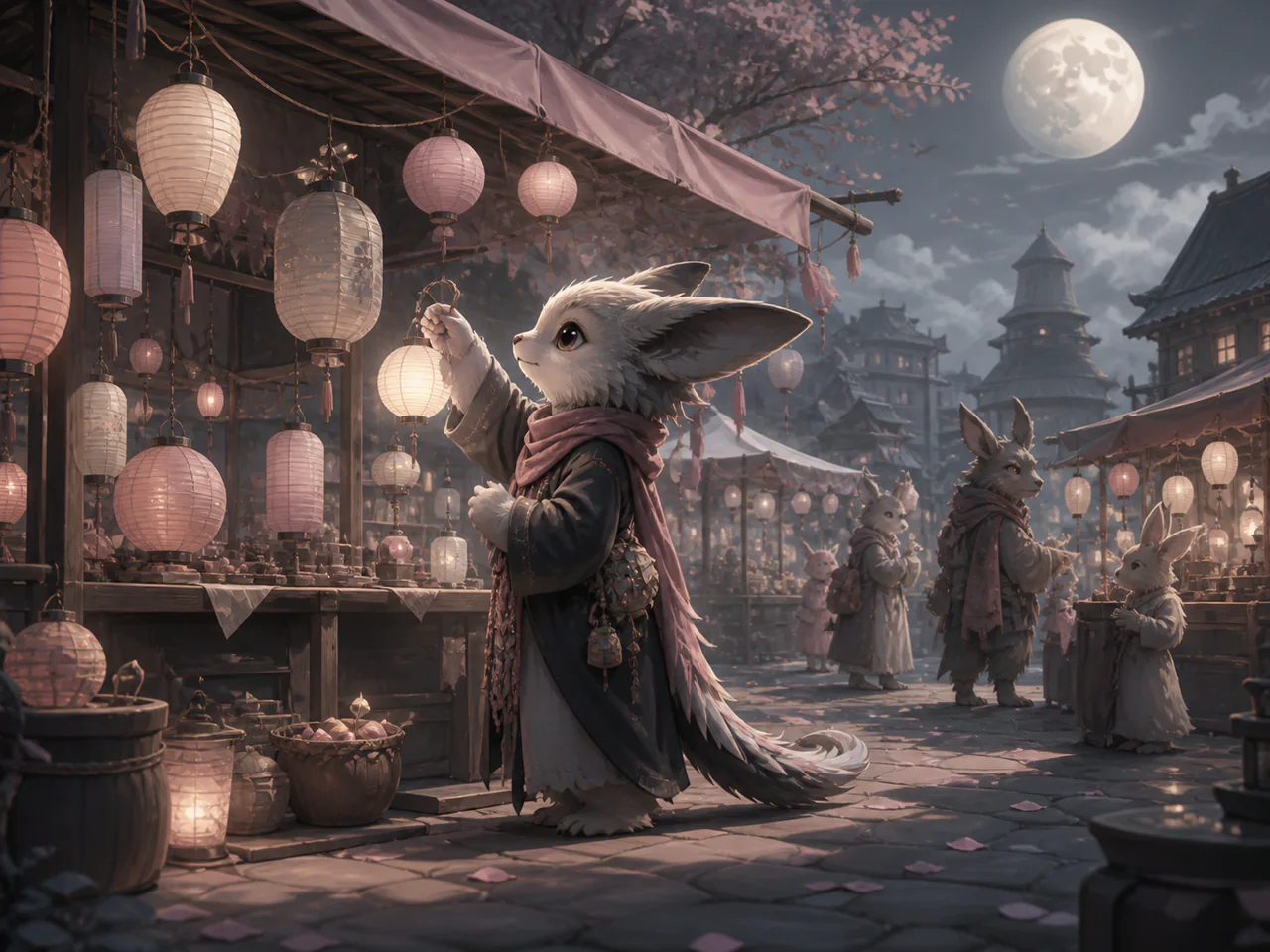
What Is Stable Diffusion 3.5 Medium?
Stable Diffusion 3.5 Medium keeps the familiar negative prompt, CFG and step controls in a smaller architecture than the Large edition. It is a practical hosted option for users who want classic diffusion control at a lower 1K cost.
Stable Diffusion Model Versions
Stable Diffusion 3.5 Medium
Negative prompt · 2K
From 2 Credits
Stable Diffusion 3.5 Large
The full 8B SD 3.5 model with negative prompts, CFG and sampling-step control.
- Resolutions: 1K / 2K
- Reference images: not supported
- Modes: Text to Image
- Speed: Balanced
Stable Diffusion 3.5 Large Turbo
The four-step distilled SD 3.5 Large for fast, controllable open-model drafts.
- Resolutions: 1K / 2K
- Reference images: not supported
- Modes: Text to Image
- Speed: Fastest
Stable Diffusion 3.5 Medium
The resource-efficient SD3.5 tier with classic CFG, steps and negative-prompt controls.
- Resolutions: 1K / 2K
- Reference images: not supported
- Modes: Text to Image, Typography
- Speed: Balanced
Stable Diffusion 3 Medium
Stability AI’s two-billion-parameter SD3 checkpoint with typography, negative prompts and familiar diffusion controls.
- Resolutions: 1K
- Reference images: not supported
- Modes: Text to Image, Typography
- Speed: Balanced
Stable Image Ultra
The full classic parameter set: Negative Prompt, Steps, Guidance, Strength.
- Resolutions: 1K / 2K
- Reference images: up to 1
- Modes: Text to Image, Image to Image, Edit Image
- Speed: Balanced
What Is Stable Diffusion 3.5 Medium Best For?
- Classic diffusion workflows
- Negative-prompt control
- Stylised illustration
- Resource-efficient SD3.5 generation
How to Use Stable Diffusion 3.5 Medium
- Start at 1K with 40 steps.
- Add a concise negative prompt.
- Fix a seed before tuning CFG.
- Use 2K only for the chosen composition.
Stable Diffusion 3.5 Medium Settings Explained
Guidance
4.5 is the documented default; reduce it for looser natural images.
Negative Prompt
A strong way to suppress watermarks, blur and unwanted objects.
The panel above shows only the parameters Stable Diffusion 3.5 Medium actually supports. Switch versions and unsupported controls disappear rather than sitting there doing nothing.
Stable Diffusion 3.5 Medium Prompt Examples
Illustration
Bioluminescent Japanese garden at twilight, floating lanterns, crystalline plants, painterly cinematic depth
Product render
Compact field camera on weathered oak, soft north-window light, realistic leather and brushed metal
Stable Diffusion 3.5 Medium Test Results
Testing in progress
Every model runs the same eight-category prompt set — portrait, product, poster text, anime character, interior, multi-reference, image editing and character consistency — recording generation time, success rate, text accuracy and identity retention. That run has not finished for Stable Diffusion 3.5 Medium, so this page shows no scores. We do not publish numbers we have not measured.
Stable Diffusion 3.5 Medium Limitations
- Text-to-image only on this route
- 2K costs four times the 1K tier because billing follows pixels
- Large is stronger on intricate scenes
Stable Diffusion 3.5 Medium Pricing and Credits
Credits scale with resolution and image count. The Generate button always shows what this run costs.
1K
2 credits / image
2K
6 credits / image
Failed generations cost 0 credits.
Commercial Use and Image Rights
Commercial use is subject to Stability AI’s Stable Diffusion 3.5 licence and the selected service terms.
- Model used: Stable Diffusion 3.5 Medium
- Model developer: Stability AI
- The inference route is managed internally and may change without changing the selected model
- Uploads are sent only to the configured inference service needed to complete the generation
- You can delete any generation from your history at any time
Frequently Asked Questions
Medium or Large?+
Use Medium for inexpensive controlled iteration; use Large when the final needs maximum scene complexity and detail.
Does it support image-to-image here?+
No. This integration exposes the exact Medium text-to-image endpoint only.
Release History and Sources
October 29, 2024 · Open weights released
Medium weights were released on October 29. October 22 is the earlier series announcement and Large-model release.
Explore this event on the image model timeline →
Related Models and Tools
AI Image Generator
Create an image, try a new look or transform a photo. Start with the result you want.
Image to Image
Start from an image. You decide how much of it survives.
Image Upscaler
Scale up to print size and rebuild texture on the way.

FLUX.2 Max
Black Forest Labs
The highest-fidelity FLUX.2 tier for final-publish generation and demanding prompt adherence.
FLUX.2 Flex
Black Forest Labs
FLUX.2 with explicit guidance and step controls for typography-heavy final renders.
FLUX.2 Flash
Black Forest Labs
A low-cost FLUX.2 route for rapid generation and exact multi-reference edits.
FLUX.2 Turbo
Black Forest Labs
A fast FLUX.2 draft model with prompt expansion and unusually low megapixel cost.