AI comparison
Short headline, one clear subject and strong phone-size contrast.
I Tried 30 AI Models
Combine your photo and headline into four video thumbnail options. All editing steps and final files are included in the displayed credit price.
Improve your image results
Practical prompts, tips and next steps.
If the prompt isn't filled in, copy and paste it into your chat.
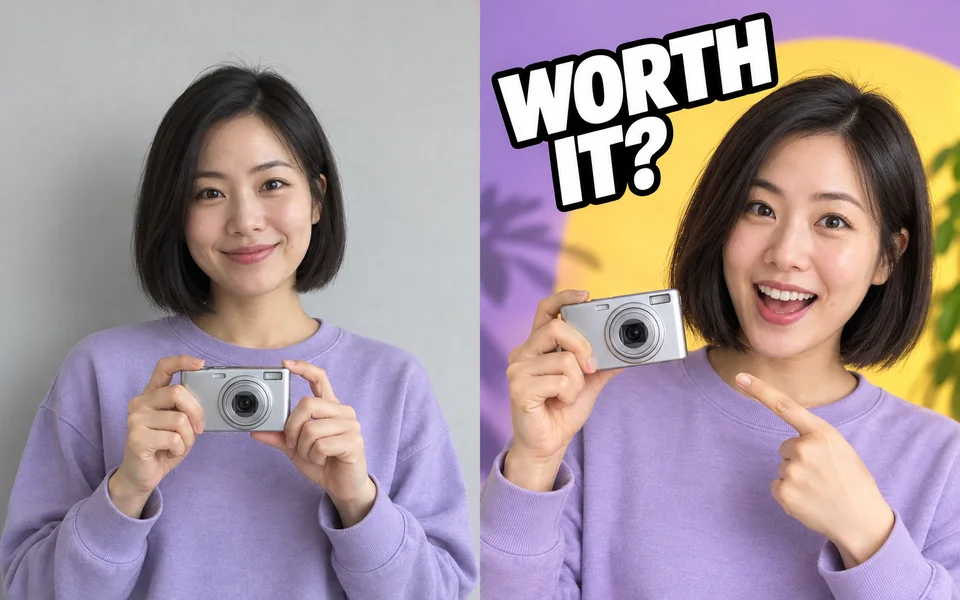 Source photoVideo thumbnail
20 credits
fixed total · no per-step charges
A sharp face, product or subject photo works best. The workflow expands it to 16:9.
Charged once when submitted. If any required stage fails, the full workflow charge is refunded automatically.
Source photoVideo thumbnailShort headline, one clear subject and strong phone-size contrast.
I Tried 30 AI Models
The product stays dominant while the text remains outside the duration badge.
Worth the Upgrade?
Upload a face or source image
Half-body shots work best.
Raise contrast
So the subject reads at thumbnail size on a phone.
Export 1280×720
Optimised JPGs ready for review and upload.
A thumbnail is judged at fingernail size. This workflow turns the three rules that follow from that — few words, high contrast, avoid the badge corner — into defaults.
No. Choose the "No person" layout for a purely graphic direction.
Yes, generate four variants in one run and pick.