About Image to Image
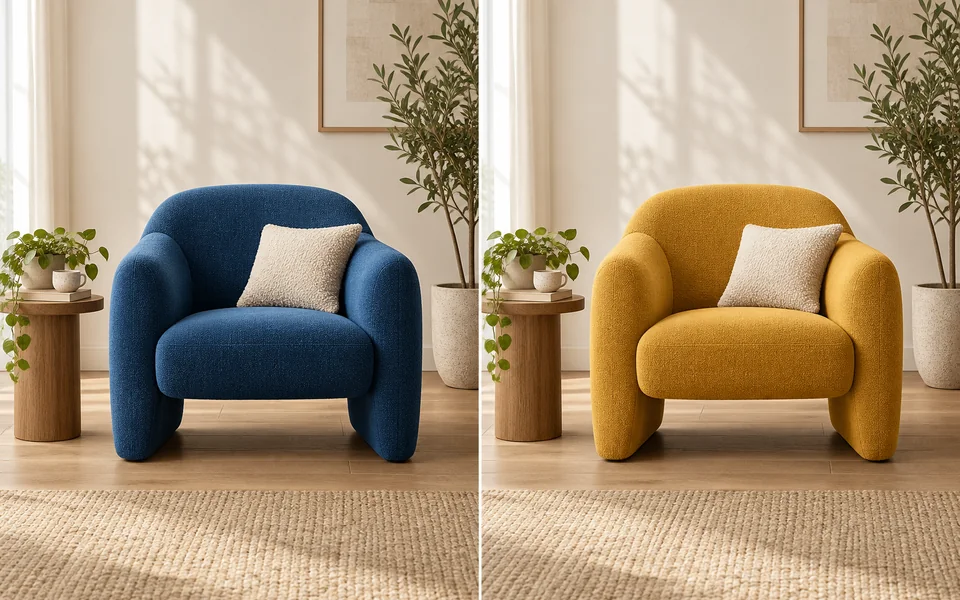
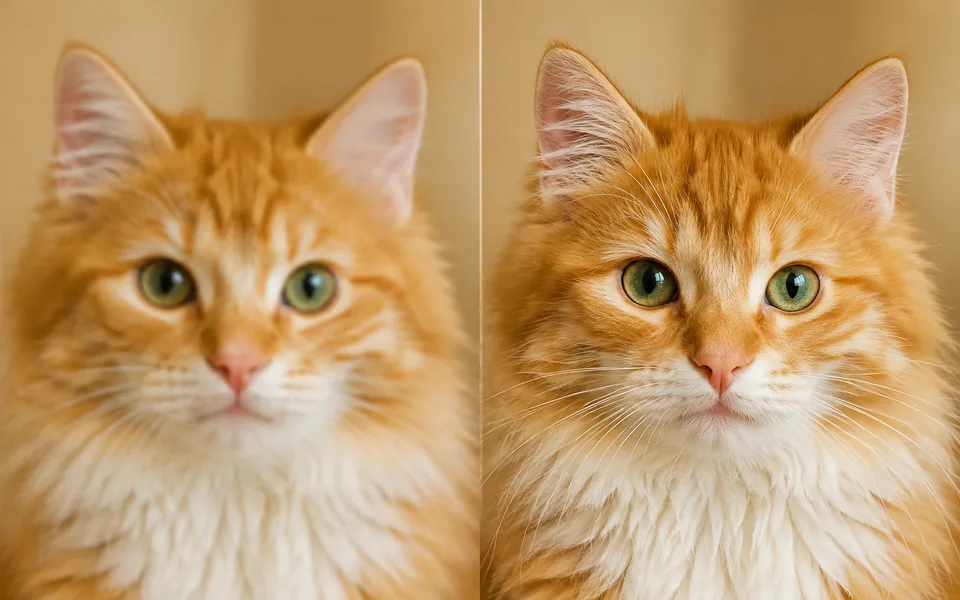
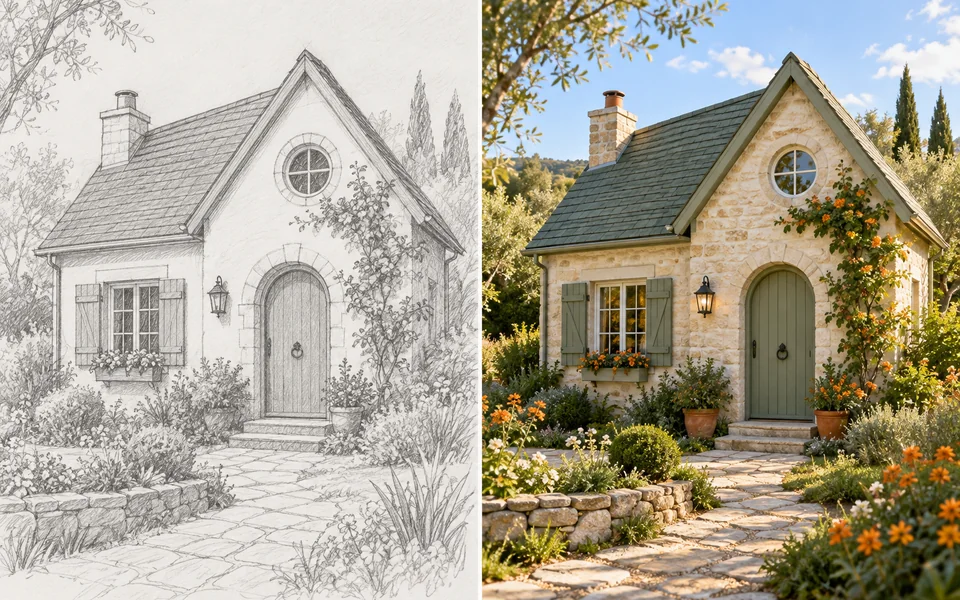
The parameter that matters is strength. Between 0.3 and 0.5 the original composition survives and only the treatment changes; above 0.8 it is effectively a repaint. Sketch colouring sits around 0.5, photo style transfer around 0.6–0.7.
Photo editing steps
Prepare your input, choose the edit and review the output before using it:
- Upload a source image
- Describe the target image
- Set how much to keep
- Generate variants
- Pick and finish
How to Use Image to Image
- Upload the source image.
- Describe the finished image you want.
- Adjust Image Strength — lower to keep the composition.
- Generate 4 at once to compare.
Supported models
There is no Auto option for this task — pick a model explicitly.
| Model | Developer | Speed | Max output | Credits | Status |
|---|---|---|---|---|---|
| FLUX.2 Flash | Black Forest Labs | Fastest | 2K | From 1 | Active |
| Boogu Image | Boogu Team | Balanced | 2K | From 3 | Active |
| Luma Photon Flash | Luma AI | Fastest | 1K | From 1 | Active |
| HiDream O1 Image | HiDream.ai | Slow | 2K | From 1 | Active |
| OmniGen2 | VectorSpaceLab | Slow | 1K | From 12 | Active |
| FLUX1.1 Pro Ultra | Black Forest Labs | Balanced | 2K | From 5 | Active |
| GLM Image | Z.ai | Slow | 2K | From 4 | Active |
| Luma Uni-1 Max | Luma AI | Balanced | 1K | From 1 | Active |
| Luma Uni-1 | Luma AI | Fast | 1K | From 1 | Active |
| Seedream 4.5 | ByteDance | Balanced | 4K | From 3 | Active |
| FLUX.2 Turbo | Black Forest Labs | Fastest | 2K | From 1 | Active |
| FLUX.1 Kontext Max | Black Forest Labs | Balanced | 1K | From 6 | Active |
| FLUX.1 Kontext Pro | Black Forest Labs | Fast | 1K | From 3 | Active |
| MiniMax Image-01 | MiniMax | Fast | 1K | From 1 | Active |
| Seedream 5 Lite | ByteDance | Fast | 4K | From 3 | Active |
| Seedream 5 Pro | ByteDance | Balanced | 2K | From 4 | Active |
| Qwen Image Max | Alibaba | Balanced | 1K | From 6 | Active |
| Qwen Image 3 Pro | Alibaba | Balanced | 2K | From 3 | Active |
| Qwen Image 3 | Alibaba | Fast | 2K | From 3 | Active |
| Kling Image V3 | Kuaishou | Balanced | 2K | From 2 | Active |
| Wan 2.6 Image | Alibaba | Balanced | 1280px | From 3 | Active |
| Wan 2.7 Image Pro | Alibaba | Balanced | 4K text / 2K edit | From 4 | Active |
| Wan 2.7 Image | Alibaba | Fast | 2K | From 3 | Active |
| Ideogram 4 | Ideogram | Fast | 2K | From 3 | Active |
| Reve 2.1 | Reve | Balanced | 1K | From 22 | Active |
| Z-Image Turbo | Tongyi MAI (Alibaba) | Fastest | 1K | From 1 | Active |
| Kling Image O3 | Kuaishou | Balanced | 4K | From 2 | Active |
| FLUX.2 | Black Forest Labs | Balanced | 4K | From 3 | Active |
| Nano Banana 2 | Fast | 4K | From 5 | Active | |
| Stable Image Ultra | Stability AI | Balanced | 2K | — | Coming soon |
| Qwen Image | Alibaba | Fast | 1K | From 2 | Active |
| Krea 1 | Krea | Fast | 2K | — | Coming soon |
When the recommended model is unavailable, the page asks you to confirm a switch. It never substitutes silently.
Output spec
- Format: PNG / JPG
- Notes: Follows the source aspect ratio by default
Frequently Asked Questions
Can it turn a sketch into a finished image?+
Yes. Use 0.5–0.6 strength and state the final style in the prompt.
Why does the result ignore my source image?+
Strength is too high. Try below 0.6.
Image handling and privacy
This is an AI tool: images you upload are sent to the configured inference service for processing, not handled locally in the browser. The active route is managed internally and is separate from the model developer. You can delete any generation from your history at any time.