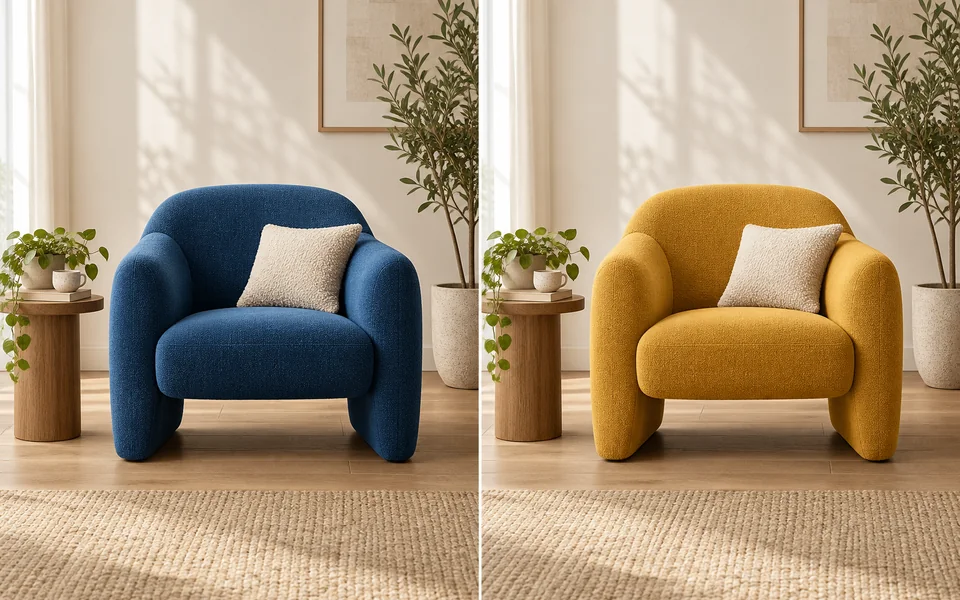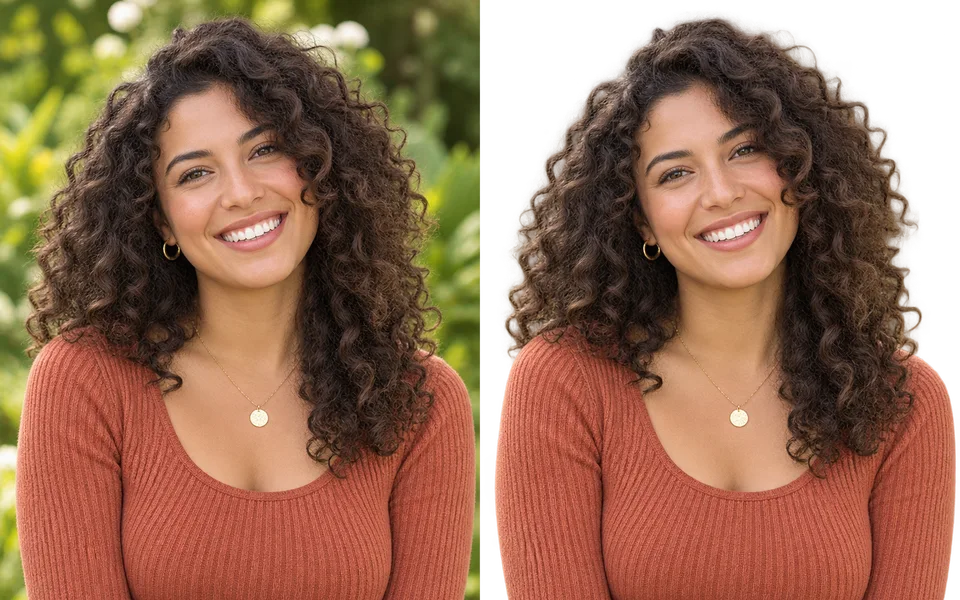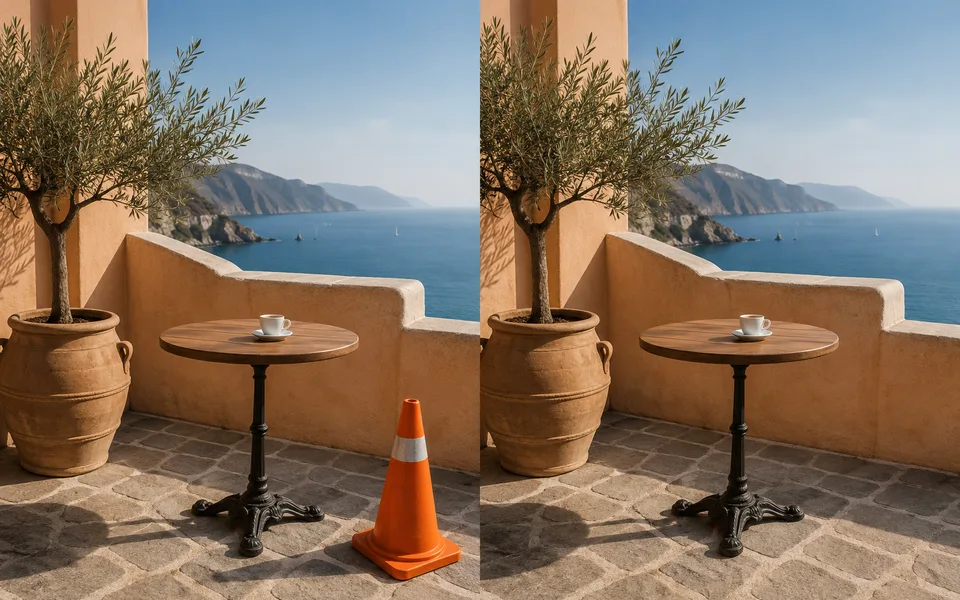
About Object Remover
Bystanders, watermarks, power lines, clutter. Brush the area and the model infers what was hidden. Paint slightly wider than the object itself — the extra margin gives the model room to reconstruct cleanly.
Photo editing steps
Prepare your input, choose the edit and review the output before using it:
- Upload an image
- Brush the area to delete
- Expand the mask edge
- Content-aware fill
- Export
How to Use Object Remover
- Upload the image.
- Brush over the object, going slightly past its edges.
- Generate.
- If traces remain, brush the leftovers and run once more.
Supported models
There is no Auto option for this task — pick a model explicitly.
| Model | Developer | Speed | Max output | Credits | Status |
|---|---|---|---|---|---|
| Seedream 5 Lite | ByteDance | Fast | 4K | From 3 | Active |
| Seedream 5 Pro | ByteDance | Balanced | 2K | From 4 | Active |
| Qwen Image Max | Alibaba | Balanced | 1K | From 6 | Active |
| Qwen Image 3 Pro | Alibaba | Balanced | 2K | From 3 | Active |
| Kling Image V3 | Kuaishou | Balanced | 2K | From 2 | Active |
| Wan 2.7 Image | Alibaba | Fast | 2K | From 3 | Active |
| Nano Banana 2 | Fast | 4K | From 5 | Active | |
| Stable Image Ultra | Stability AI | Balanced | 2K | — | Coming soon |
| FLUX.2 | Black Forest Labs | Balanced | 4K | From 3 | Active |
When the recommended model is unavailable, the page asks you to confirm a switch. It never substitutes silently.
Output spec
- Format: PNG
- Notes: Original dimensions preserved
Frequently Asked Questions
Can I remove a watermark?+
Technically yes — only do it on images you have the rights to.
Large removals come out badly. Why?+
Work in two or three passes rather than erasing half the frame at once.
Image handling and privacy
This is an AI tool: images you upload are sent to the configured inference service for processing, not handled locally in the browser. The active route is managed internally and is separate from the model developer. You can delete any generation from your history at any time.