What Is FLUX.2?
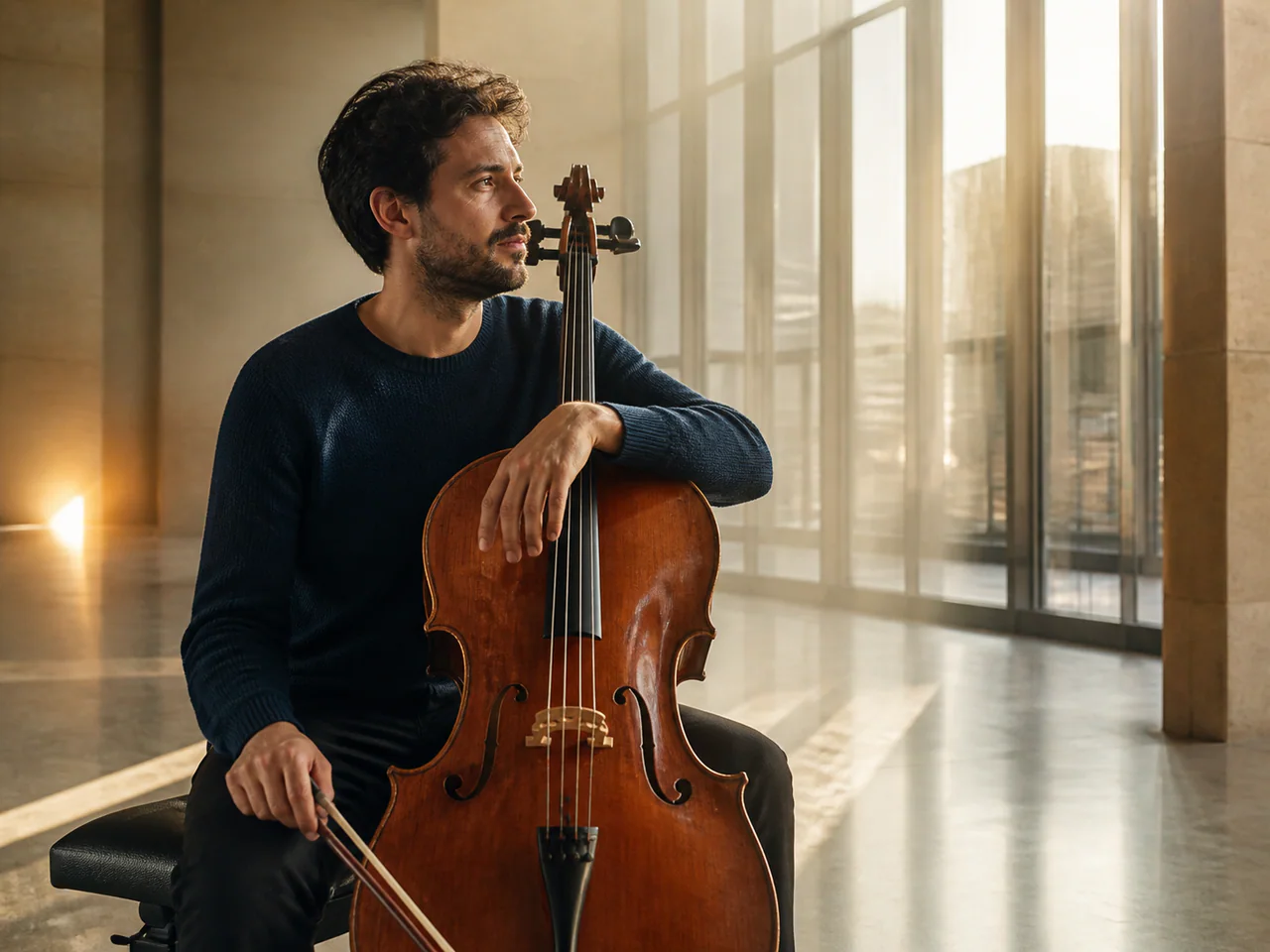
FLUX.2 is the most consistently praised model for realism, particularly skin texture, metal and glass, and natural light falloff. It is also the most tunable model on this site: Guidance, Steps, Strength and Safety Tolerance are all exposed, so if you are willing to turn knobs you can get closer to what you actually pictured.
FLUX Model Versions
FLUX.2
Recommended · 4MP
From 3 Credits
FLUX.2 Max
The highest-fidelity FLUX.2 tier for final-publish generation and demanding prompt adherence.
- Resolutions: 1K / 2K
- Reference images: not supported
- Modes: Text to Image, Typography
- Speed: Balanced
FLUX.2 Flex
FLUX.2 with explicit guidance and step controls for typography-heavy final renders.
- Resolutions: 1K / 2K
- Reference images: not supported
- Modes: Text to Image
- Speed: Balanced
FLUX.2 Flash
A low-cost FLUX.2 route for rapid generation and exact multi-reference edits.
- Resolutions: 1K / 2K
- Reference images: up to 4
- Modes: Text to Image, Edit Image, Multi-reference
- Speed: Fastest
FLUX.2 Turbo
A fast FLUX.2 draft model with prompt expansion and unusually low megapixel cost.
- Resolutions: 1K / 2K
- Reference images: up to 4
- Modes: Text to Image, Image to Image, Edit Image, Multi-reference
- Speed: Fastest
FLUX.2 Klein 4B
Black Forest Labs’ fully open compact FLUX.2 model for high-volume and interactive generation.
- Resolutions: 1K / 2K
- Reference images: not supported
- Modes: Text to Image
- Speed: Fastest
FLUX.1 Kontext Max
The premium Kontext tier for typography, prompt adherence and identity-preserving edits.
- Resolutions: 1K
- Reference images: up to 1
- Modes: Text to Image, Image to Image, Edit Image
- Speed: Balanced
FLUX.1 Kontext Pro
Fast, context-aware generation and iterative editing from a single reference.
- Resolutions: 1K
- Reference images: up to 1
- Modes: Text to Image, Image to Image, Edit Image
- Speed: Fast
FLUX1.1 Pro Ultra
The high-resolution FLUX1.1 Pro tier for natural photography, detailed materials and reference-guided renders.
- Resolutions: 2K
- Reference images: up to 1
- Modes: Text to Image, Image to Image
- Speed: Balanced
FLUX1.1 Pro
The production FLUX1.1 endpoint for detailed photographic and material-rich final renders.
- Resolutions: 1K / 2K
- Reference images: not supported
- Modes: Text to Image
- Speed: Balanced
FLUX.1 Dev
The tunable FLUX.1 development checkpoint for prompt experiments, seeded studies and controllable rendering.
- Resolutions: 1K / 2K
- Reference images: not supported
- Modes: Text to Image
- Speed: Slow
FLUX.1 Schnell
The original open FLUX speed tier for rapid four-step concepts and inexpensive prompt batches.
- Resolutions: 1K
- Reference images: not supported
- Modes: Text to Image, Typography
- Speed: Fastest
FLUX.2
Generate photorealistic images and edit reference photos with control over lighting, materials and composition.
- Resolutions: 1K / 2K / 4K
- Reference images: up to 4
- Modes: Text to Image, Image to Image, Edit Image
- Speed: Balanced
FLUX.2 Klein
The distilled FLUX.2: speed first, same visual language.
- Resolutions: 1K
- Reference images: up to 1
- Modes: Text to Image, Image to Image
- Speed: Fastest
What Is FLUX.2 Best For?
- Photoreal portraits and photographic texture
- Material detail: metal, glass, fabric
- Cinematic scenes and lighting
- Final renders where tuning is worth the time
How to Use FLUX.2
- Select FLUX.2.
- Write a photographic prompt: subject, lighting, lens, grade.
- Open Advanced and adjust Guidance and Steps.
- Upscale the final render for print sizes.
FLUX.2 Settings Explained
Guidance
How hard the model sticks to the prompt. 2.5–3 for realism, 4+ for graphic and illustrative work.
Steps
28 is the value-for-money knee. Pushing to 50 rarely pays off.
Image Strength
Image-to-image only. 0.3–0.5 keeps the original composition; above 0.8 is effectively a repaint.
Safety Tolerance
Shifts the content filter threshold. Keep the default for commercial assets.
The panel above shows only the parameters FLUX.2 actually supports. Switch versions and unsupported controls disappear rather than sitting there doing nothing.
FLUX.2 Prompt Examples
Photoreal portrait
Portrait of a woman in her 30s, natural skin texture, soft window light from the left, 85mm lens, shallow depth of field, muted color grading
Keep Guidance around 2.5–3; higher makes skin look fake.
Material study
A brushed titanium watch on dark slate, single hard light source, sharp specular highlights, macro detail
FLUX.2 Test Results
Testing in progress
Every model runs the same eight-category prompt set — portrait, product, poster text, anime character, interior, multi-reference, image editing and character consistency — recording generation time, success rate, text accuracy and identity retention. That run has not finished for FLUX.2, so this page shows no scores. We do not publish numbers we have not measured.
FLUX.2 vs Other AI Image Models
- Nano Banana 2 vs FLUX.2 — the same prompt, side by side
- FLUX.2 vs Ideogram 3 — the same prompt, side by side
- GPT Image vs FLUX.2 — the same prompt, side by side
FLUX.2 Limitations
- In-image text is weaker than Ideogram or Nano Banana Pro
- Many parameters means a steeper learning curve
- High Guidance quickly produces a plastic look
FLUX.2 Pricing and Credits
Credits scale with resolution and image count. The Generate button always shows what this run costs.
1K
3 credits / image
2K
5 credits / image
4K
9 credits / image
Failed generations cost 0 credits.
Commercial Use and Image Rights
Commercial use is subject to BFL's licence terms; output may be used in commercial projects.
- Model used: FLUX.2
- Model developer: Black Forest Labs
- The inference route is managed internally and may change without changing the selected model
- Uploads are sent only to the configured inference service needed to complete the generation
- You can delete any generation from your history at any time
Frequently Asked Questions
Can FLUX.2 render text in the image?+
Short headlines, yes. For long copy or non-Latin scripts, switch to Ideogram 3 or Nano Banana Pro.
What Guidance value should I use?+
2.5–3 for realistic scenes, 4–5 for illustration. Fix the seed first so you can compare values fairly.
Release History and Sources
November 25, 2025 · Model family announced
This date applies to the event shown. Later API access, weights and availability on All Image AI may have different dates.
Explore this event on the image model timeline →
Related Models and Tools
AI Image Generator
Create an image, try a new look or transform a photo. Start with the result you want.
Image to Image
Start from an image. You decide how much of it survives.
AI Headshot Generator
A selfie becomes a professional headshot — same face.
Logo Generator
Editable SVG logo concepts, not flattened bitmaps.

Nano Banana 2 Lite
The speed-and-cost tier: drafts, batch exploration and live previews.
Nano Banana 2
The standard tier: generation, editing and multi-reference in one model.
Nano Banana Pro
The top tier for complex design, dense typography and product visuals.

Krea 2 Large
Krea
The high-fidelity Krea 2 tier with up to ten style references.