AI Photo Editing
Workflows
Create product photos, video thumbnails, character sets, restored photos and professional headshots. Upload once and let each workflow complete the editing steps for one fixed credit price.
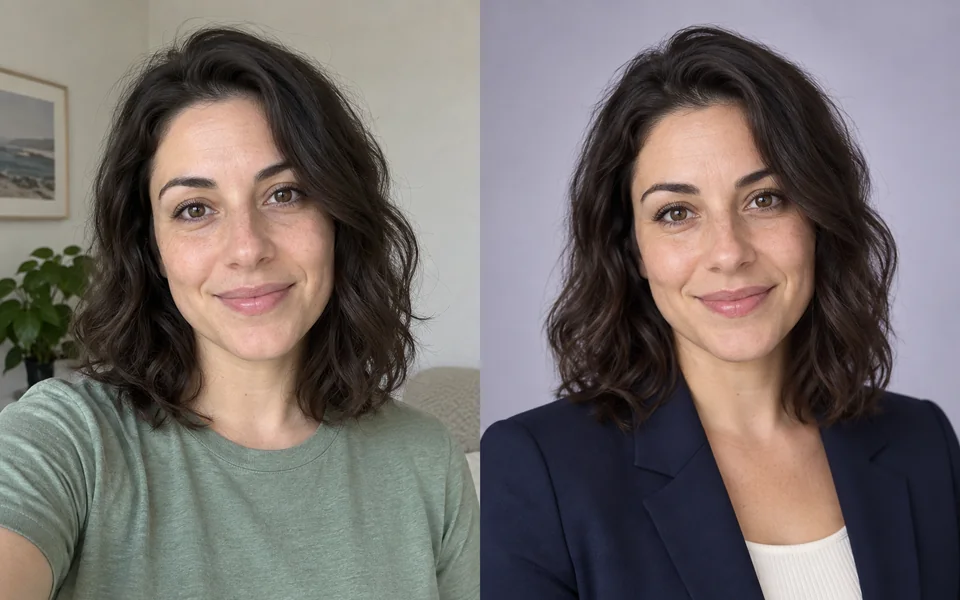 Your selfieStudio headshot
AI image workflows by task
See the transformation, final files and total credits before you start.
Showing all 5 workflows.
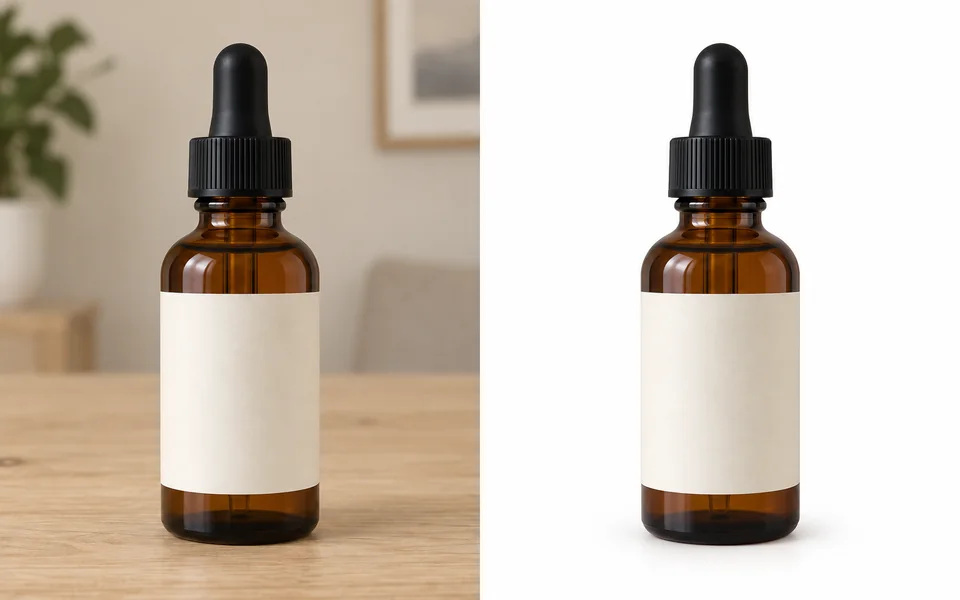 Product photoWhite background
Amazon Product Photo
11 creditsTurn a product photo into a centered, white-background listing image.
- Remove background
- Center product
- Export JPG
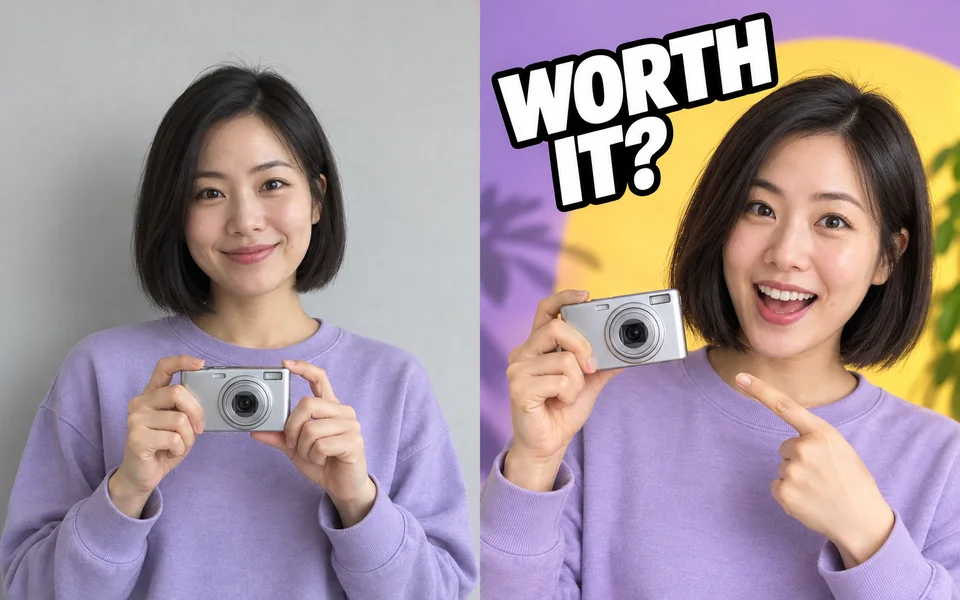 Source photoVideo thumbnail
YouTube Thumbnail
20 creditsCombine your photo and headline into four video thumbnail options.
- Add headline
- Create layouts
- Export 4 options
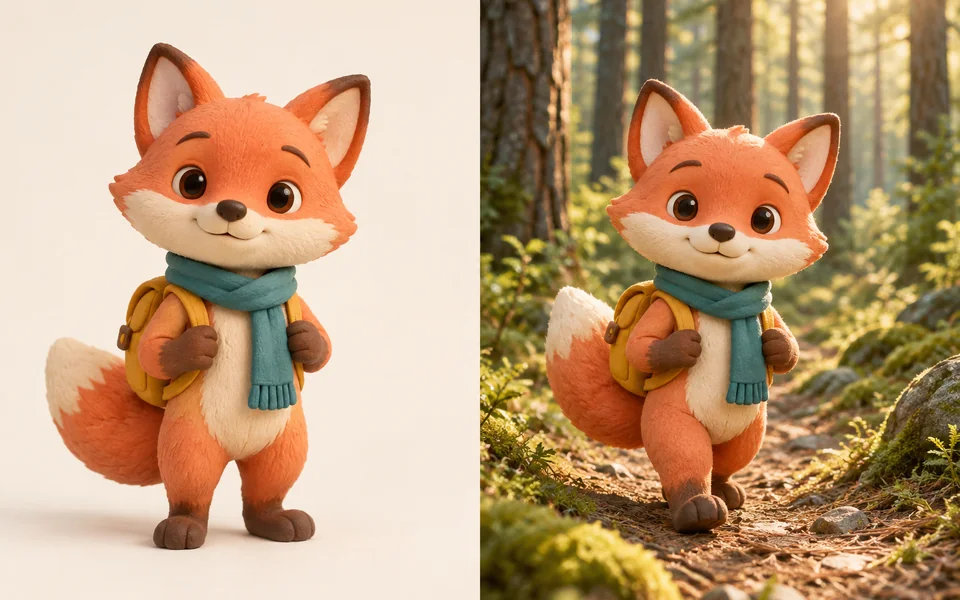 Character referenceNew scene
Consistent Character
70 creditsBuild a reference set and scene images from one character design.
- Upload character
- Create references
- Generate scenes
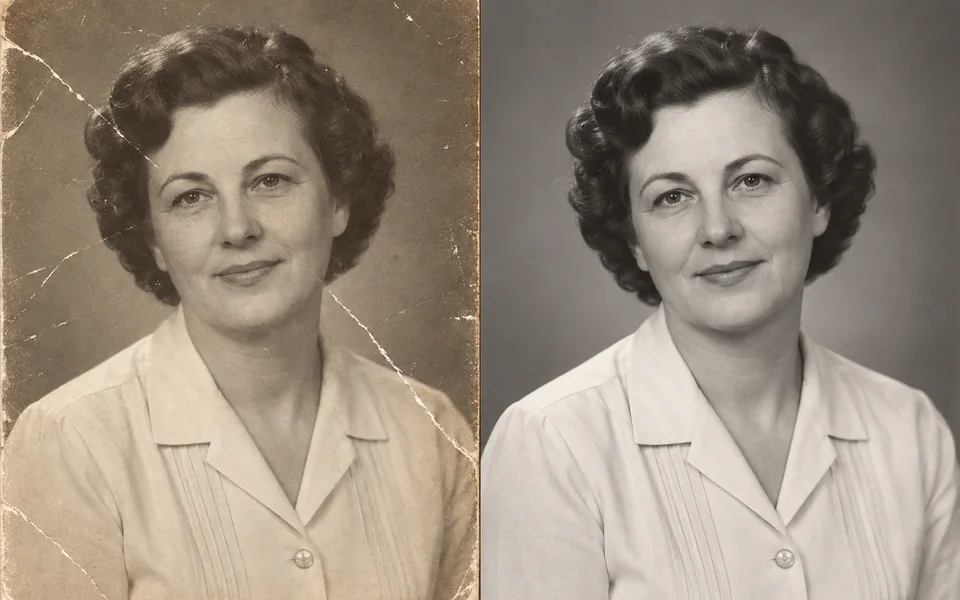 Damaged scanRestored photo
Restore Old Photo
20 creditsRepair scratches, restore faces and enlarge a treasured old photo.
- Repair damage
- Restore face
- Resize 2×
Your selfieStudio headshotLinkedIn Headshot
20 creditsCreate professional portraits with new attire, lighting and backgrounds.
- Upload selfie
- Style portrait
- Export 4 images
No workflows match these filters.
From your photo
to finished files
- 1
Choose a finished result
Each workflow lists its output formats and total credits.
- 2
Upload and set preferences
Add your photo, then choose the background, style or details.
- 3
Run and download
The editing steps run automatically. Download the completed files.