About AI Image Editor
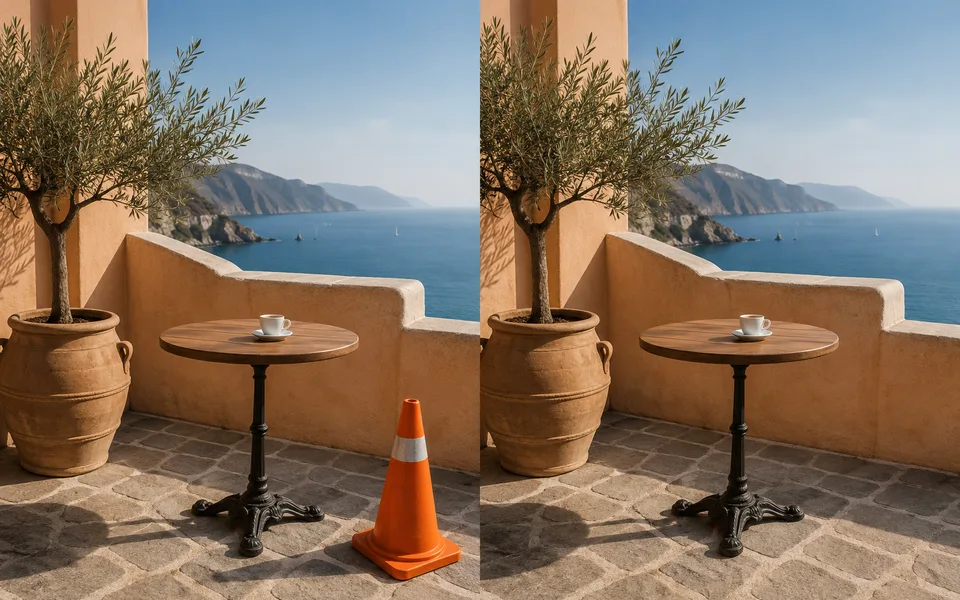
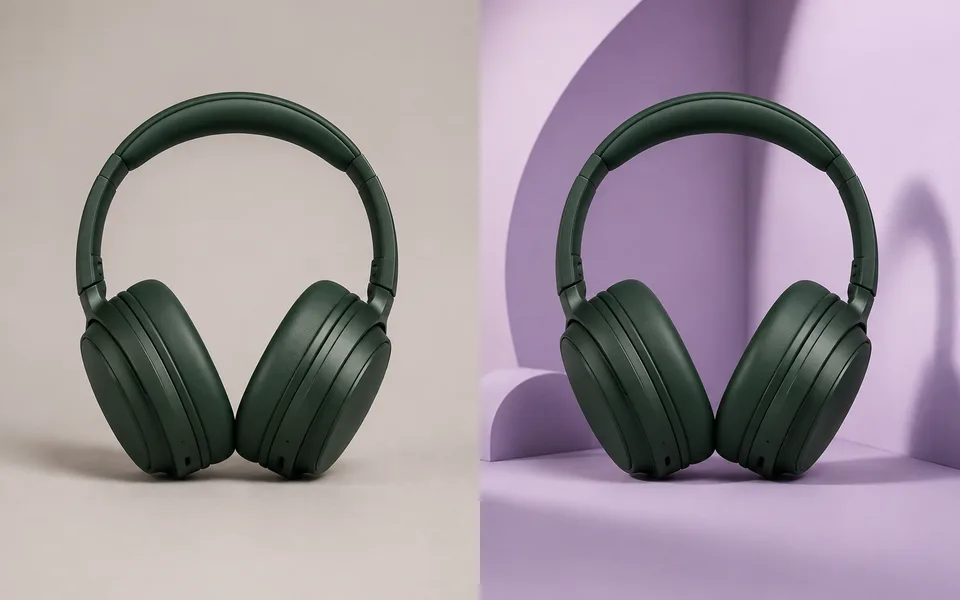
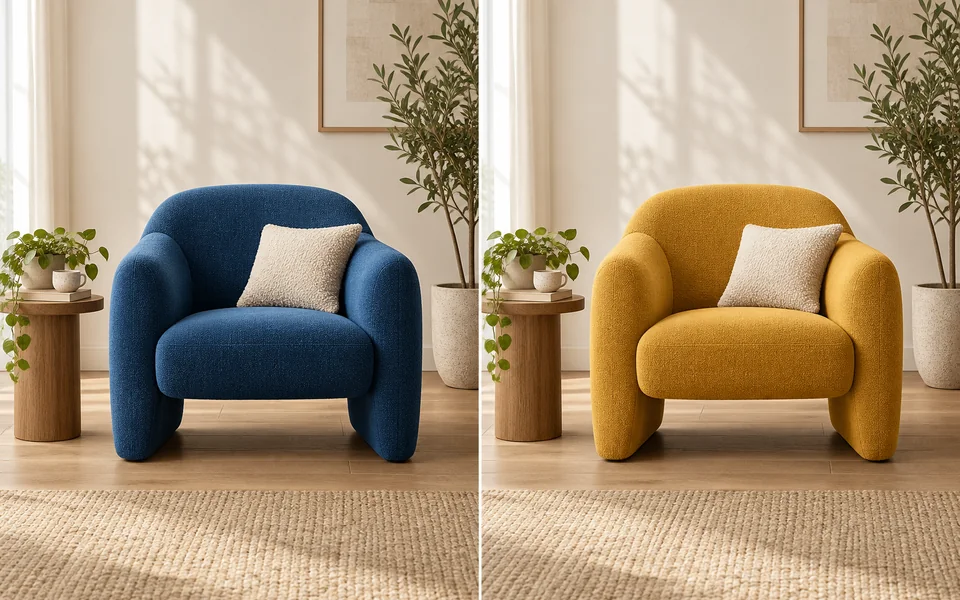
Traditional retouching means selections, masks and layers. Here it is one sentence. The part people get wrong is not saying what must stay: the Preserve option turns that into an explicit constraint appended to your prompt, which works far better than "change the background" on its own.
Photo editing steps
Prepare your input, choose the edit and review the output before using it:
- Upload the original
- Describe the change
- Model repaints only the target area
- Compare against the original
- Export
How to Use AI Image Editor
- Upload the image you want to change.
- Describe the edit in one sentence, e.g. "replace the jacket with a beige trench coat".
- Set Preserve so the model knows what to leave alone.
- Check the result against the original before exporting.
Supported models
There is no Auto option for this task — pick a model explicitly.
| Model | Developer | Speed | Max output | Credits | Status |
|---|---|---|---|---|---|
| MAI Image 2.6 | Microsoft AI | Balanced | 1K | From 5 | Preview |
| GPT Image 2.5 Flare | OpenAI | Fast | 4K | From 2 | Active |
| GPT Image 2.5 Sunburst | OpenAI | Balanced | 4K | From 2 | Active |
| FLUX.2 Flash | Black Forest Labs | Fastest | 2K | From 1 | Active |
| Boogu Image | Boogu Team | Balanced | 2K | From 3 | Active |
| Luma Photon Flash | Luma AI | Fastest | 1K | From 1 | Active |
| HiDream O1 Image | HiDream.ai | Slow | 2K | From 1 | Active |
| OmniGen2 | VectorSpaceLab | Slow | 1K | From 12 | Active |
| FLUX1.1 Pro Ultra | Black Forest Labs | Balanced | 2K | From 5 | Active |
| GLM Image | Z.ai | Slow | 2K | From 4 | Active |
| Luma Uni-1 Max | Luma AI | Balanced | 1K | From 1 | Active |
| Luma Uni-1 | Luma AI | Fast | 1K | From 1 | Active |
| Seedream 4.5 | ByteDance | Balanced | 4K | From 3 | Active |
| FLUX.2 Turbo | Black Forest Labs | Fastest | 2K | From 1 | Active |
| FLUX.1 Kontext Max | Black Forest Labs | Balanced | 1K | From 6 | Active |
| FLUX.1 Kontext Pro | Black Forest Labs | Fast | 1K | From 3 | Active |
| MiniMax Image-01 | MiniMax | Fast | 1K | From 1 | Active |
| Seedream 5 Lite | ByteDance | Fast | 4K | From 3 | Active |
| Seedream 5 Pro | ByteDance | Balanced | 2K | From 4 | Active |
| Qwen Image Max | Alibaba | Balanced | 1K | From 6 | Active |
| Qwen Image 3 Pro | Alibaba | Balanced | 2K | From 3 | Active |
| Qwen Image 3 | Alibaba | Fast | 2K | From 3 | Active |
| Kling Image V3 | Kuaishou | Balanced | 2K | From 2 | Active |
| Wan 2.7 Image Pro | Alibaba | Balanced | 4K text / 2K edit | From 4 | Active |
| Wan 2.7 Image | Alibaba | Fast | 2K | From 3 | Active |
| Ideogram 4 | Ideogram | Fast | 2K | From 3 | Active |
| Reve 2.1 | Reve | Balanced | 1K | From 22 | Active |
| Nano Banana 2 | Fast | 4K | From 5 | Active | |
| Kling Image O3 | Kuaishou | Balanced | 4K | From 2 | Active |
| GPT Image | OpenAI | Balanced | 4K | From 5 | Active |
| FLUX.2 | Black Forest Labs | Balanced | 4K | From 3 | Active |
| Qwen Image | Alibaba | Fast | 1K | From 2 | Active |
| Nano Banana Pro | Balanced | 4K | From 12 | Active |
When the recommended model is unavailable, the page asks you to confirm a switch. It never substitutes silently.
Output spec
- Format: PNG
- Notes: Original aspect ratio preserved
Frequently Asked Questions
Why did the whole image change?+
Usually the prompt was too vague. Set Preserve, and name what should stay, e.g. "keep the face and pose unchanged".
Can I brush a selection?+
This tool targets regions with words. Brush selection lives in the Object Remover tool.
Image handling and privacy
This is an AI tool: images you upload are sent to the configured inference service for processing, not handled locally in the browser. The active route is managed internally and is separate from the model developer. You can delete any generation from your history at any time.