100+ AI Image Tools.
Every Model. One Workspace.
Generate, edit, enhance and transform images with the world's leading AI models.
Model
The router picks a model from the prompt. The result always names the model that ran.
Mode
Failed generations cost 0 credits
Nano Banana 2
The standard tier: generation, editing and multi-reference in one model.
Default pipeline
- Write a prompt
- Pick a model (or leave it on Auto)
- Set ratio and resolution
- Generate
- Edit / upscale / cut out
Try one of these prompts
Popular: Nano Banana 2 · GPT Image · FLUX.2 · Ideogram 3
Trending Models
Every model has its own page, parameters and version system.
Nano Banana 2
Text To Image · Image To Image · Image Editing
GPT Image
Text To Image · Image To Image · Image Editing
FLUX.2
Text To Image · Image To Image · Image Editing
Ideogram 3
Text To Image · Image To Image · Image Editing
Seedream 4
Text To Image · Image To Image · Image Editing
Krea 1
Text To Image · Image To Image
Qwen Image
Text To Image · Image To Image · Image Editing
Recraft V3
Text To Image · Vector · Typography
Browse by Task
If you know the job, start from the task.
AI Image Generator
7 modelsOne prompt box, every major model. Describe it, pick a model, generate.
Open tool →
AI Image Editor
5 modelsUpload an image, describe the change. Only the part you named moves.
Open tool →
Image to Image
5 modelsStart from an image. You decide how much of it survives.
Open tool →
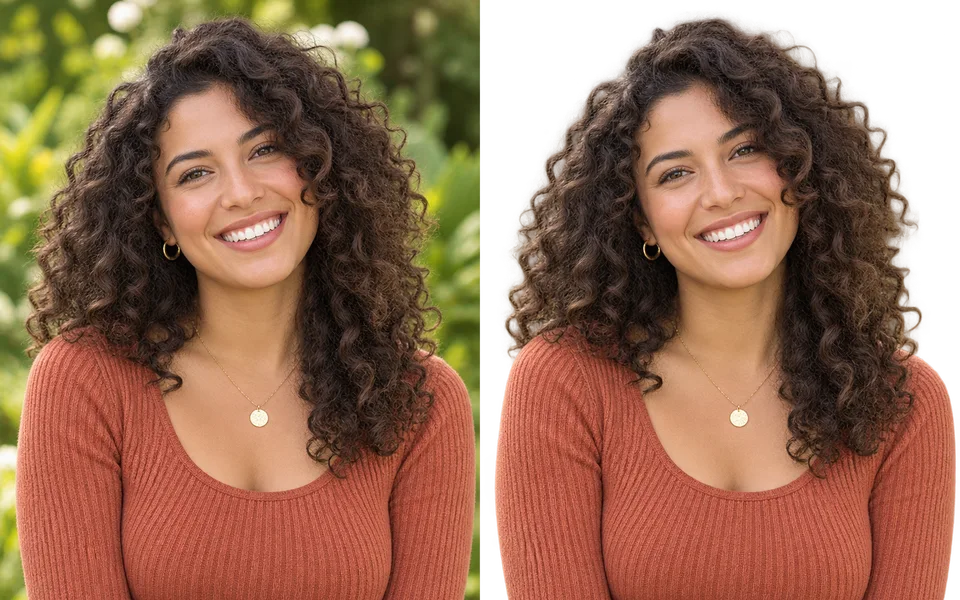
Background Remover
3 modelsOne click to a transparent PNG, including hair and cut-out edges.
Open tool →
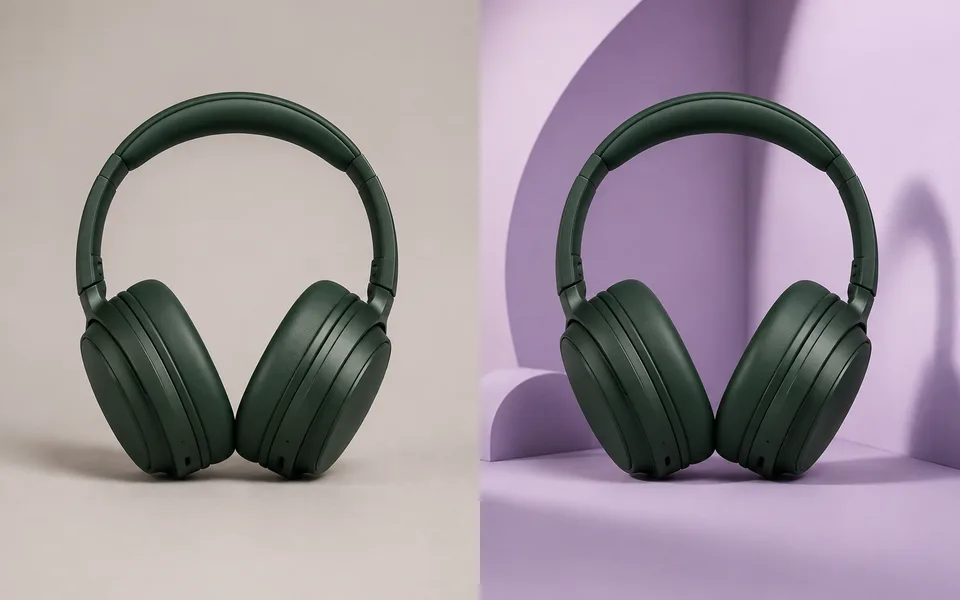
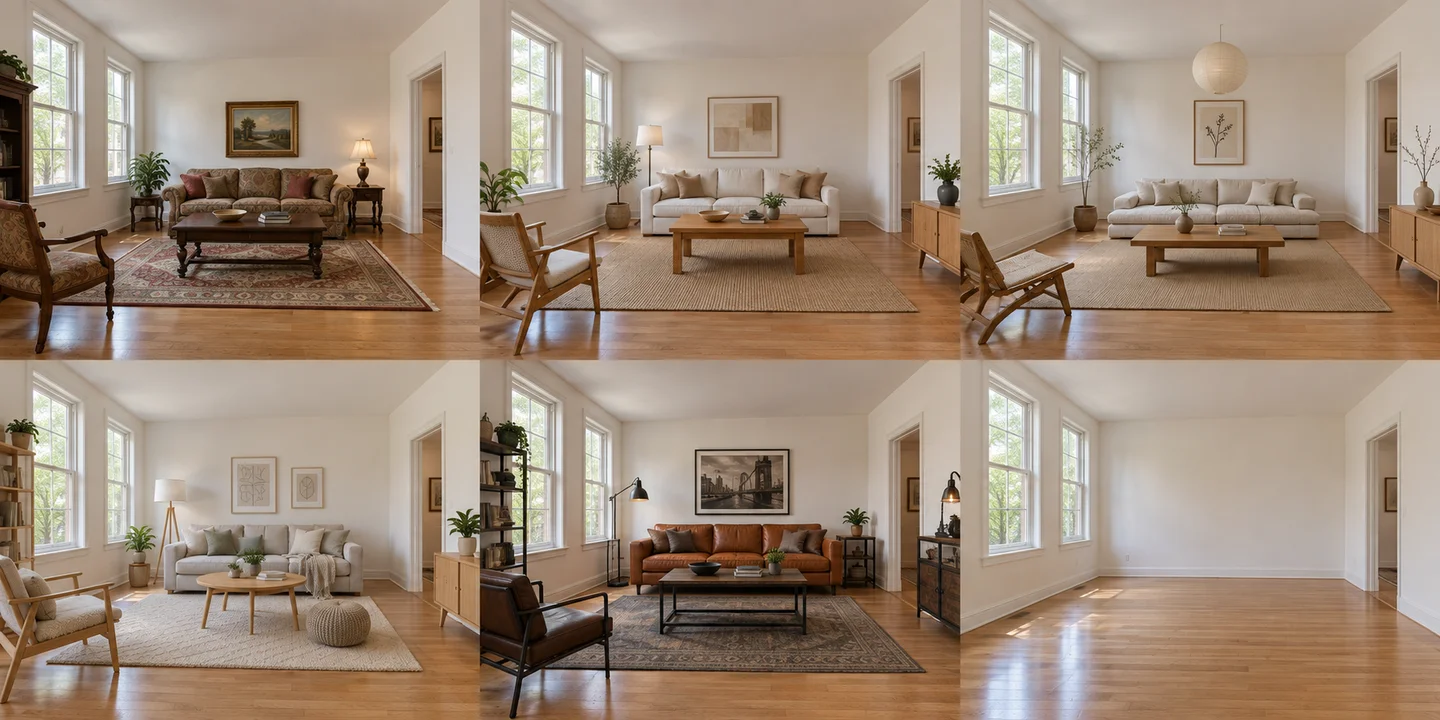
Background Changer
4 modelsSwap the background and relight the subject to match it.
Open tool →
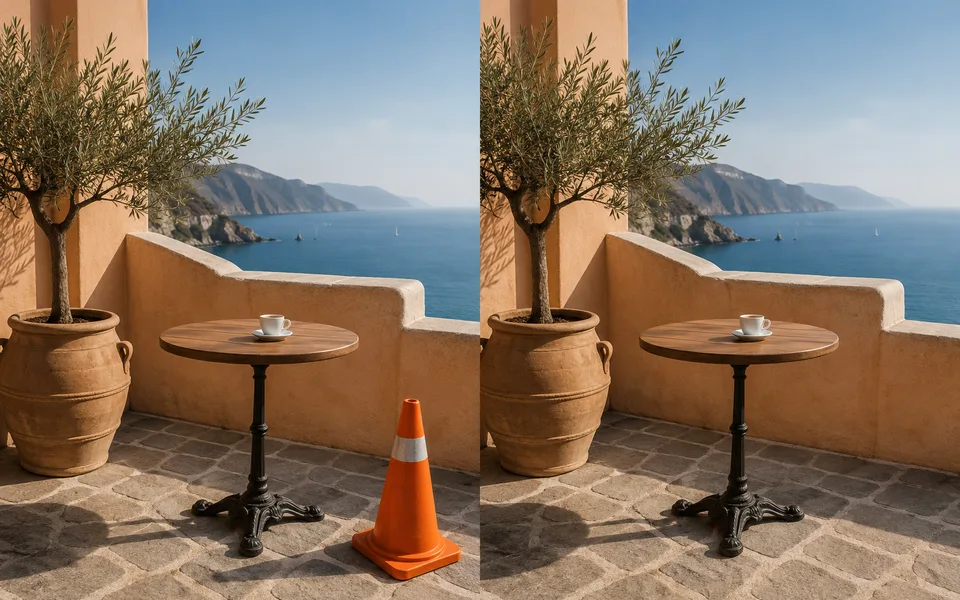
Object Remover
3 modelsBrush over what you do not want; the model rebuilds what was behind it.
Open tool →
Image Expander
3 modelsTurn a portrait crop into a banner. The model paints what was outside the frame.
Open tool →
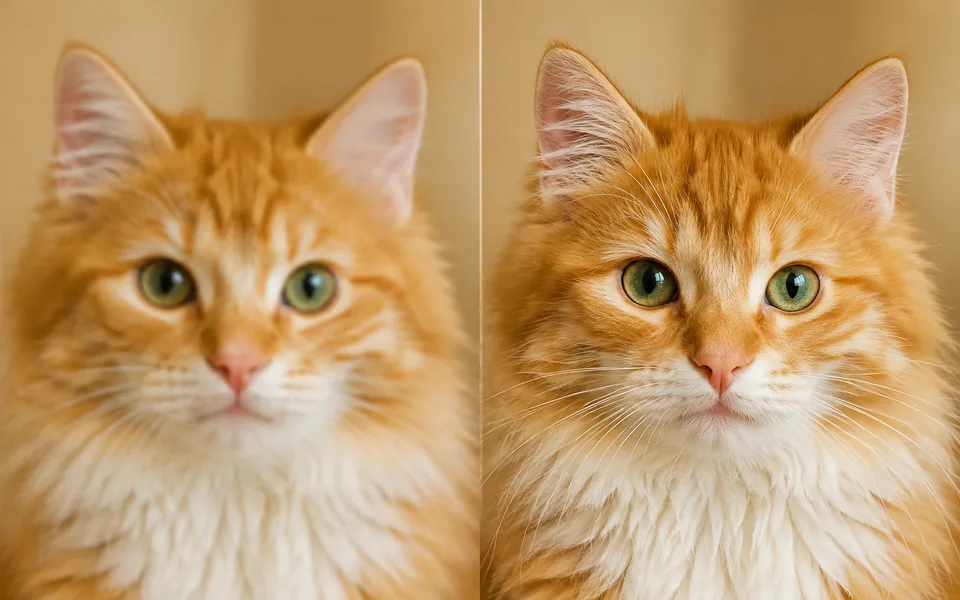
Image Upscaler
2 modelsScale up to print size and rebuild texture on the way.
Open tool →
Old Photo Restoration
3 modelsRemove scratches, repair faces, optionally colourise — while keeping the person recognisable.
Open tool →
AI Image Editor
Upload an image and change it with one sentence, then upscale, cut out or expand without leaving the workspace.
AI Image Editor
5 modelsUpload an image, describe the change. Only the part you named moves.
Open tool →
Object Remover
3 modelsBrush over what you do not want; the model rebuilds what was behind it.
Open tool →
Image Expander
3 modelsTurn a portrait crop into a banner. The model paints what was outside the frame.
Open tool →
Background Changer
4 modelsSwap the background and relight the subject to match it.
Open tool →
Compare Models
One prompt, several models side by side. Decide from the output.
Nano Banana 2 vs FLUX.2
The most requested comparison here. Short version: pick Nano Banana 2 for editing and multi-reference consistency, FLUX.2 for photographic craft and fine parameter control. Prices are close, so the decision is about the task rather than the budget.
GPT Image vs Nano Banana 2
This pair differs on two axes: which one listens more carefully, and which one is faster. GPT Image is more reliable when a prompt carries many parallel constraints; Nano Banana 2 wins on editing and turnaround.
FLUX.2 vs Ideogram 3
This one barely needs deliberation: text in the image means Ideogram 3, photographic quality means FLUX.2. Their strengths hardly overlap.
Nano Banana 2 vs Seedream 4
Both do 4K and both edit. The split is single-image precision versus producing a matching set: Seedream 4’s Series Mode is unique on this site.
Ideogram 3 vs Recraft V3
Both aim at design work, but they deliver different artefacts: Ideogram 3 gives you a bitmap with accurate text, Recraft V3 gives you an SVG whose paths you can edit.
GPT Image vs FLUX.2
GPT Image behaves like an assistant executing a brief; FLUX.2 behaves like a camera. Complex requirements favour the first, image quality favours the second.
Product Photography
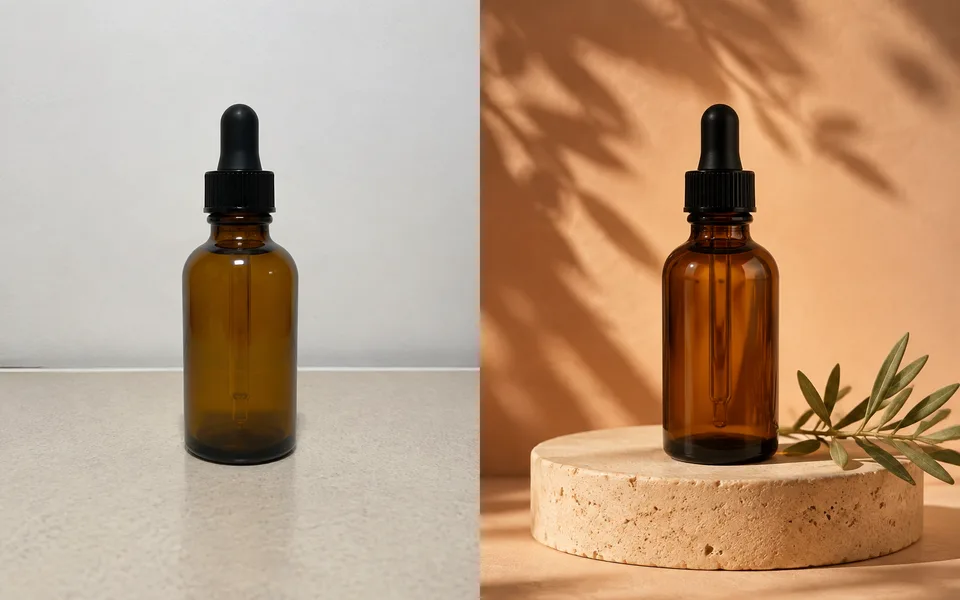
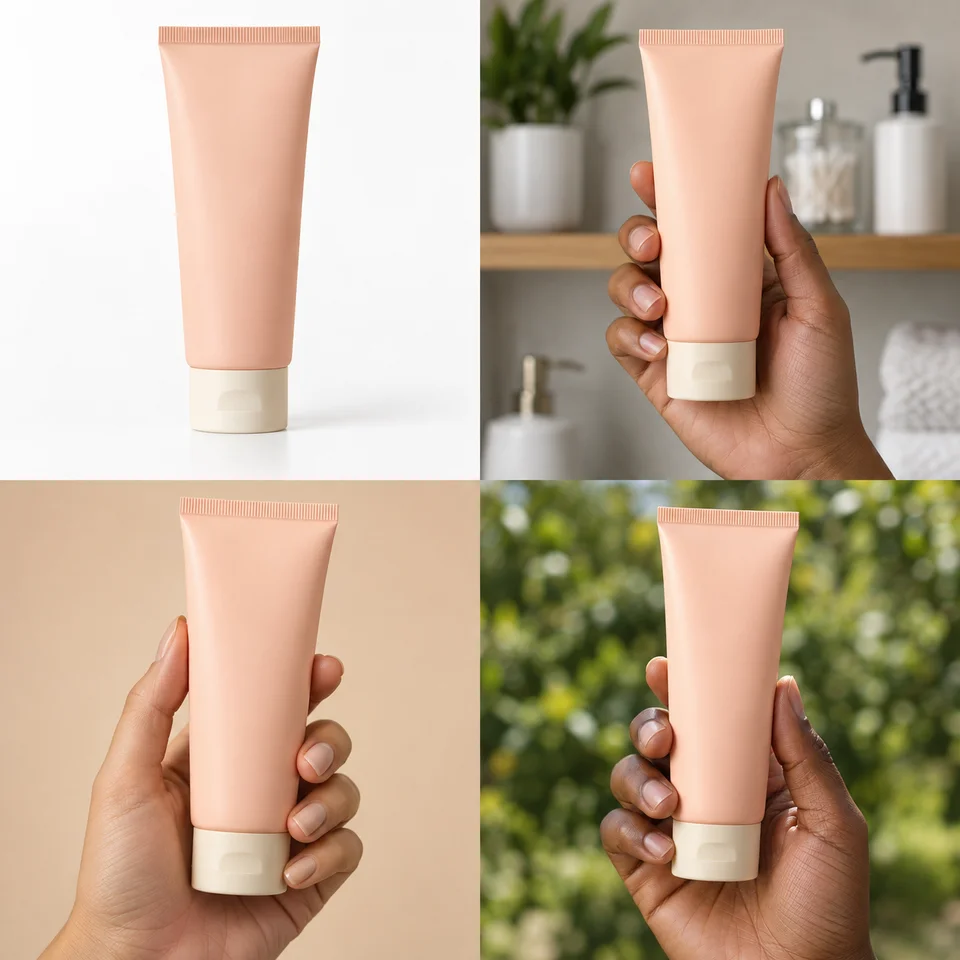
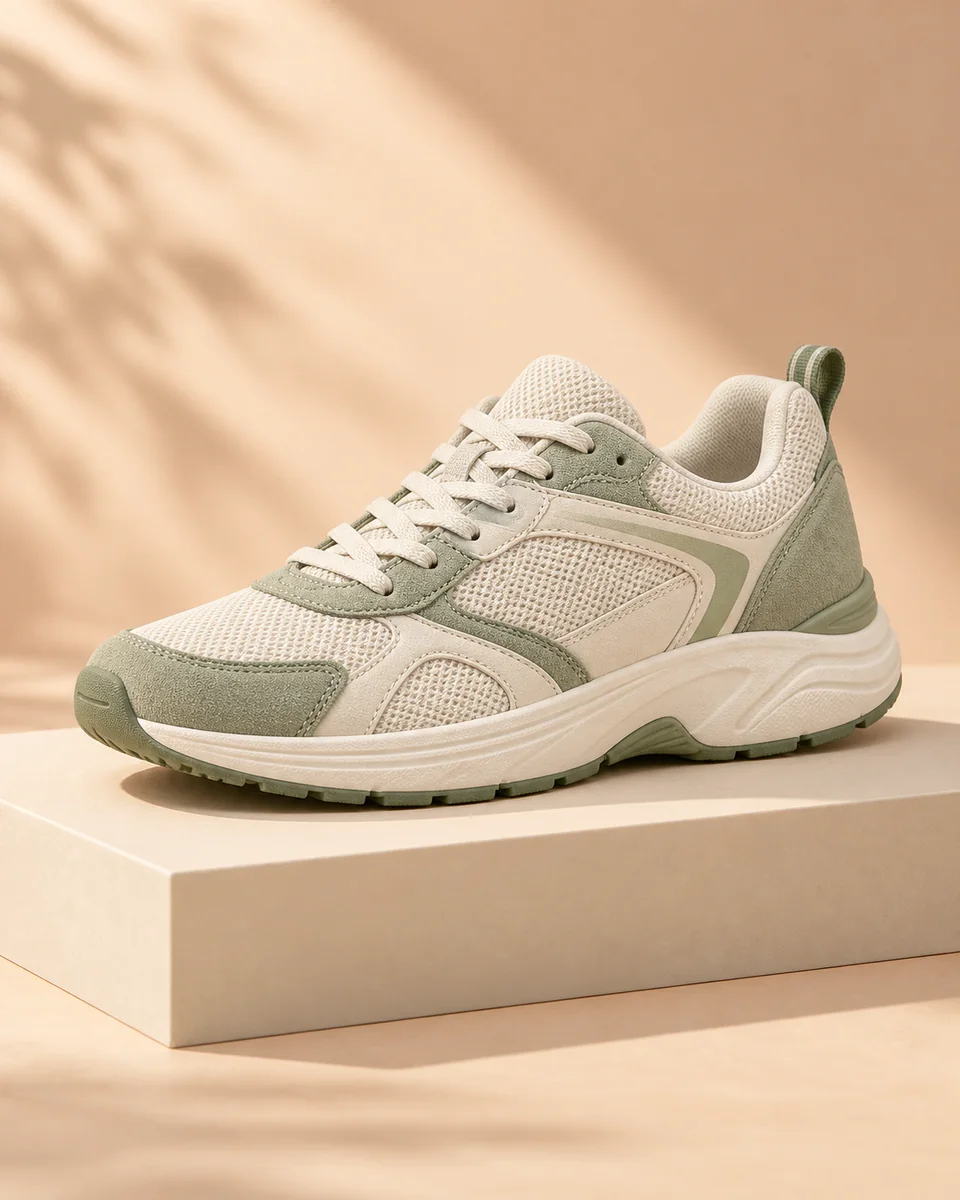
The product pixels come from your photo; the model only generates the scene and the light.
Product Photo Generator
4 modelsUpload a real product shot, get a commercial image you can publish.
Open tool →
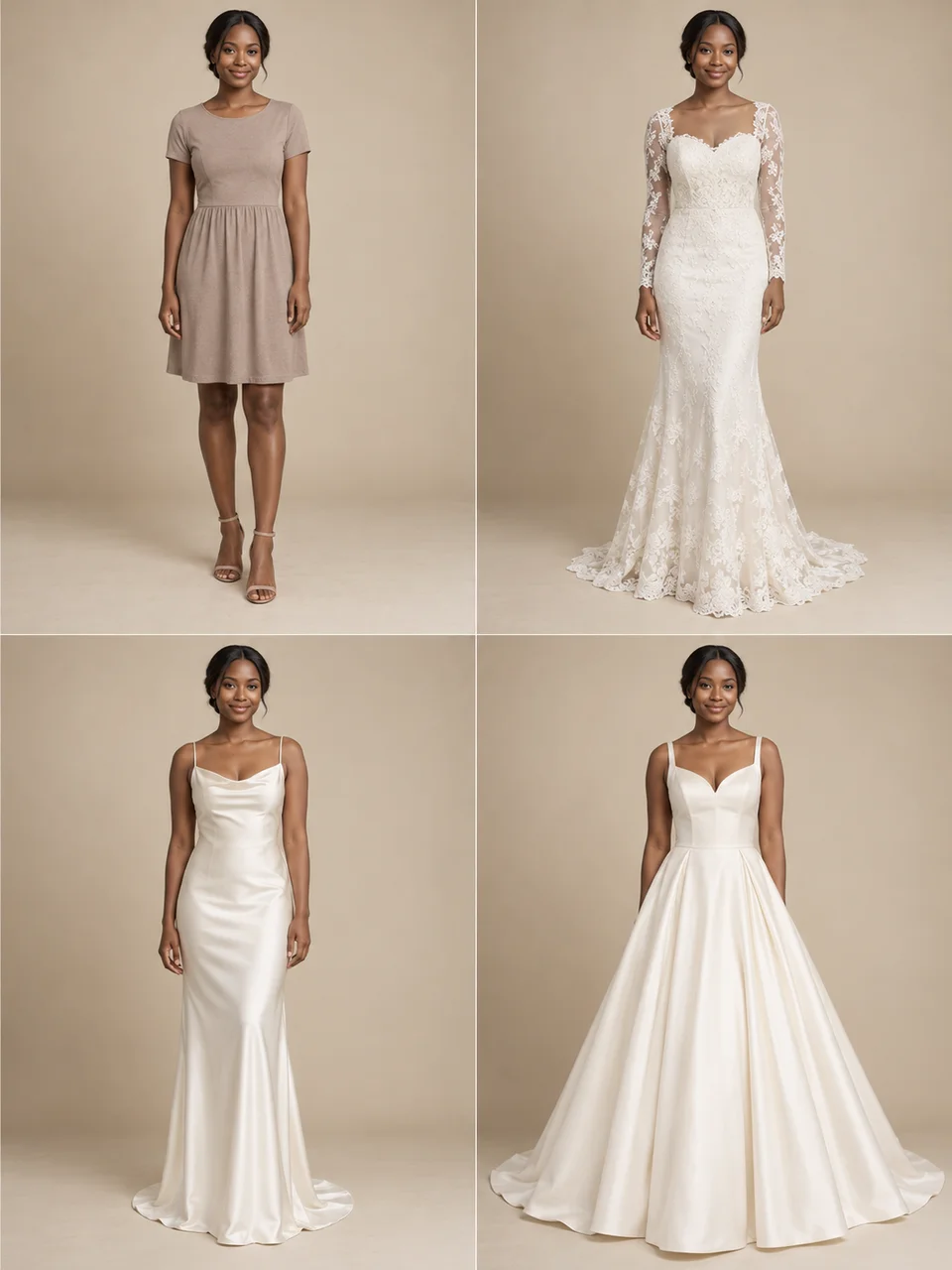
Virtual Try-on
3 modelsUpload a person and a garment; get the garment worn.
Open tool →
Background Remover
3 modelsOne click to a transparent PNG, including hair and cut-out edges.
Open tool →
Image Upscaler
2 modelsScale up to print size and rebuild texture on the way.
Open tool →
Character Creation
Build the character asset once, then every image is the same person.
Consistent Character
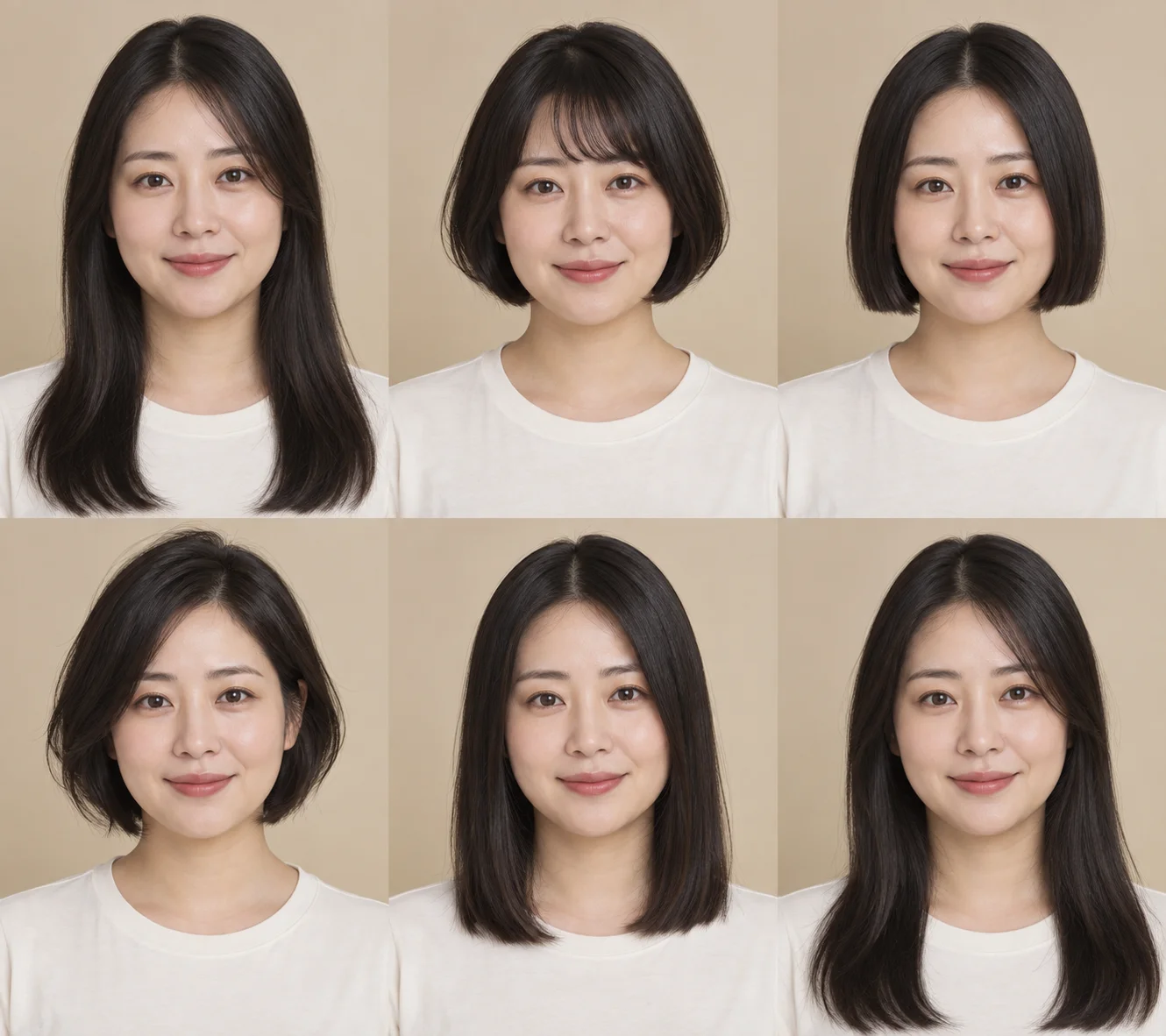
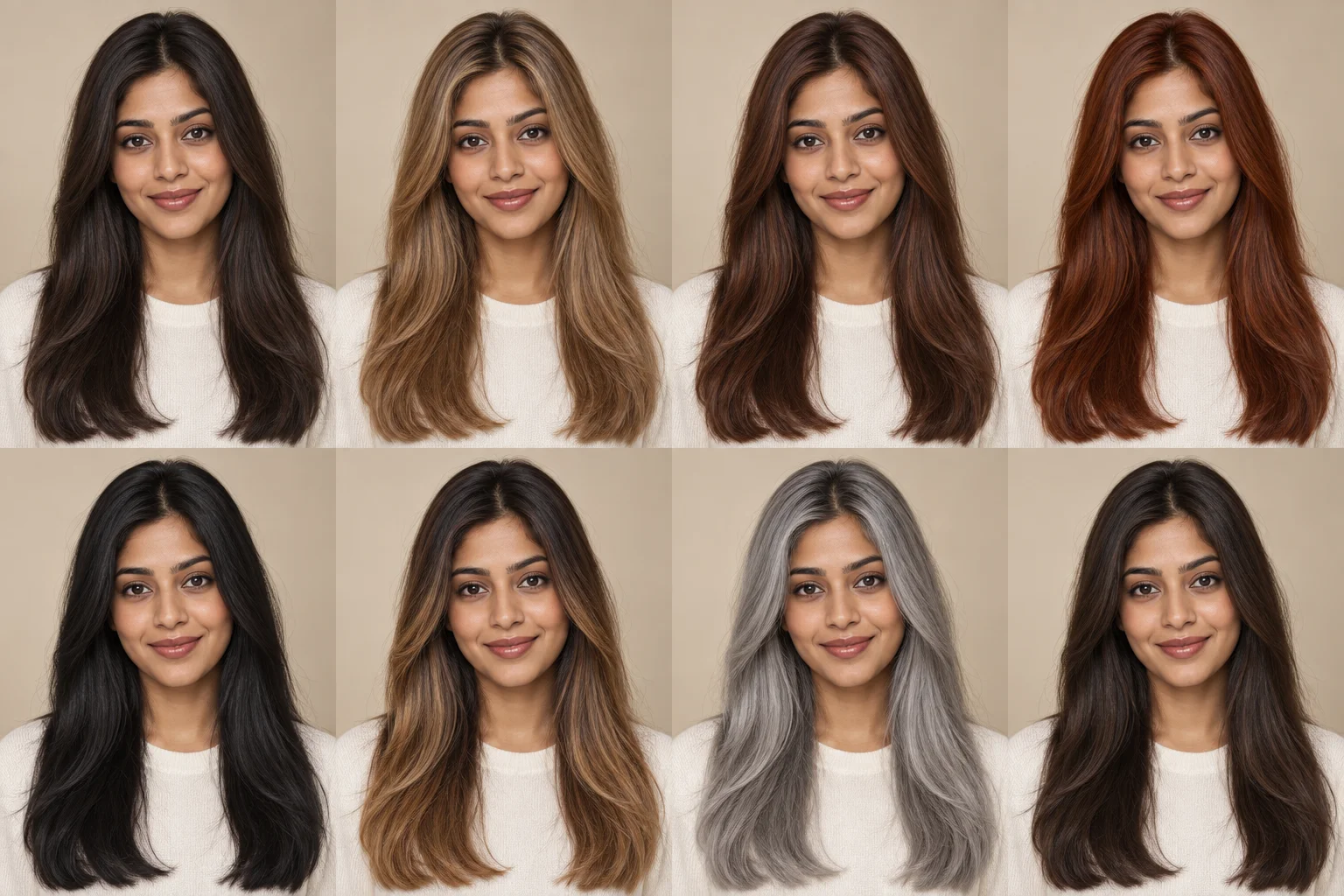
4 modelsOne character across different poses, scenes and shots — same face every time.
Open tool →
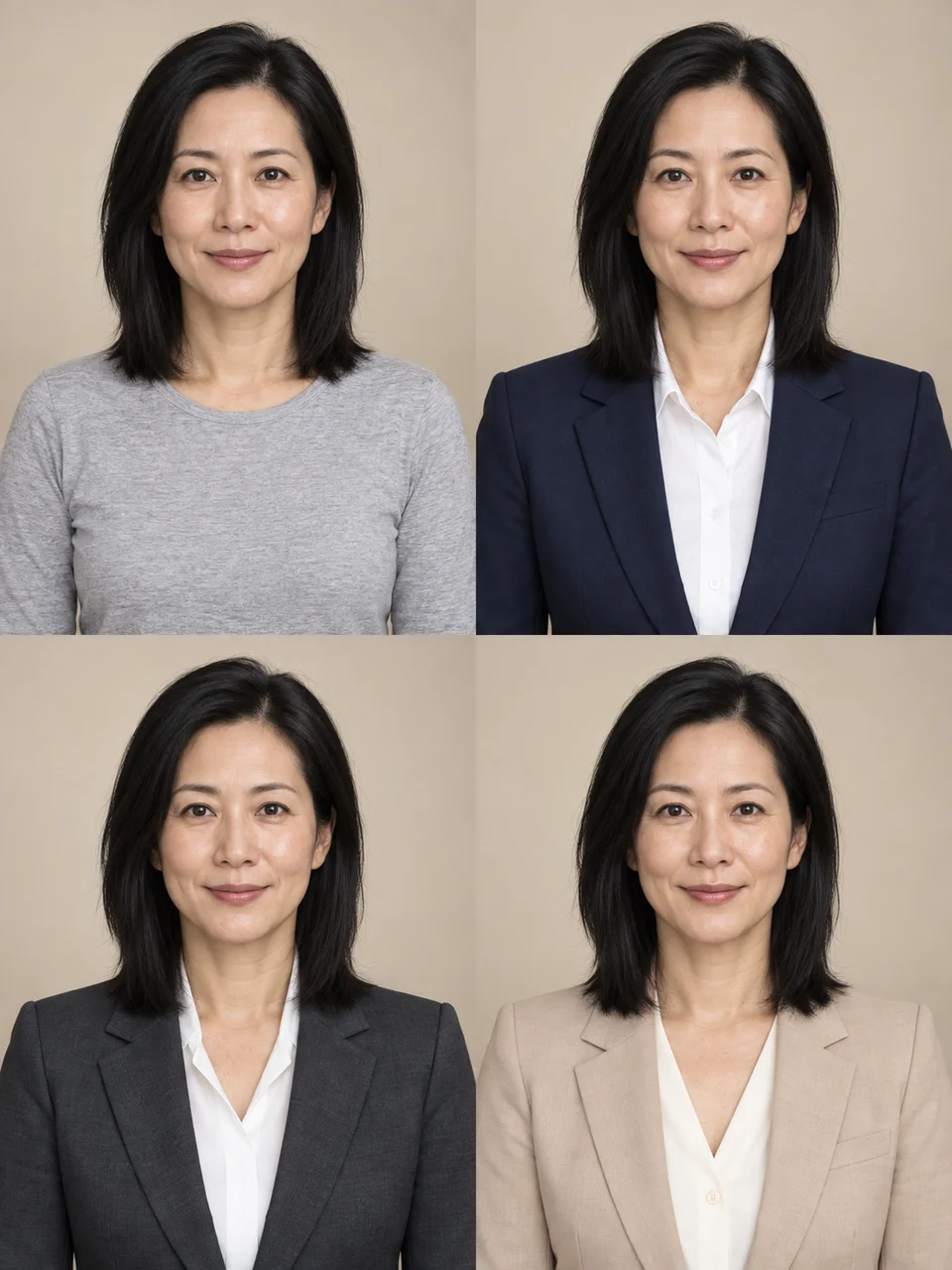
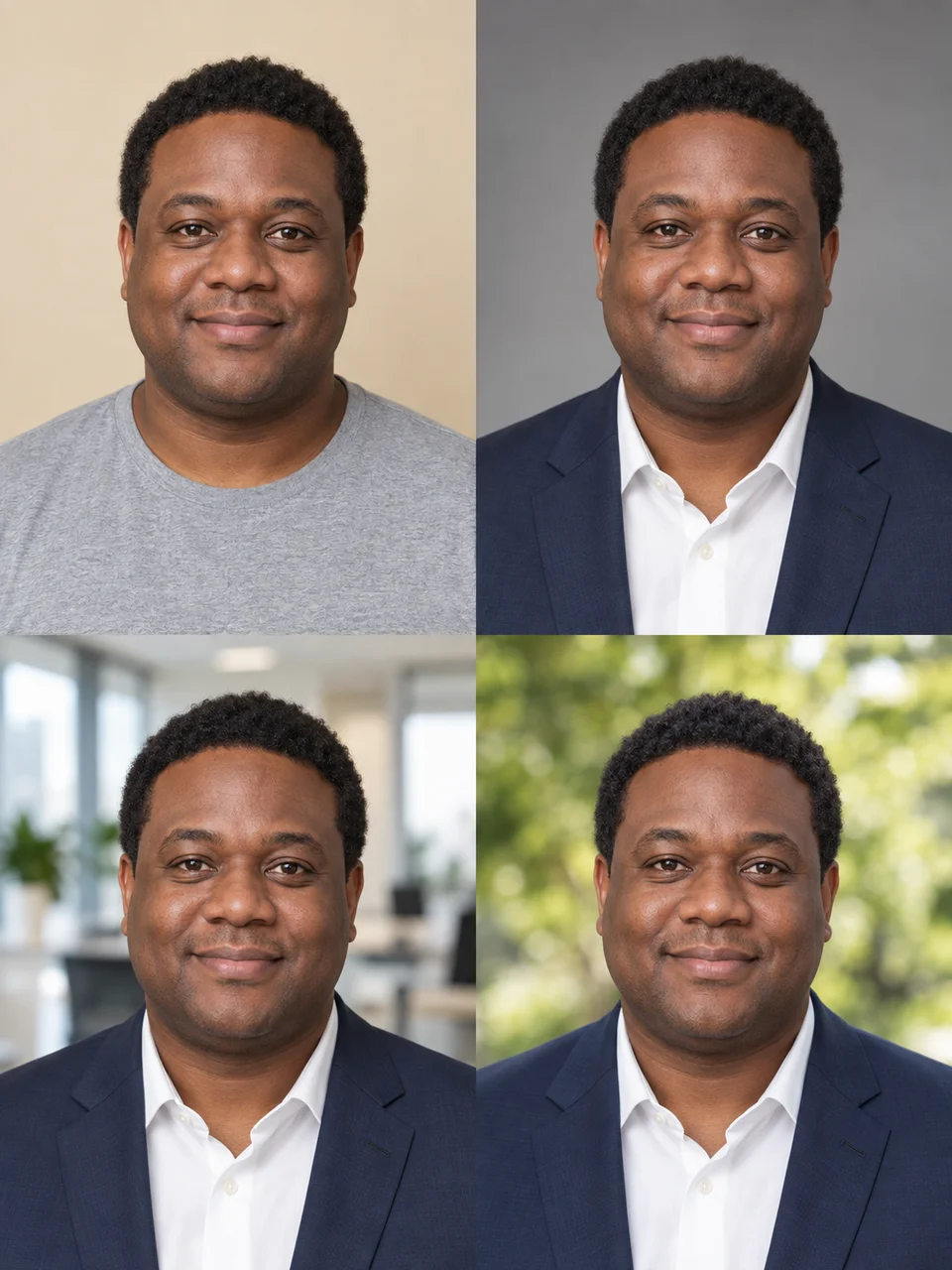
AI Headshot Generator
3 modelsA selfie becomes a professional headshot — same face.
Open tool →
Virtual Try-on
3 modelsUpload a person and a garment; get the garment worn.
Open tool →
Face Enhancer
2 modelsEnhances only the face region and leaves the rest of the frame alone.
Open tool →
Popular Workflows
The outcome is fixed and each step links to the right tool.
Amazon Product Photo
Upload a real shot, get a compliant 2000×2000 pure-white main image.
6 steps
Social MediaYouTube Thumbnail
From source image to 1280×720, with safe areas and contrast already set.
6 steps
CharacterConsistent Character
Build a character asset once, then keep every image the same person.
5 steps
RestorationRestore Old Photo
Repair damage, restore faces, optionally colourise, then upscale.
5 steps
PhotographyLinkedIn Headshot
Selfie to professional portrait, exported in 1:1 and 4:5.
6 steps
100+ Tools
112 tool entries are planned and 21 are live. Each one has its own pipeline — not the same generator with a new title.
Marketing
5 livePosters, thumbnails, marks
Art & Style
0 liveStylised creation
Frequently Asked Questions
What does 100+ AI Image Tools mean?+
We split image work into separate tool entries — background removal, upscaling, product photos, thumbnails and so on. Each has its own pipeline and output spec on top of one shared model engine. About 20 high-quality tools are live; the rest ship as usage data justifies them.
What is the difference between a model page and a tool page?+
A tool page fixes the task and lets you change the model — for "I need a background removed". A model page fixes the model and lets you change version and mode — for "I want to use Nano Banana 2". Both land in the same generator with different defaults.
Do you ever swap models silently?+
No. A model page always runs the model you selected; when it is unavailable we say so and offer a replacement. Only the Auto option on task-based tool pages picks a model for you, and the result names the one that ran.
Do failed generations cost credits?+
No. Failed generations cost 0 credits.
Are my images stored?+
Local image tools run in your browser and upload nothing. AI tools must send the image to the selected model provider; every model page states that provider's retention policy and duration.