About Background Remover
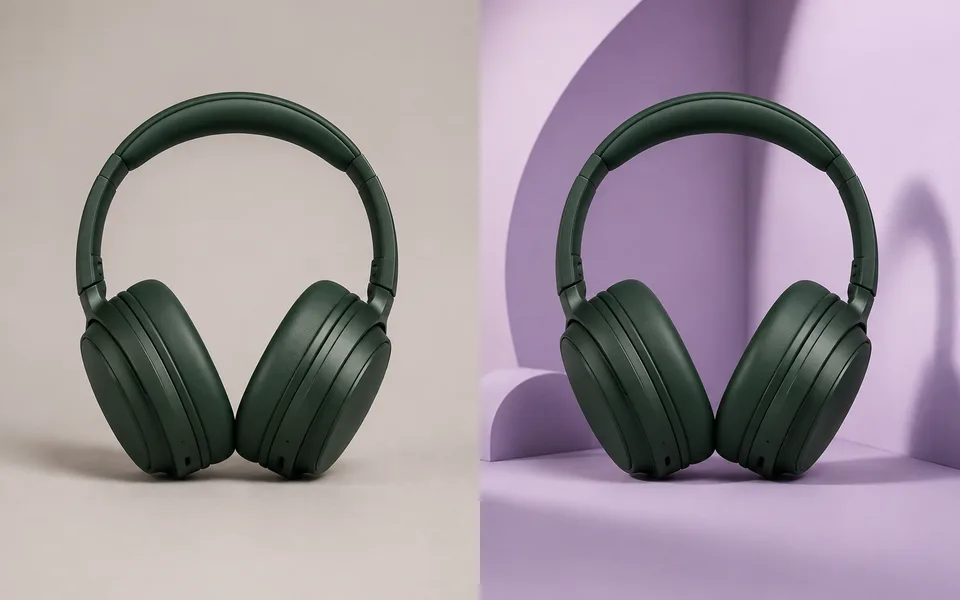
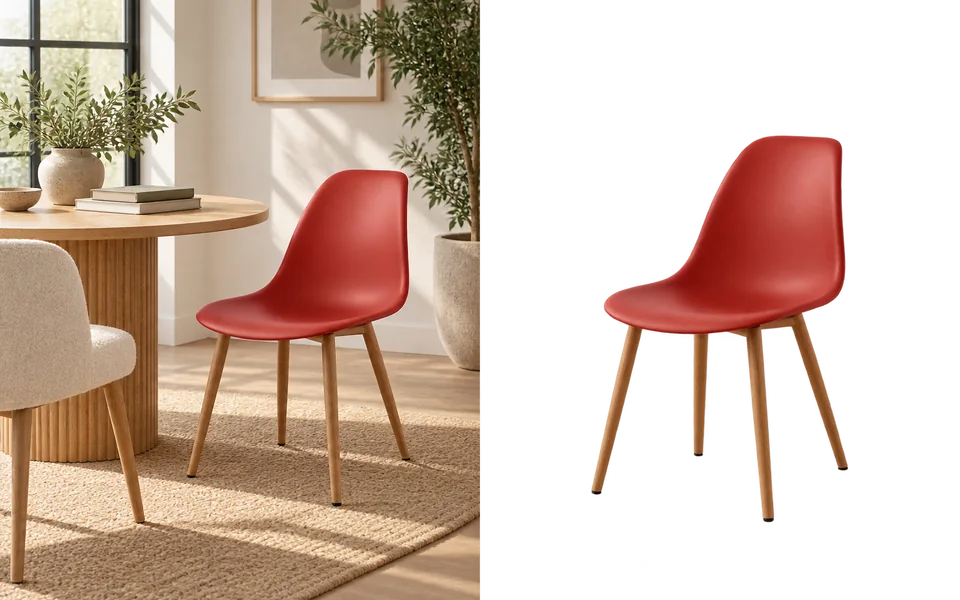
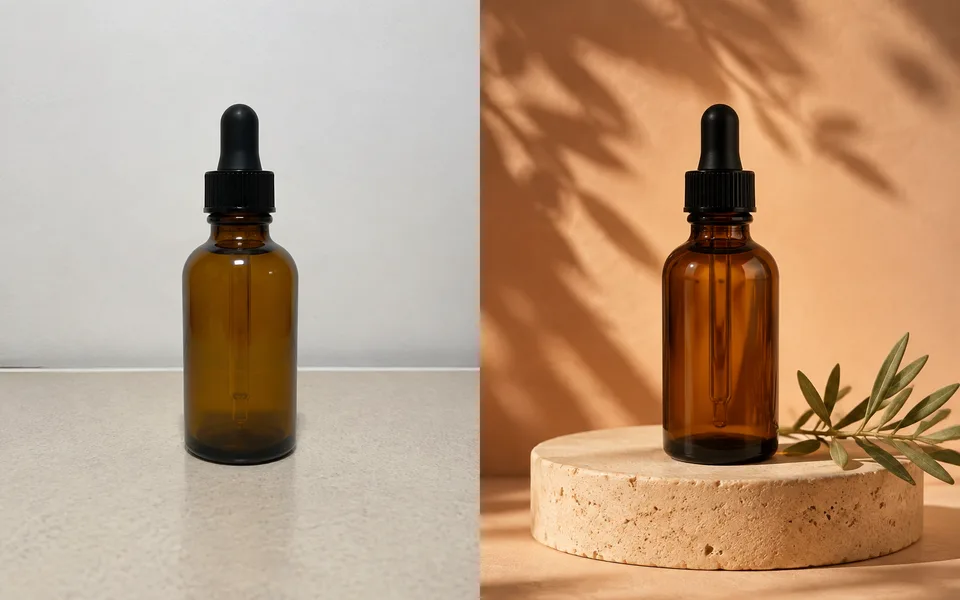
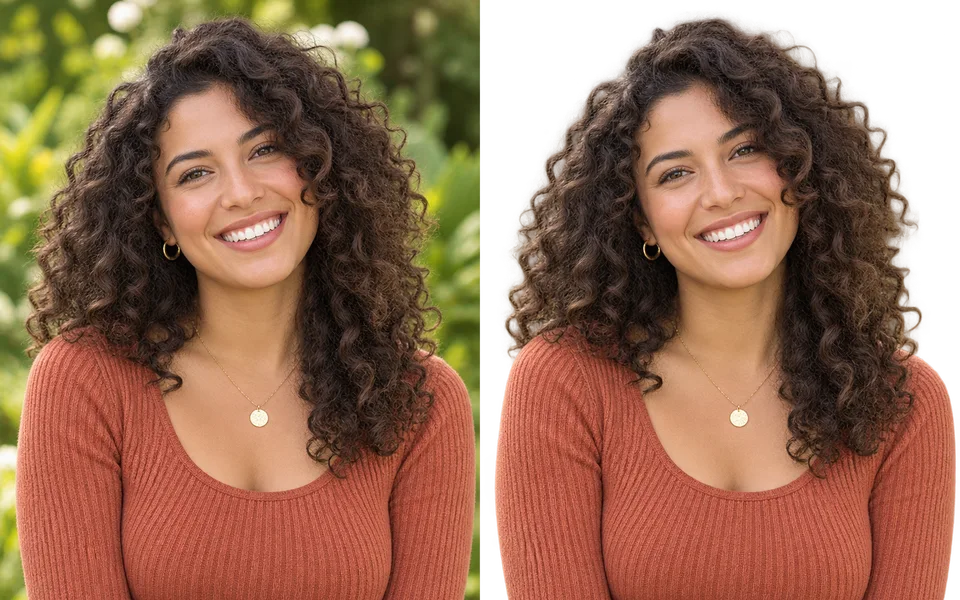
Cutout quality depends on the subject: portraits are decided by hair, products by hard edges and reflections, plants by negative space. Auto picks the model that suits the image, and you can override it — the three models here are each better at a different kind of edge.
Photo editing steps
Prepare your input, choose the edit and review the output before using it:
- Upload an image
- Detect the subject
- Generate the alpha channel
- Refine edges
- Export transparent PNG
How to Use Background Remover
- Upload an image.
- Leave it on Auto, or pick a model to match the subject.
- Set Result Background to White for ecommerce shots.
- Download the PNG.
Supported models
A specific model is selected by default. Auto is optional, and its result names the model that ran.
| Model | Developer | Speed | Max output | Credits | Status |
|---|---|---|---|---|---|
| Bria RMBG 2 | Bria | Fastest | Source size | From 2 | Active |
| BiRefNet v2 | Peng Zheng et al. | Fast | Source size | From 1 | Active |
| Nano Banana 2 | Fast | 4K | From 5 | Active |
When the recommended model is unavailable, the page asks you to confirm a switch. It never substitutes silently.
Output spec
- Format: PNG with alpha channel
- Notes: Input resolution preserved
Frequently Asked Questions
Can it handle fine hair?+
For portraits, pick Bria RMBG 2 and set Edge Refinement to Hair / fur.
Is batch processing supported?+
Batch upload is a Pro plan feature.
Image handling and privacy
This is an AI tool: images you upload are sent to the configured inference service for processing, not handled locally in the browser. The active route is managed internally and is separate from the model developer. You can delete any generation from your history at any time.