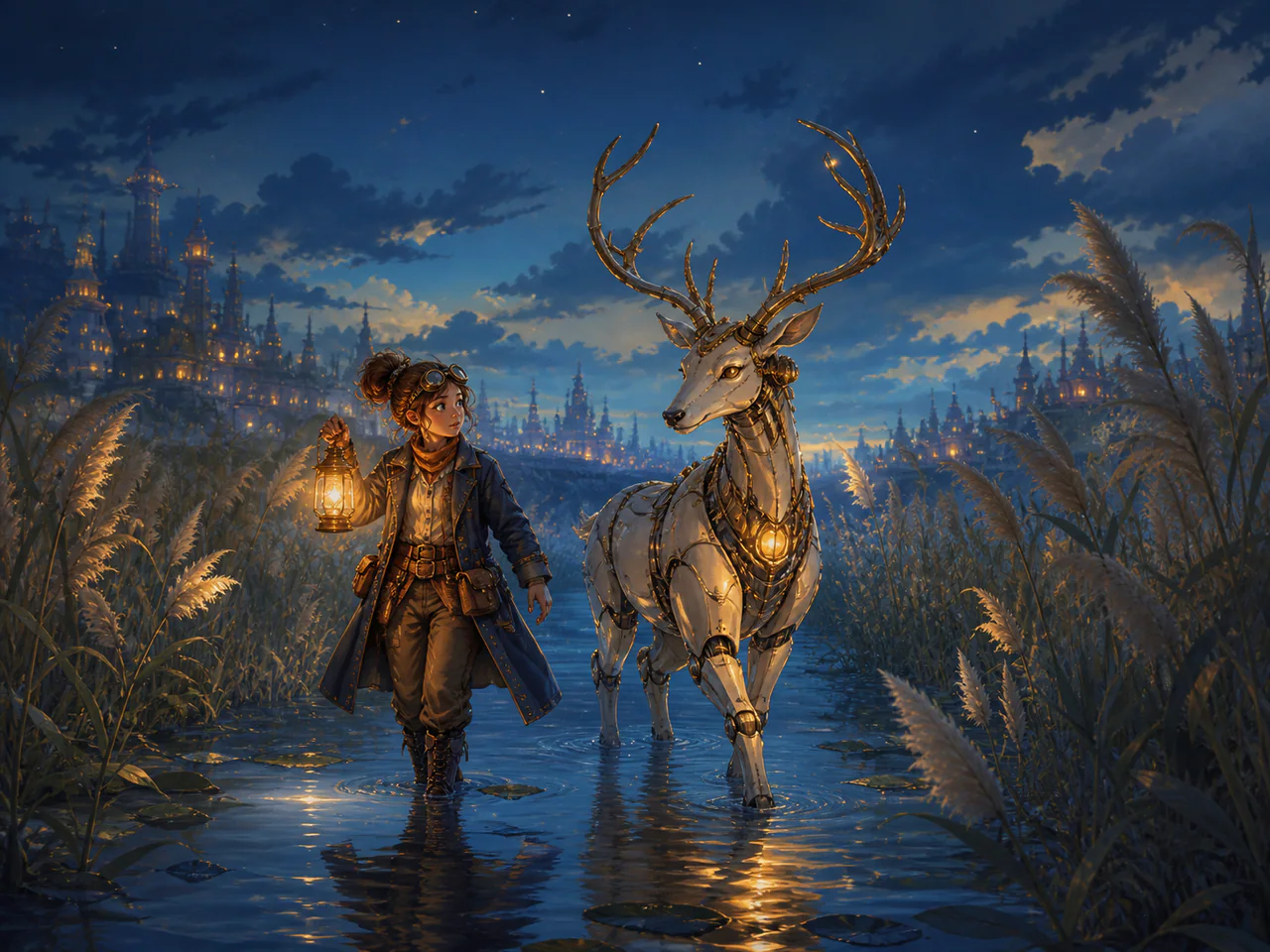
What Is Nano Banana 2?
Nano Banana 2 is the standard tier of Google's Gemini image family, and it covers text-to-image, image-to-image, local editing and multi-reference in a single model. Its most useful trait is that edits don't blow up the rest of the frame: ask it to swap a background or change a jacket and everything else stays put, which most pure text-to-image models struggle with.
Nano Banana Model Versions
Nano Banana 2
Recommended · 4K
From 5 Credits
Nano Banana 2 Lite
The speed-and-cost tier: drafts, batch exploration and live previews.
- Resolutions: 1K
- Reference images: up to 2
- Modes: Text to Image, Image to Image, Edit Image
- Speed: Fastest
Nano Banana 2
The standard tier: generation, editing and multi-reference in one model.
- Resolutions: 1K / 2K / 4K
- Reference images: up to 4
- Modes: Text to Image, Image to Image, Edit Image, Multi-reference, Product Image
- Speed: Fast
Nano Banana Pro
The top tier for complex design, dense typography and product visuals.
- Resolutions: 1K / 2K / 4K
- Reference images: up to 6
- Modes: Text to Image, Image to Image, Edit Image, Multi-reference, Product Image, Typography
- Speed: Balanced
What Is Nano Banana 2 Best For?
- Local edits that must leave the rest of the image untouched
- Character or product consistency across 2–4 reference images
- Social images and simple posters with text
- Ecommerce product shots: background replacement and scene rebuilds
How to Use Nano Banana 2
- Pick Nano Banana 2 in the version cards.
- Choose a mode: Text to Image for a description, Edit Image to change an upload, Multi-reference for several sources.
- Write the subject first, then lighting, lens and style.
- Choose ratio and resolution — the Generate button shows the exact credit cost.
- Chain the result straight into Upscale, Remove Background or Create Variations.
Nano Banana 2 Settings Explained
Resolution
1K for drafts, 2K for social, 4K for print and ecommerce hero images. Changing it updates the credit cost immediately.
Reference Images
Up to 4. Referring to them explicitly in the prompt ("image 1", "image 2") is far more reliable than describing them.
Search Grounding
Text-to-image only. The model researches before generating, at the cost of a slower response.
The panel above shows only the parameters Nano Banana 2 actually supports. Switch versions and unsupported controls disappear rather than sitting there doing nothing.
Nano Banana 2 Prompt Examples
Product photography
A premium skincare bottle on white marble, soft studio lighting, subtle reflection, commercial product photography, 45mm lens
Local edit
Replace only the sky with an overcast evening sky, keep the building and people unchanged
Spelling out "keep … unchanged" in edit mode dramatically reduces collateral changes.
Multi-reference
Use the person from image 1 and the jacket from image 2. Full-body studio shot on a neutral grey backdrop.
Nano Banana 2 Test Results
Testing in progress
Every model runs the same eight-category prompt set — portrait, product, poster text, anime character, interior, multi-reference, image editing and character consistency — recording generation time, success rate, text accuracy and identity retention. That run has not finished for Nano Banana 2, so this page shows no scores. We do not publish numbers we have not measured.
Nano Banana 2 vs Other AI Image Models
- Nano Banana 2 vs FLUX.2 — the same prompt, side by side
- GPT Image vs Nano Banana 2 — the same prompt, side by side
- Nano Banana 2 vs Seedream 4 — the same prompt, side by side
Nano Banana 2 Limitations
- Dense multilingual layout still belongs on Nano Banana Pro
- 4K noticeably increases both generation time and credits
- Heavily stylised looks (thick oil paint, for example) are better served by specialist models
Nano Banana 2 Pricing and Credits
Credits scale with resolution and image count. The Generate button always shows what this run costs.
1K
5 credits / image
2K
8 credits / image
4K
10 credits / image
Failed generations cost 0 credits.
Commercial Use and Image Rights
Output can be used commercially, subject to Google's generative AI policies.
- Model used: Nano Banana 2
- Model developer: Google
- The inference route is managed internally and may change without changing the selected model
- Uploads are sent only to the configured inference service needed to complete the generation
- You can delete any generation from your history at any time
Frequently Asked Questions
Does Nano Banana 2 understand non-English prompts?+
Yes, though English is usually more precise for photographic terms like lens, lighting and film stock. Mixing a native-language description with English technical terms works well in practice.
How do I stop an edit from repainting the whole image?+
Use Edit Image mode and state what must be preserved, for example "keep the product and shadow unchanged".
Do failed generations cost credits?+
No. Failed generations are never charged.
Release History and Sources
February 26, 2026 · Model announced · preview available
This date applies to the event shown. Later API access, weights and availability on All Image AI may have different dates.
Explore this event on the image model timeline →
Related Models and Tools
AI Image Generator
Create an image, try a new look or transform a photo. Start with the result you want.
AI Image Editor
Upload an image, describe the change. Only the part you named moves.
Product Photo Generator
Turn a product photo into a studio or lifestyle scene.
Consistent Character
Use a character reference to create new poses, scenes and outfits.
GPT Image 2.5 Flare
OpenAI
Create product photos, posters and image assets with OpenAI’s faster Image 2.5 model.
GPT Image 2.5 Sunburst
OpenAI
Refine product photos and reference images with OpenAI’s most capable Image 2.5 editor.
GPT Image
OpenAI
Generate and edit images with detailed prompts, multiple reference photos and readable text.
GPT Image 1.5
OpenAI
OpenAI’s high-fidelity image generation model for precise composition, lighting, detail and readable text.