
What Is Krea 1?
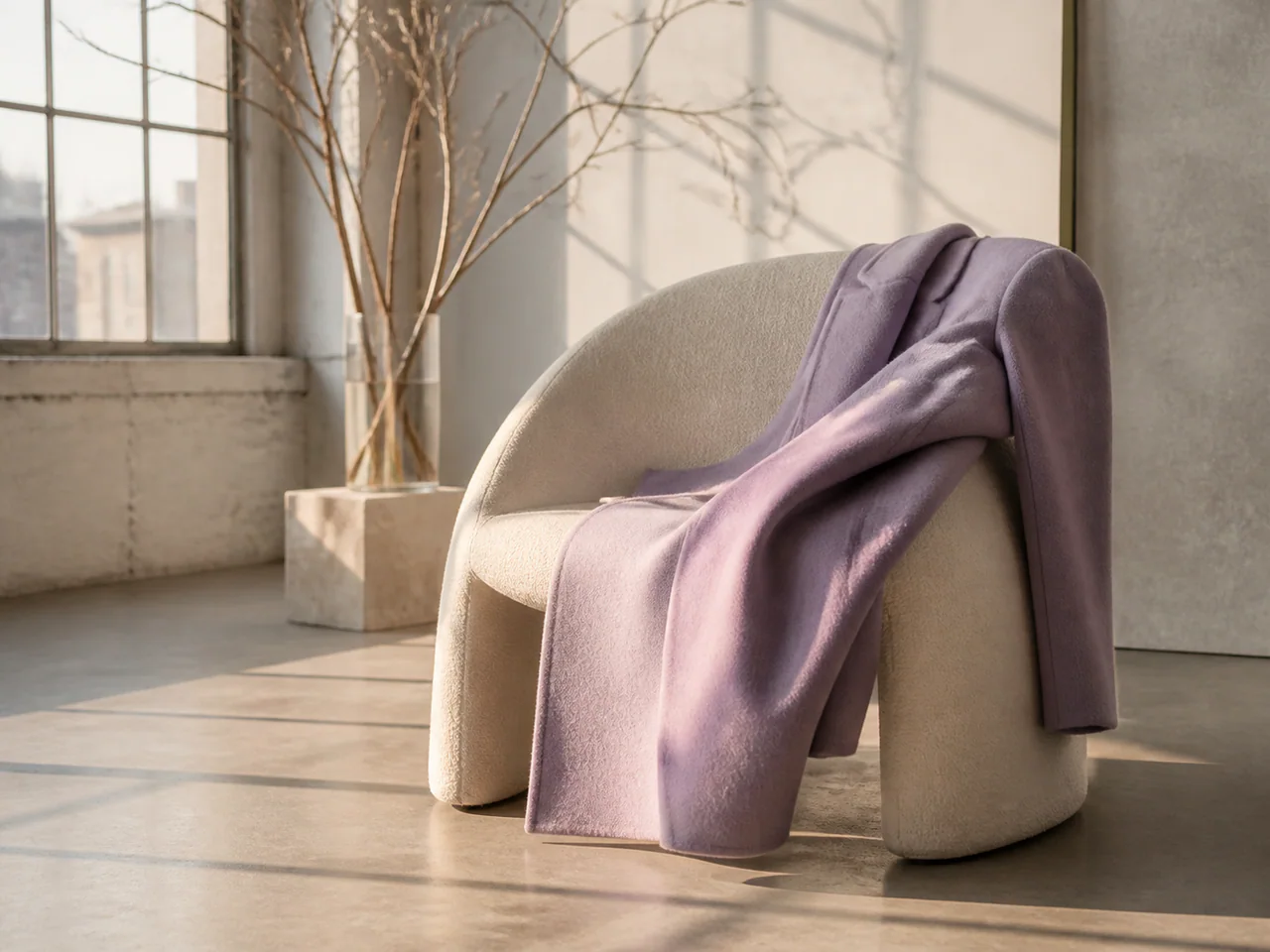
What gives AI images away is usually the same set of tells: light that is too perfect, composition that is too symmetrical, skin that is too clean. Krea 1 is trained to suppress those, so the output reads more like a photo somebody actually took — useful for social content and anywhere "AI-looking" is a problem.
Krea Model Versions
Krea 1
Recommended · 2K
Coming soon
Krea 2 Large
The high-fidelity Krea 2 tier with up to ten style references.
- Resolutions: 1K
- Reference images: up to 10
- Modes: Text to Image, Style References
- Speed: Balanced
Krea 2 Medium
A lower-cost Krea 2 tier for natural-looking concepts and fast art direction.
- Resolutions: 1K
- Reference images: up to 10
- Modes: Text to Image, Style References
- Speed: Fast
Krea 2 Turbo
The distilled Krea 2 checkpoint for rapid aesthetic exploration and inexpensive drafts.
- Resolutions: 1K
- Reference images: not supported
- Modes: Text to Image, Typography
- Speed: Fastest
Krea 1
Natural light and skin, with the usual AI gloss dialled out.
- Resolutions: 1K / 2K
- Reference images: up to 2
- Modes: Text to Image, Image to Image
- Speed: Fast
What Is Krea 1 Best For?
- Believable social media photography
- Lifestyle and scene imagery
- Assets that should not read as AI
How to Use Krea 1
- Select Krea 1.
- Describe an everyday scene rather than stacking photography jargon.
- Drop Style Strength to around 0.3 for the most natural look.
Krea 1 Settings Explained
Style Strength
Lower reads as an ordinary camera; higher applies more stylistic processing.
The panel above shows only the parameters Krea 1 actually supports. Switch versions and unsupported controls disappear rather than sitting there doing nothing.
Krea 1 Prompt Examples
Lifestyle
Friends having coffee at a small cafe, candid moment, natural window light, slight motion blur
Product in the wild
A sneaker on concrete steps, overcast daylight, casual phone-photo framing
Krea 1 Test Results
Testing in progress
Every model runs the same eight-category prompt set — portrait, product, poster text, anime character, interior, multi-reference, image editing and character consistency — recording generation time, success rate, text accuracy and identity retention. That run has not finished for Krea 1, so this page shows no scores. We do not publish numbers we have not measured.
Krea 1 Limitations
- 2K ceiling
- Weak in-image text
- Not built for heavy stylisation
Krea 1 Pricing and Credits
Credits scale with resolution and image count. The Generate button always shows what this run costs.
1K
2 credits / image
2K
3 credits / image
Failed generations cost 0 credits.
Commercial Use and Image Rights
Output from paid plans may be used commercially.
- Model used: Krea 1
- Model developer: Krea
- The inference route is managed internally and may change without changing the selected model
- Uploads are sent only to the configured inference service needed to complete the generation
- You can delete any generation from your history at any time
Frequently Asked Questions
Krea 1 or FLUX.2?+
FLUX.2 aims for polished photographic craft; Krea 1 aims for the look of a casual real photo. Different jobs.
Release History and Sources
Date not yet established
The audit does not establish a reliable event date. This entry remains in the catalog without a position on the dated timeline.
Explore this event on the image model timeline →
Related Models and Tools
AI Image Generator
Create an image, try a new look or transform a photo. Start with the result you want.
AI Headshot Generator
A selfie becomes a professional headshot — same face.
FLUX.2 Max
Black Forest Labs
The highest-fidelity FLUX.2 tier for final-publish generation and demanding prompt adherence.
FLUX.2 Flex
Black Forest Labs
FLUX.2 with explicit guidance and step controls for typography-heavy final renders.
FLUX.2 Flash
Black Forest Labs
A low-cost FLUX.2 route for rapid generation and exact multi-reference edits.
FLUX.2 Turbo
Black Forest Labs
A fast FLUX.2 draft model with prompt expansion and unusually low megapixel cost.