About Background Changer
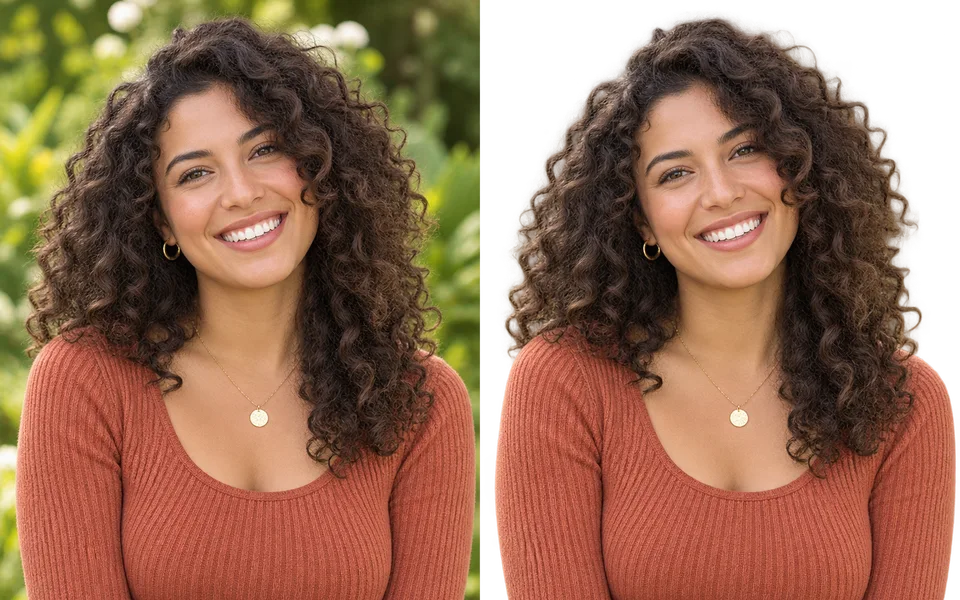
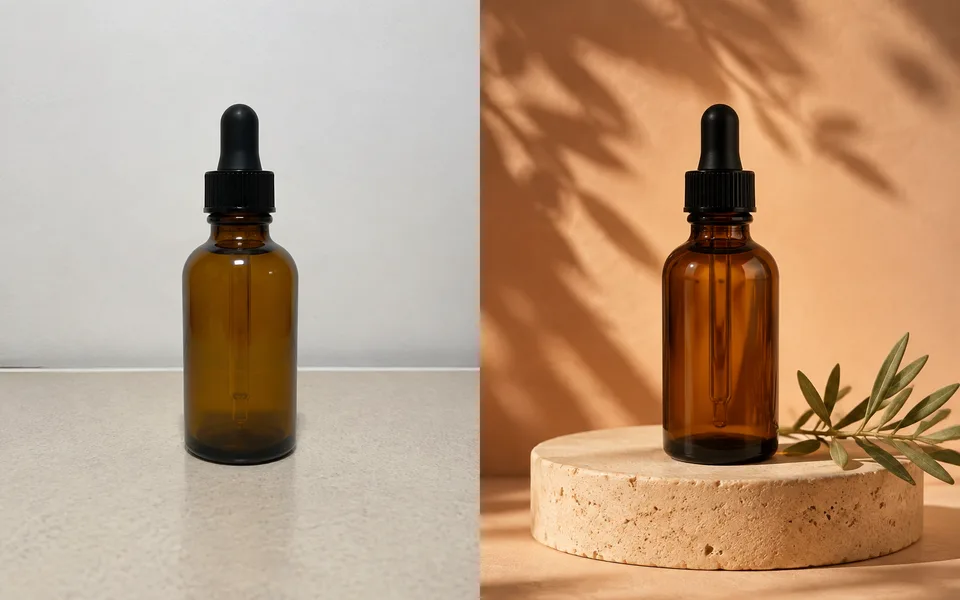
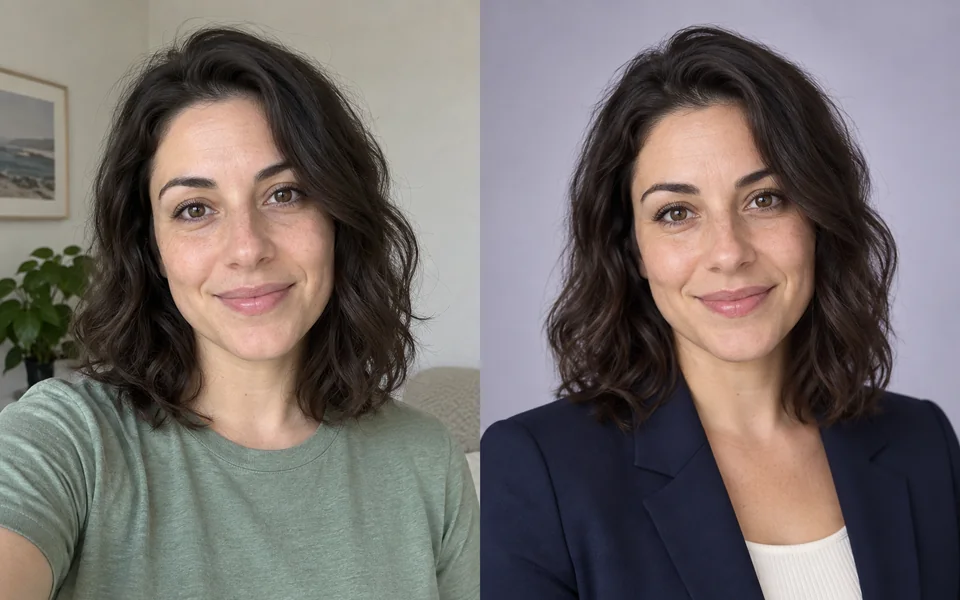
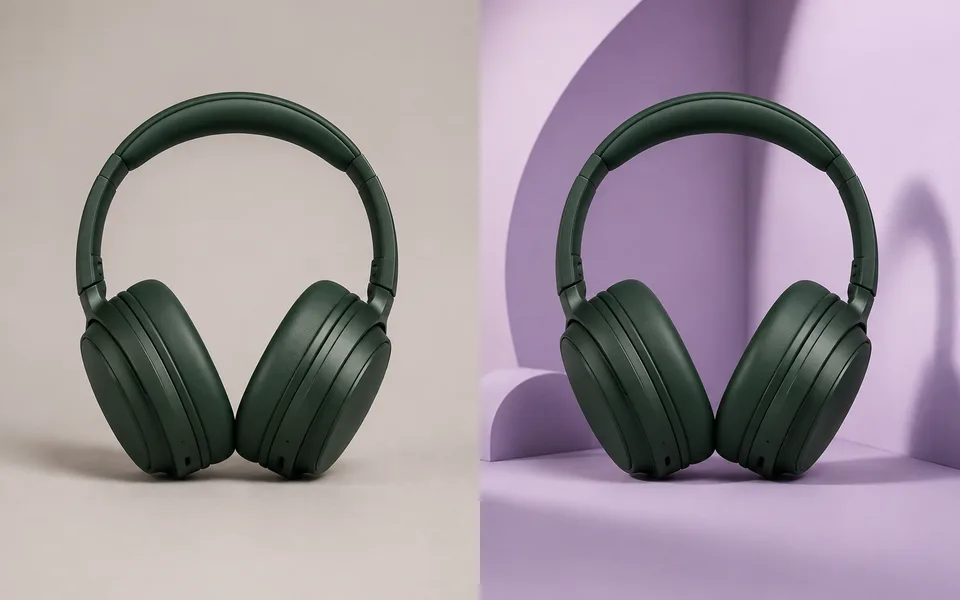
The hard part of a background swap is not the cutout, it is that the subject and the new scene disagree about where the light comes from — that mismatch is what reads as fake. This pipeline relights the subject for the new background before compositing and adds a contact shadow.
Photo editing steps
Prepare your input, choose the edit and review the output before using it:
- Upload the image
- Cut out the subject
- Generate the new background
- Relight for the new scene
- Composite and export
How to Use Background Changer
- Upload the image.
- Describe the new background, e.g. "a warm wooden café interior".
- Leave Match Lighting on.
- Pick a shadow type and generate.
Supported models
There is no Auto option for this task — pick a model explicitly.
| Model | Developer | Speed | Max output | Credits | Status |
|---|---|---|---|---|---|
| GLM Image | Z.ai | Slow | 2K | From 4 | Active |
| Luma Uni-1 Max | Luma AI | Balanced | 1K | From 1 | Active |
| Luma Uni-1 | Luma AI | Fast | 1K | From 1 | Active |
| FLUX1.1 Pro Ultra | Black Forest Labs | Balanced | 2K | From 5 | Active |
| Seedream 4.5 | ByteDance | Balanced | 4K | From 3 | Active |
| FLUX.1 Kontext Max | Black Forest Labs | Balanced | 1K | From 6 | Active |
| FLUX.1 Kontext Pro | Black Forest Labs | Fast | 1K | From 3 | Active |
| MiniMax Image-01 | MiniMax | Fast | 1K | From 1 | Active |
| Seedream 5 Lite | ByteDance | Fast | 4K | From 3 | Active |
| Seedream 5 Pro | ByteDance | Balanced | 2K | From 4 | Active |
| Qwen Image Max | Alibaba | Balanced | 1K | From 6 | Active |
| Qwen Image 3 Pro | Alibaba | Balanced | 2K | From 3 | Active |
| Kling Image V3 | Kuaishou | Balanced | 2K | From 2 | Active |
| Wan 2.7 Image Pro | Alibaba | Balanced | 4K text / 2K edit | From 4 | Active |
| Nano Banana 2 | Fast | 4K | From 5 | Active | |
| Kling Image O3 | Kuaishou | Balanced | 4K | From 2 | Active |
| GPT Image | OpenAI | Balanced | 4K | From 5 | Active |
| FLUX.2 | Black Forest Labs | Balanced | 4K | From 3 | Active |
| Bria 3 | Bria | Fast | 2K | From 3 | Active |
When the recommended model is unavailable, the page asks you to confirm a switch. It never substitutes silently.
Output spec
- Format: PNG / JPG
- Notes: 2K output
Frequently Asked Questions
Why does the composite look pasted?+
That happens with Match Lighting off. With it on, the model recomputes the subject’s lighting from the new scene.
Can I just get a white background?+
You can, but for plain white use the Background Remover — it is faster and cheaper.
Image handling and privacy
This is an AI tool: images you upload are sent to the configured inference service for processing, not handled locally in the browser. The active route is managed internally and is separate from the model developer. You can delete any generation from your history at any time.