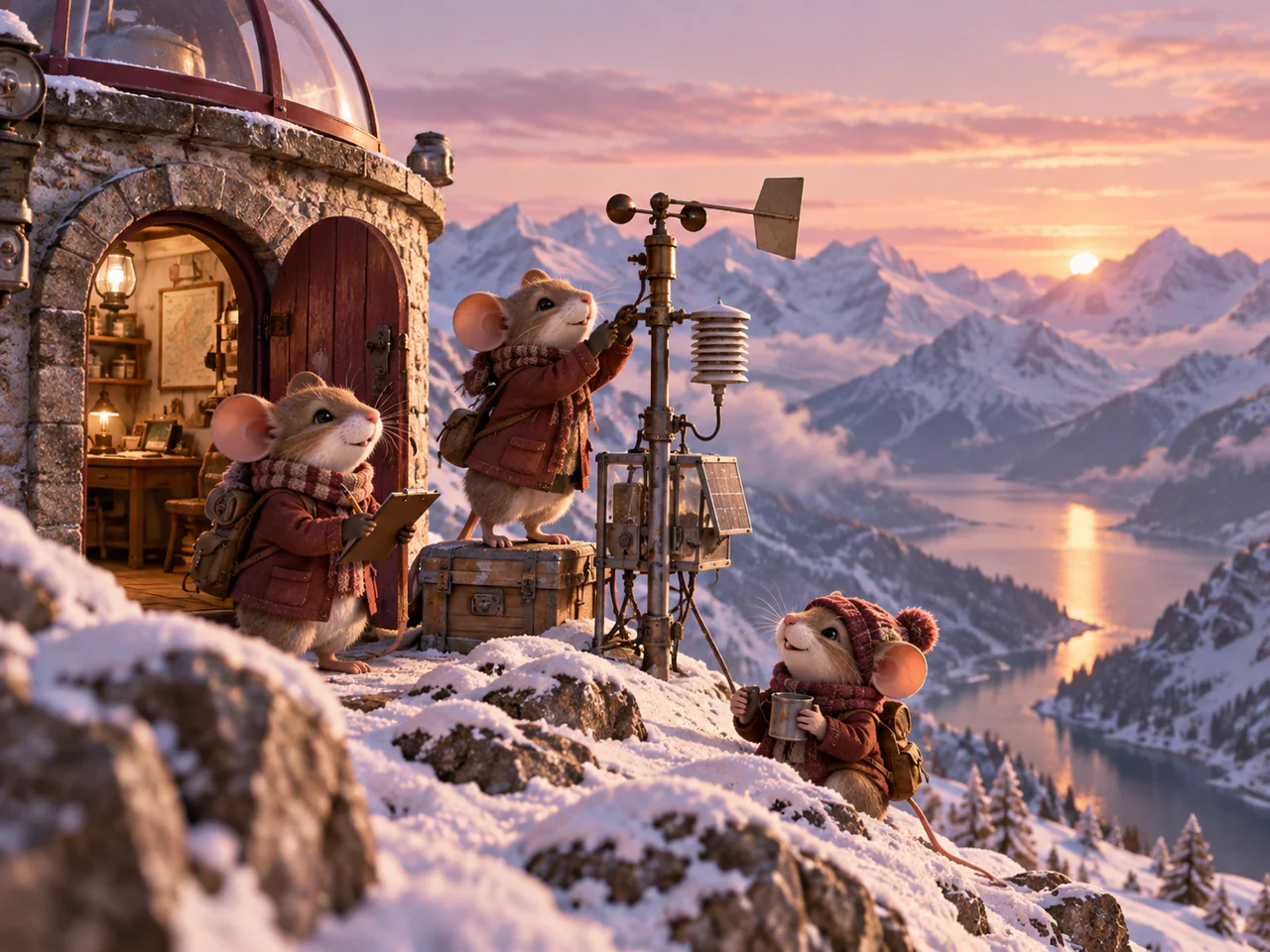
What Is Nano Banana 2.1?
Nano Banana 2.1 is Google’s image generation and editing model, released on October 6, 2026. Create images at 1K, 2K or 4K, edit uploaded photos and combine up to 14 references. Its improvements focus on visual quality, text rendering and consistency across edits, making it a useful choice for posters, product photography and recurring characters.
Sources: Google Nano Banana 2.1 model documentation · Google image generation guide · Google Gemini API pricing
Nano Banana Model Versions
Nano Banana 2.1
14 references · Up to 4K
From 3 Credits
Nano Banana 2.1
Create posters, product images and consistent characters with Google’s latest Nano Banana model.
- Resolutions: 1K / 2K / 4K
- Reference images: up to 14
- Modes: Text to Image, Image to Image, Edit Image, Multi-reference, Product Image, Typography
- Speed: Fast
Nano Banana 2 Lite
The speed-and-cost tier: drafts, batch exploration and live previews.
- Resolutions: 1K
- Reference images: up to 2
- Modes: Text to Image, Image to Image, Edit Image
- Speed: Fastest
Nano Banana 2
The standard tier: generation, editing and multi-reference in one model.
- Resolutions: 1K / 2K / 4K
- Reference images: up to 4
- Modes: Text to Image, Image to Image, Edit Image, Multi-reference, Product Image
- Speed: Fast
Nano Banana Pro
The top tier for complex design, dense typography and product visuals.
- Resolutions: 1K / 2K / 4K
- Reference images: up to 6
- Modes: Text to Image, Image to Image, Edit Image, Multi-reference, Product Image, Typography
- Speed: Balanced
What Is Nano Banana 2.1 Best For?
- Product photos that keep packaging and branding recognizable
- Posters, thumbnails and social graphics with headline text
- Combining character, object and scene references
- Wide banners and tall artwork at ratios up to 8:1 or 1:8
- Infographics with optional web and image search
How to Use Nano Banana 2.1
- Describe your image, or upload references and choose an editing mode.
- State which subjects, colors and text must remain unchanged.
- Choose the aspect ratio, resolution and number of images; review the credit total.
- Generate and inspect the result. Use it as a reference to make another edit.
Nano Banana 2.1 Settings Explained
Resolution
Start at 1K for drafts. Choose 2K or 4K for a final image with more detail; higher resolutions cost more credits.
Reference images
Upload up to 14 images. Google describes high-fidelity support for up to 10 object references and 4 character references; 14 images does not mean 14 distinct characters.
Web and Image Search
Web Search helps with current information. Image Search adds visual context and also enables Web Search. Search results do not guarantee factual accuracy.
The panel above shows only the parameters Nano Banana 2.1 actually supports. Switch versions and unsupported controls disappear rather than sitting there doing nothing.
Nano Banana 2.1 Prompt Examples
Product campaign
Use the uploaded bottle as the exact product reference. Keep its shape, cap, colors and label. Place it on a pale stone plinth with soft morning light and a clean cream background. Leave the left third empty for advertising copy.
Typography poster
Design a portrait poster for a weekend plant market. Headline exactly: "GROW TOGETHER". Subtitle exactly: "Saturday · 10 AM–4 PM". Cream paper background, forest-green typography, botanical illustrations, clear hierarchy and generous margins. No additional words.
Consistent characters
Use the first two references for the two characters. Preserve their faces, hairstyles and clothing colors. Show them browsing a small bookshop together, warm window light, medium-wide composition. Do not add other people.
Wide website banner
An 8:1 panoramic illustration of a peaceful coastal town at sunrise, pastel buildings, calm sea, continuous natural perspective. Keep the center visually quiet for a website headline. No text, repeated buildings or tiled patterns.
Nano Banana 2.1 Test Results
Testing in progress
Every model runs the same eight-category prompt set — portrait, product, poster text, anime character, interior, multi-reference, image editing and character consistency — recording generation time, success rate, text accuracy and identity retention. That run has not finished for Nano Banana 2.1, so this page shows no scores. We do not publish numbers we have not measured.
Nano Banana 2.1 Limitations
- Small text, long passages and factual labels still need a human review.
- Reference consistency and local edits are not guaranteed; inspect areas you asked to preserve.
- The minimum output size is 1K; there is no 512px option.
- This generator does not offer a seed or adjustable Thinking level.
- Follow-up edits use uploaded references rather than a persistent conversation.
Nano Banana 2.1 Pricing and Credits
Credits scale with resolution and image count. The Generate button always shows what this run costs.
1K
3 credits / image
2K
4 credits / image
4K
8 credits / image
Failed generations cost 0 credits.
Commercial Use and Image Rights
Use is subject to Google’s terms and generative AI policies. Review generated content before publication.
- Model used: Nano Banana 2.1
- Model developer: Google
- The inference route is managed internally and may change without changing the selected model
- Uploads are sent only to the configured inference service needed to complete the generation
- You can delete any generation from your history at any time
Frequently Asked Questions
What is Nano Banana 2.1?+
It is Google’s October 2026 update for image generation and conversational editing. The official Gemini API model name is gemini-nano-banana-2.1.
How much does Nano Banana 2.1 cost here?+
One image costs 3 credits at 1K, 4 credits at 2K or 8 credits at 4K. The same prices apply to edits. Selecting more images multiplies the total shown before generation.
Is Nano Banana 2.1 free?+
Generation uses All Image AI credits. You can use available free credits if your account has them; this is not unlimited free access.
How does it compare with Nano Banana 2 and Pro?+
Google reports improvements over Nano Banana 2 in visual quality, text rendering and reference consistency. Compare the same brief on 2.1 and Pro for your own work; independent quality testing on this site is still pending.
Can I choose High Thinking?+
Google’s model supports minimal, medium and high Thinking. Adjustable Thinking is not currently offered in this generator.
How many reference images can I use?+
Up to 14 in one request. Use separate references for characters, products and scenes, and describe the role of each image in your prompt.
Model Updates and Changelog
- 2026-10-07 —— Added generation and editing with 14 references, 14 aspect ratios, search grounding and 1K–4K output.
Related Models and Tools
AI Image Generator
Create an image, try a new look or transform a photo. Start with the result you want.
AI Image Editor
Upload an image, describe the change. Only the part you named moves.
Product Photo Generator
Turn a product photo into a studio or lifestyle scene.
Consistent Character
Use a character reference to create new poses, scenes and outfits.
GPT Image 2.5 Flare
OpenAI
Create product photos, posters and image assets with OpenAI’s faster Image 2.5 model.
GPT Image 2.5 Sunburst
OpenAI
Refine product photos and reference images with OpenAI’s most capable Image 2.5 editor.
GPT Image
OpenAI
Generate and edit images with detailed prompts, multiple reference photos and readable text.
GPT Image 1.5
OpenAI
OpenAI’s high-fidelity image generation model for precise composition, lighting, detail and readable text.