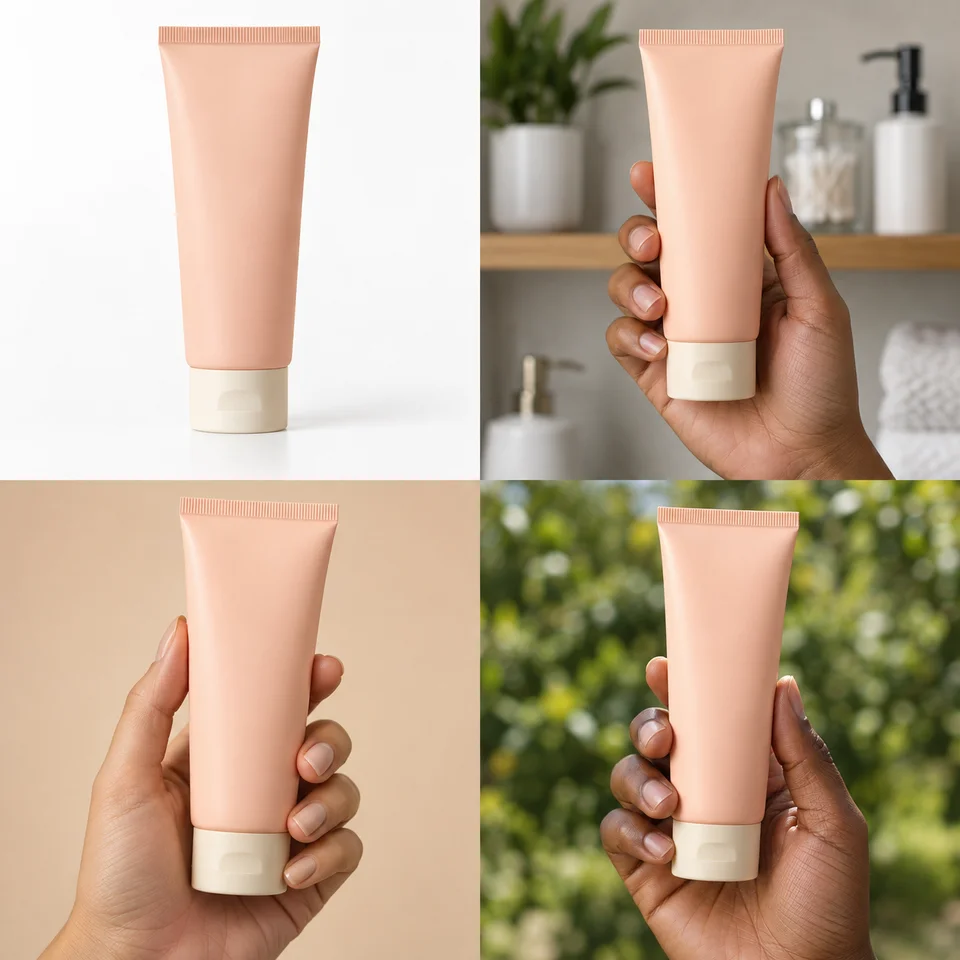
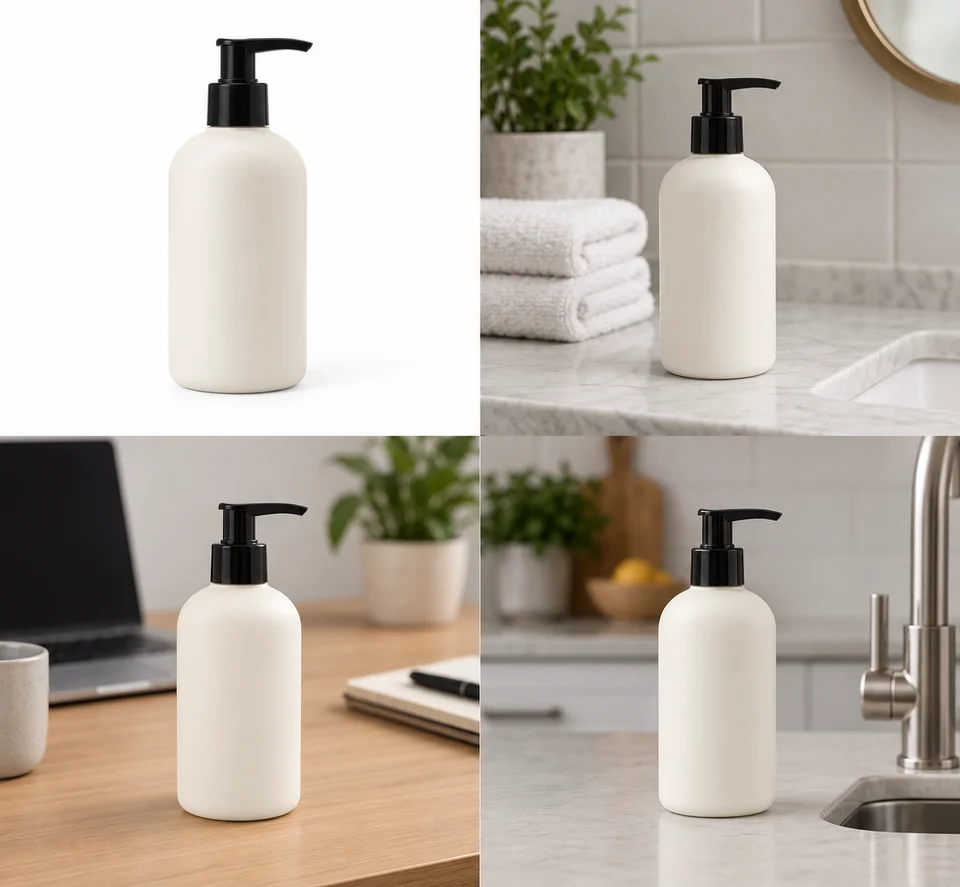
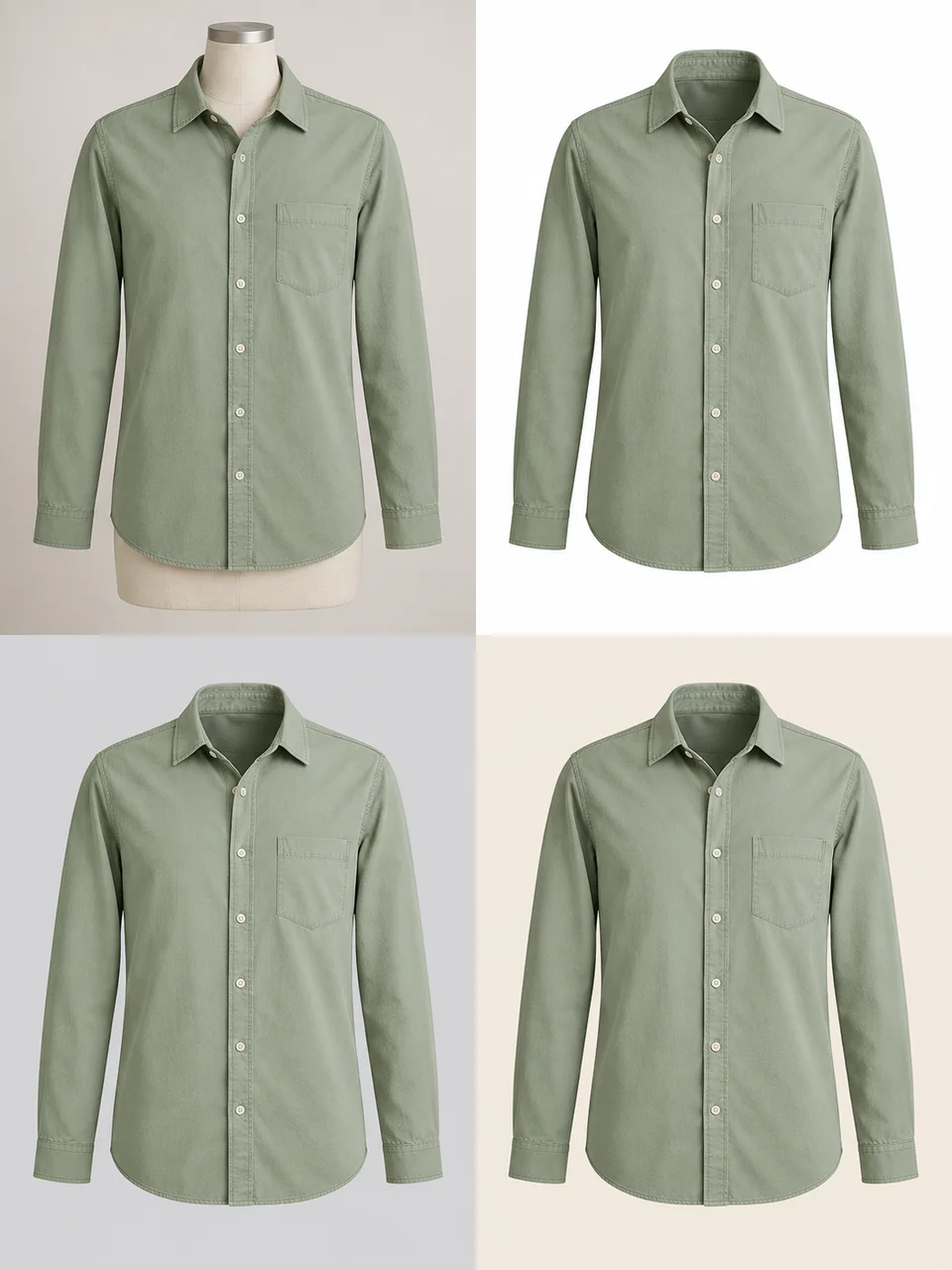
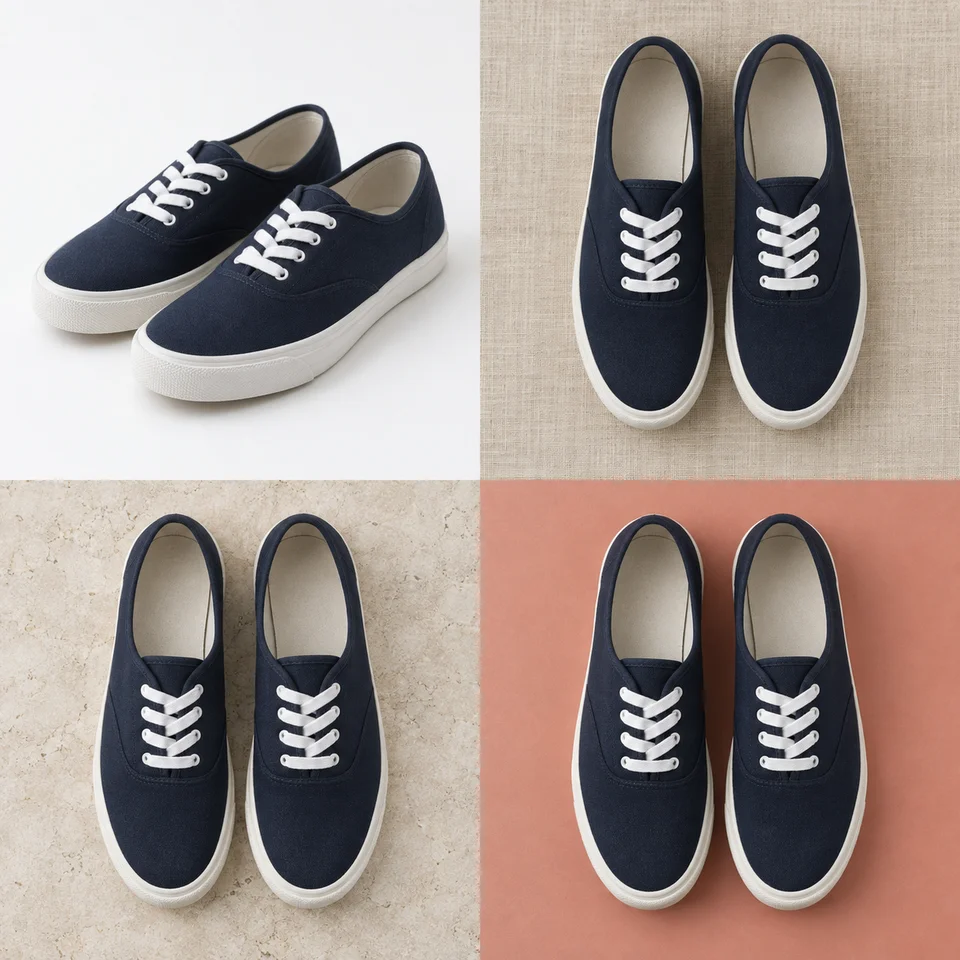
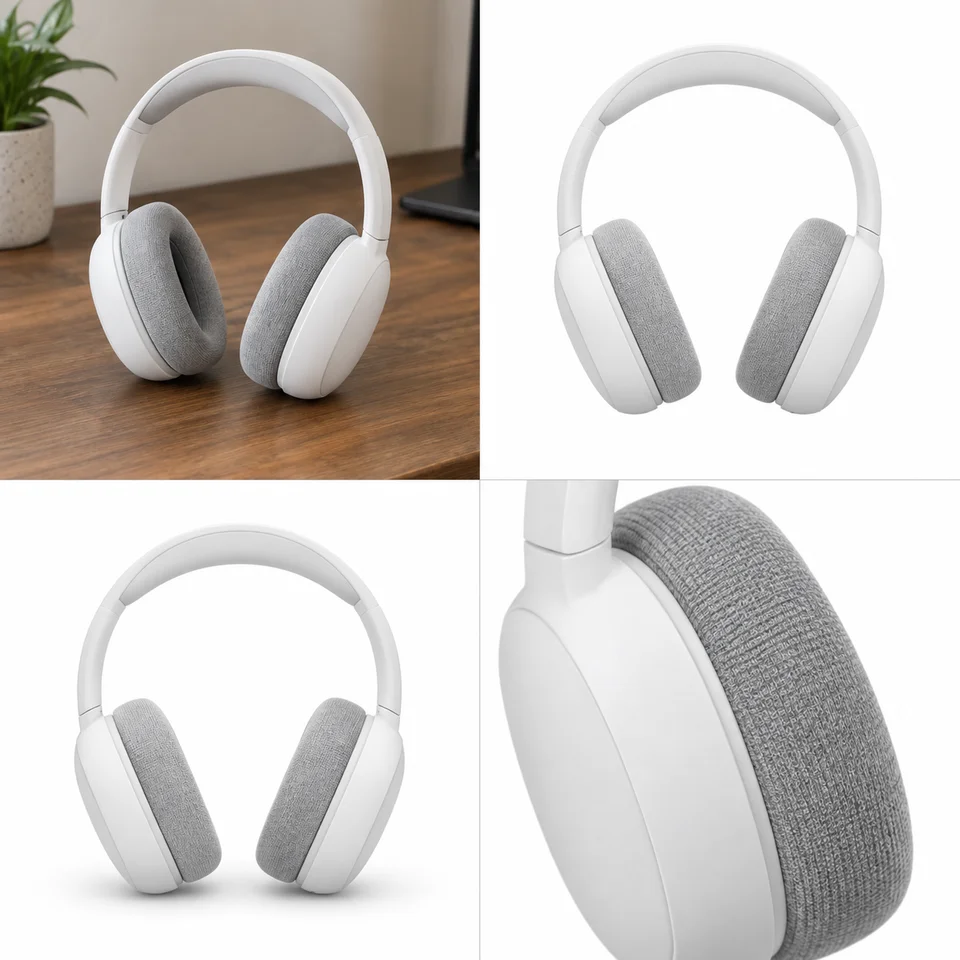
About Product Photo Generator
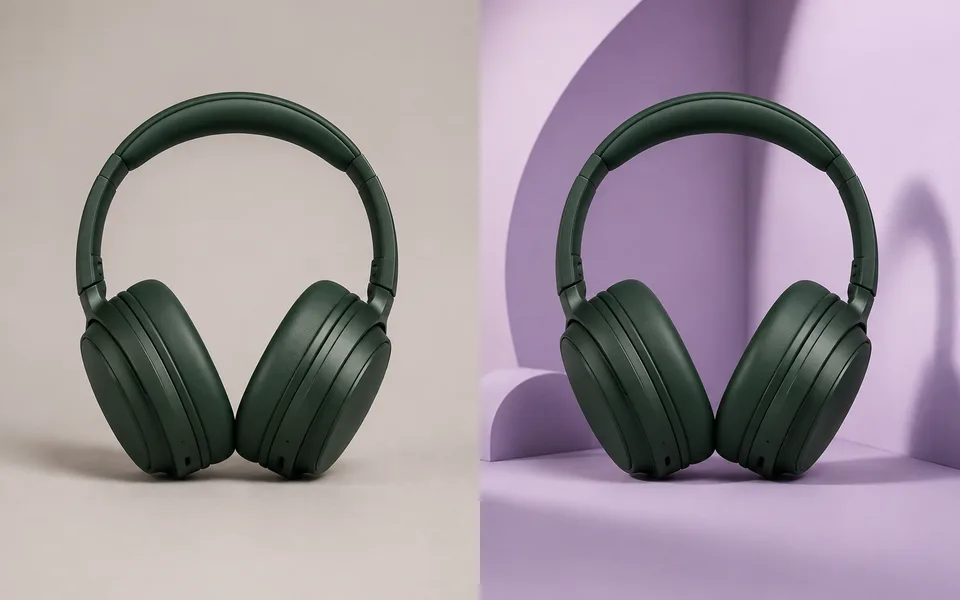
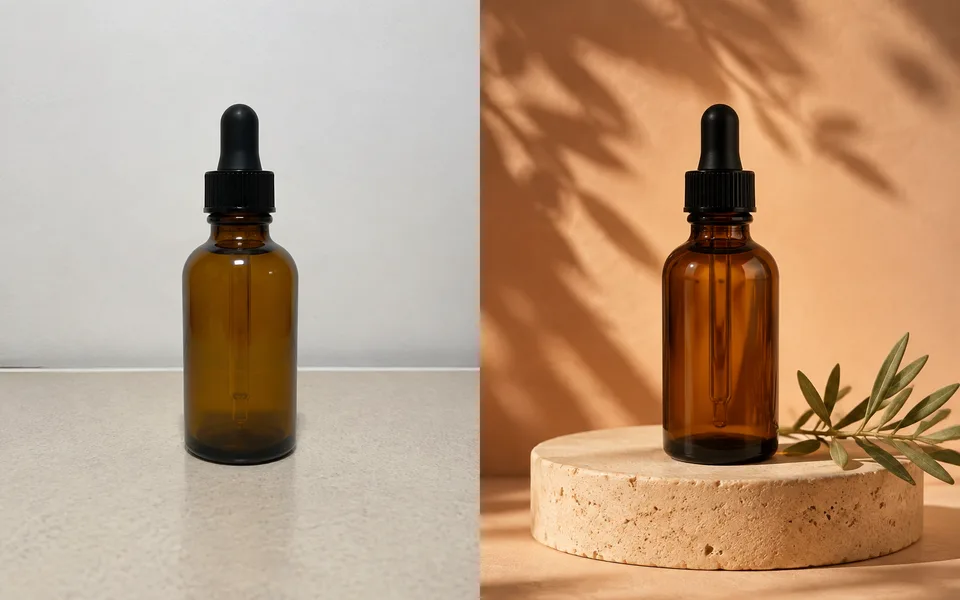
Create studio, lifestyle or marketing images from a product reference. Describe the scene you need or choose a ready-made product effect. Generative edits can change small details, so compare the packaging, logo and proportions with your source before publishing.
Photo editing steps
Prepare your input, choose the edit and review the output before using it:
- Upload the product shot
- Choose the scene and lighting
- Describe the composition
- Generate the product image
- Check labels, colors and proportions
- Download the reviewed image
How to Use Product Photo Generator
- Upload a product photo; the simpler the background, the better.
- Choose scene and lighting.
- Add a sentence of description for a specific look.
- Continue into the Amazon product photo workflow if you need marketplace specs.
Supported models
A specific model is selected by default. Auto is optional, and its result names the model that ran.
| Model | Developer | Speed | Max output | Credits | Status |
|---|---|---|---|---|---|
| Seedream 4.5 | ByteDance | Balanced | 4K | From 3 | Active |
| FLUX.2 Turbo | Black Forest Labs | Fastest | 2K | From 1 | Active |
| FLUX.1 Kontext Max | Black Forest Labs | Balanced | 1K | From 6 | Active |
| FLUX.1 Kontext Pro | Black Forest Labs | Fast | 1K | From 3 | Active |
| MiniMax Image-01 | MiniMax | Fast | 1K | From 1 | Active |
| Seedream 5 Lite | ByteDance | Fast | 4K | From 3 | Active |
| Seedream 5 Pro | ByteDance | Balanced | 2K | From 4 | Active |
| Qwen Image Max | Alibaba | Balanced | 1K | From 6 | Active |
| Qwen Image 3 Pro | Alibaba | Balanced | 2K | From 3 | Active |
| Kling Image V3 | Kuaishou | Balanced | 2K | From 2 | Active |
| Wan 2.6 Image | Alibaba | Balanced | 1280px | From 3 | Active |
| Wan 2.7 Image Pro | Alibaba | Balanced | 4K text / 2K edit | From 4 | Active |
| Krea 2 Large | Krea | Balanced | 1K | From 5 | Active |
| Nano Banana 2 | Fast | 4K | From 5 | Active | |
| Kling Image O3 | Kuaishou | Balanced | 4K | From 2 | Active |
| GPT Image | OpenAI | Balanced | 4K | From 5 | Active |
| FLUX.2 | Black Forest Labs | Balanced | 4K | From 3 | Active |
| Bria 3 | Bria | Fast | 2K | From 3 | Active |
When the recommended model is unavailable, the page asks you to confirm a switch. It never substitutes silently.
Output spec
- Format: JPG / PNG
- Notes: 2K, with a 1:1 ecommerce crop available
Frequently Asked Questions
Will the product itself change?+
It can. Generative editing does not guarantee unchanged product pixels. Review the result, especially labels, logos and proportions; use a cutout and conventional compositing when exact preservation is required.
Can I list these on Amazon directly?+
The Amazon Product Photo workflow prepares a white-background composition and a 2000 × 2000 JPG export. Review the output against the current requirements for your category before listing it; the tool does not certify marketplace acceptance.
Do I need a studio photo to start?+
No. Use a sharp phone photo with the whole product visible, readable packaging and even light. Blur, reflections and cropped edges limit the details available to preserve.
Will the product label stay exactly the same?+
The edit requests preservation, but generated text and small packaging details can change. Inspect them at full size before publishing.
Can I create a photo without writing a prompt?+
Yes. Choose one of the product effects below, upload your item and select a scene. Use this editor when you want to describe a custom composition.
Image handling and privacy
This is an AI tool: images you upload are sent to the configured inference service for processing, not handled locally in the browser. The active route is managed internally and is separate from the model developer. You can delete any generation from your history at any time.