About Image Expander
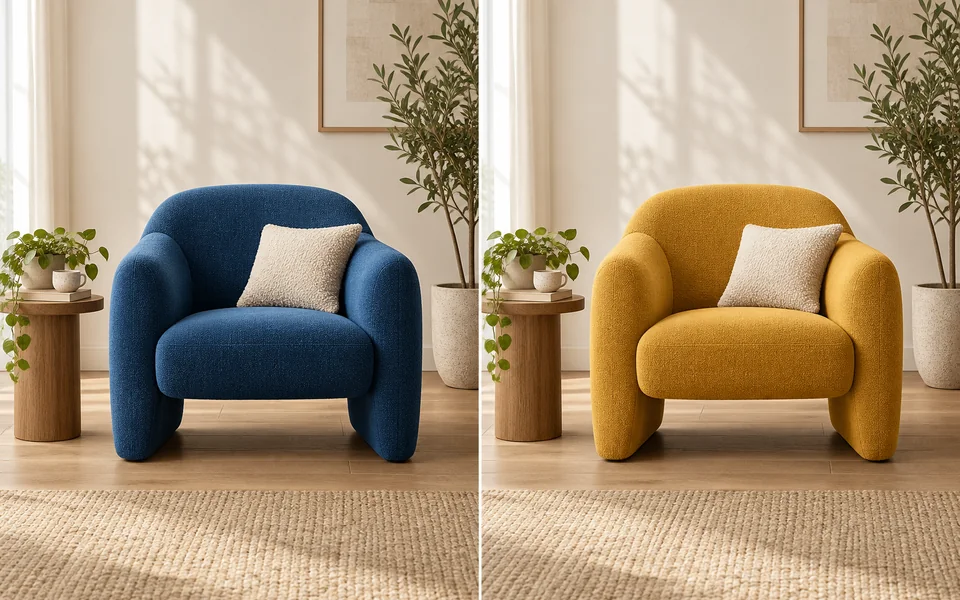
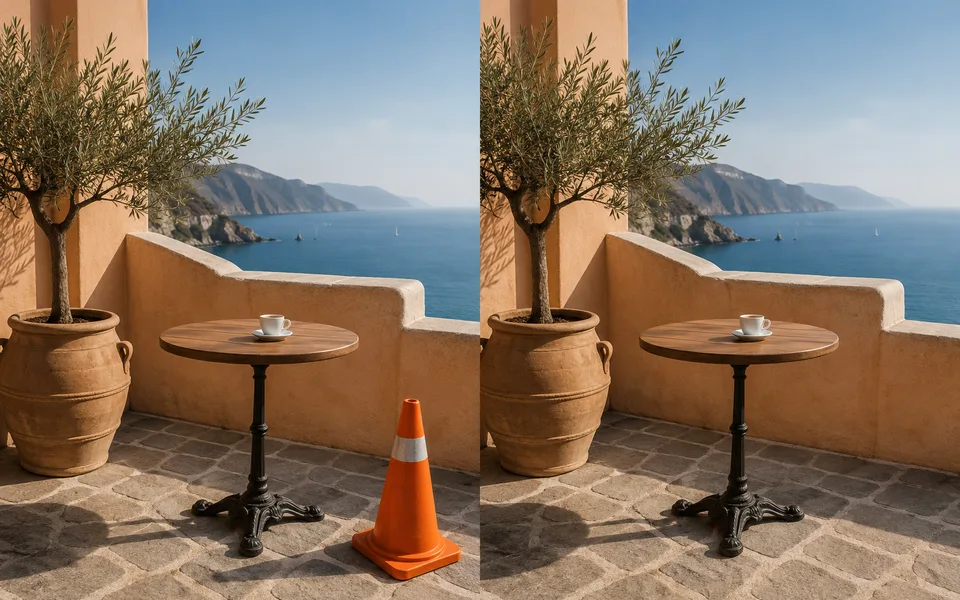
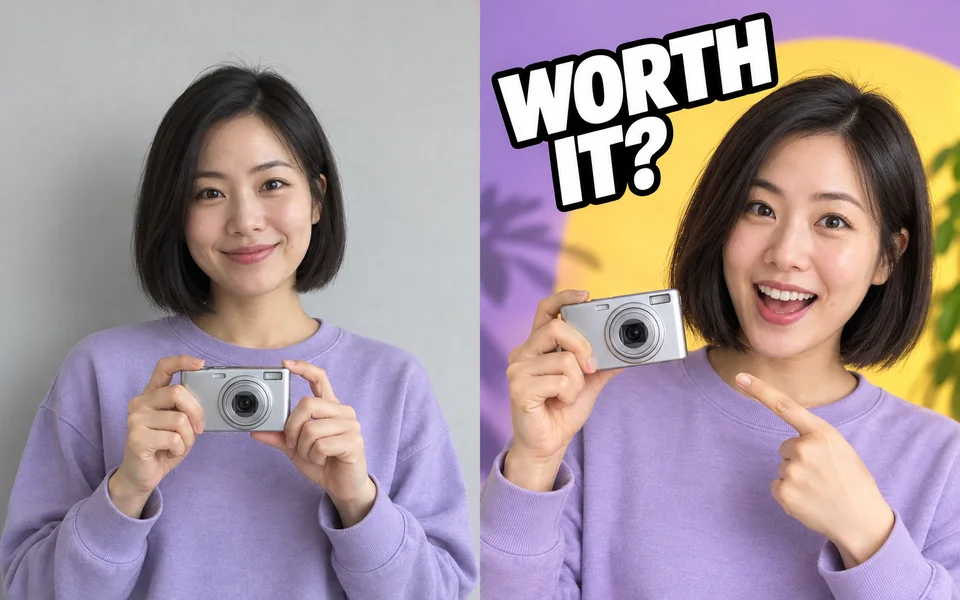
A vertical photo that needs to be a website banner: cropping loses the subject, stretching distorts it. Outpainting is the third option — the original stays untouched and the model paints the scene beyond its edges.
Photo editing steps
Prepare your input, choose the edit and review the output before using it:
- Upload an image
- Choose a target ratio
- Position the original
- Outpaint
- Export
How to Use Image Expander
- Upload the image.
- Choose the target ratio.
- Decide where the original sits in the new frame.
- Check the seams in the result.
Supported models
There is no Auto option for this task — pick a model explicitly.
| Model | Developer | Speed | Max output | Credits | Status |
|---|---|---|---|---|---|
| Seedream 5 Lite | ByteDance | Fast | 4K | From 3 | Active |
| Seedream 5 Pro | ByteDance | Balanced | 2K | From 4 | Active |
| Qwen Image Max | Alibaba | Balanced | 1K | From 6 | Active |
| Qwen Image 3 Pro | Alibaba | Balanced | 2K | From 3 | Active |
| Kling Image V3 | Kuaishou | Balanced | 2K | From 2 | Active |
| Wan 2.7 Image Pro | Alibaba | Balanced | 4K text / 2K edit | From 4 | Active |
| Nano Banana 2 | Fast | 4K | From 5 | Active | |
| Stable Image Ultra | Stability AI | Balanced | 2K | — | Coming soon |
| GPT Image | OpenAI | Balanced | 4K | From 5 | Active |
When the recommended model is unavailable, the page asks you to confirm a switch. It never substitutes silently.
Output spec
- Format: PNG / JPG
- Notes: Exported at the target ratio
Frequently Asked Questions
Does the new area look fake?+
Texture and natural scenery work best. Hard structure — architecture, text — may need a few attempts.
Can I describe the extension?+
Yes, use the prompt to say what should appear in the new area.
Image handling and privacy
This is an AI tool: images you upload are sent to the configured inference service for processing, not handled locally in the browser. The active route is managed internally and is separate from the model developer. You can delete any generation from your history at any time.