Turn Daytime Property Photos into Dusk Scenes
Transform a daytime exterior photo into an evening scene.
Use a clear daytime photo of a building exterior and sky.
JPG, PNG or WebP · up to 8 MB
Add a photo to get started.
One photo per try. Review your result before using it. How your photos are handled
Example: Golden hour
AI illustration · not your result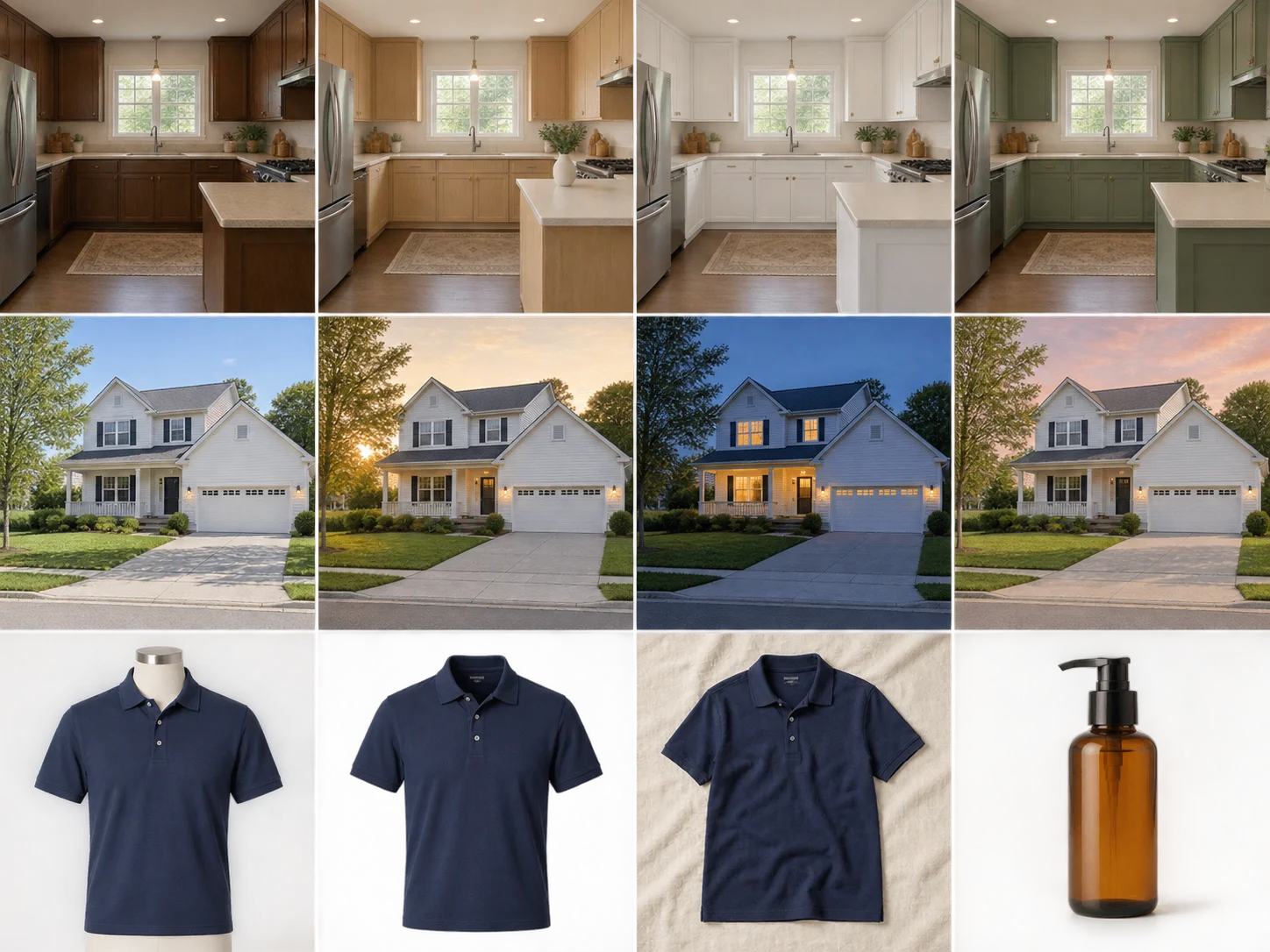
Transform a daytime exterior photo into an evening scene.
A simulated lighting edit. Disclose altered imagery when used in property listings.
Your generated result will appear here.
How to use Day-to-Dusk Property Photos
- Use a clear daytime photo of a building exterior and sky.
- Choose your look: Golden hour, Blue hour, Soft sunset.
- Select “Create dusk photo”, then compare and download your result.
Photo Requirements & Tips
Use a clear daytime photo of a building exterior and sky.
A simulated lighting edit. Disclose altered imagery when used in property listings.
Your upload is processed by our image service. Your creations stay in your account history and are not added to the public gallery.
Related Photo Tools
Frequently Asked Questions
What photo works best for Day-to-Dusk Property Photos?+
Use a clear daytime photo of a building exterior and sky.
Which effects can I try with Day-to-Dusk Property Photos?+
Golden hour: Warm · gentle sunlight. Blue hour: Cool sky · warm windows. Soft sunset: Peach sky · warm light.
Do I need to write instructions or choose an AI model?+
No. Pick the effect you want and we prepare the edit. The button shows the credit cost before you start. Each new effect is a separate generation.
What should I check in the result?+
A simulated lighting edit. Disclose altered imagery when used in property listings.