About Image Upscaler
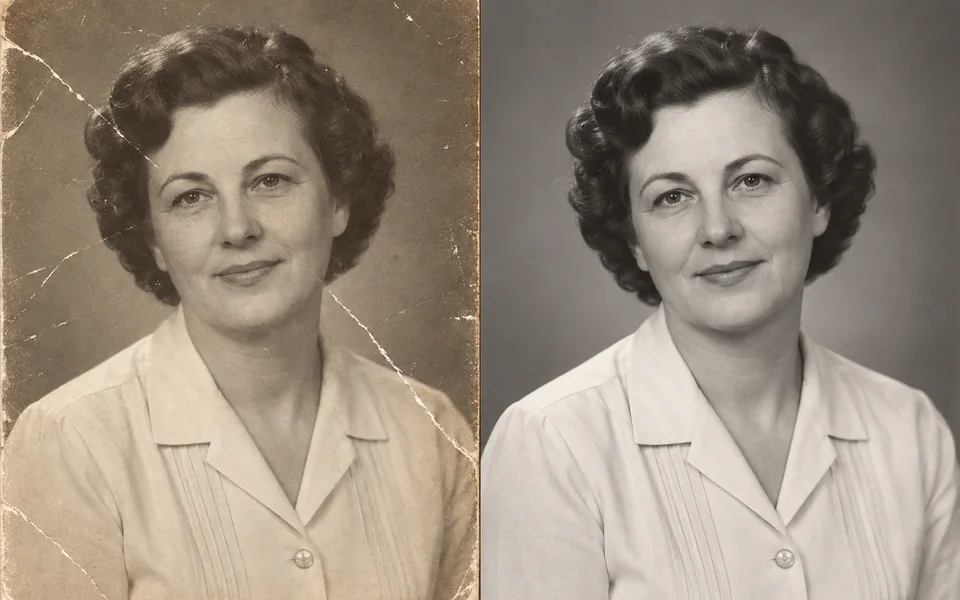
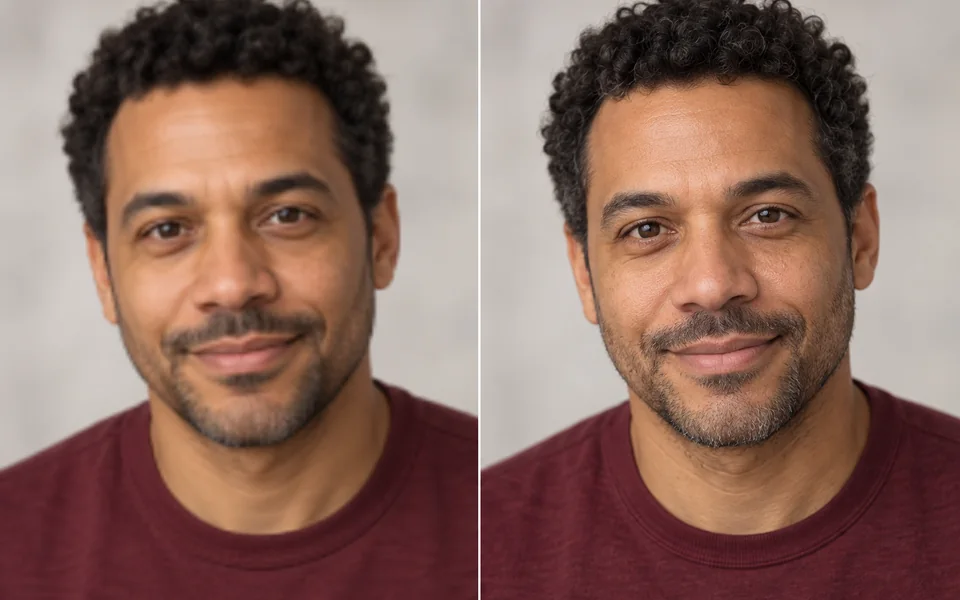
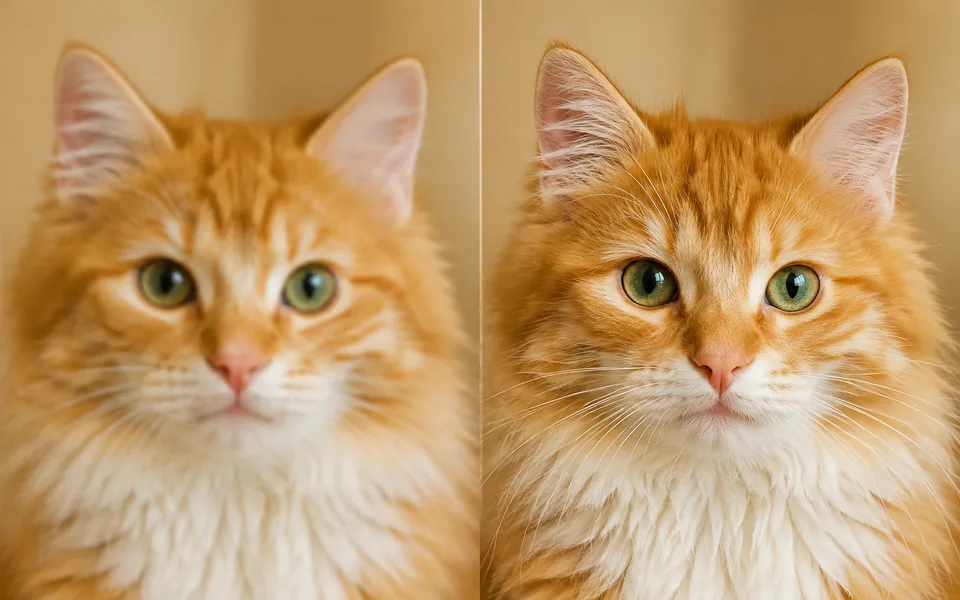
Upscalers split into two families. Pure interpolation never changes content but never adds detail. Reconstruction adds texture — and pushed too far it turns a face into a different person and text into gibberish. Content Type sets a safe range for you.
Photo editing steps
Prepare your input, choose the edit and review the output before using it:
- Upload an image
- Choose a scale factor
- Set repaint strength by content type
- Rebuild detail
- Export
How to Use Image Upscaler
- Upload the image.
- Pick the content type — this matters most when faces or text are present.
- Choose 2x or 4x.
- Export.
Supported models
There is no Auto option for this task — pick a model explicitly.
| Model | Developer | Speed | Max output | Credits | Status |
|---|---|---|---|---|---|
| Clarity Upscaler | Philz1337x | Balanced | 4x | From 1 | Active |
| CodeFormer | S-Lab, NTU | Fast | 2x | From 1 | Active |
When the recommended model is unavailable, the page asks you to confirm a switch. It never substitutes silently.
Output spec
- Format: PNG
- Notes: Up to 4x
Frequently Asked Questions
The face changed after upscaling.+
Set Content Type to Portrait, which clamps repaint strength to a safe range.
What is the input size limit?+
4096 × 4096 per image.
Image handling and privacy
This is an AI tool: images you upload are sent to the configured inference service for processing, not handled locally in the browser. The active route is managed internally and is separate from the model developer. You can delete any generation from your history at any time.