About Face Enhancer
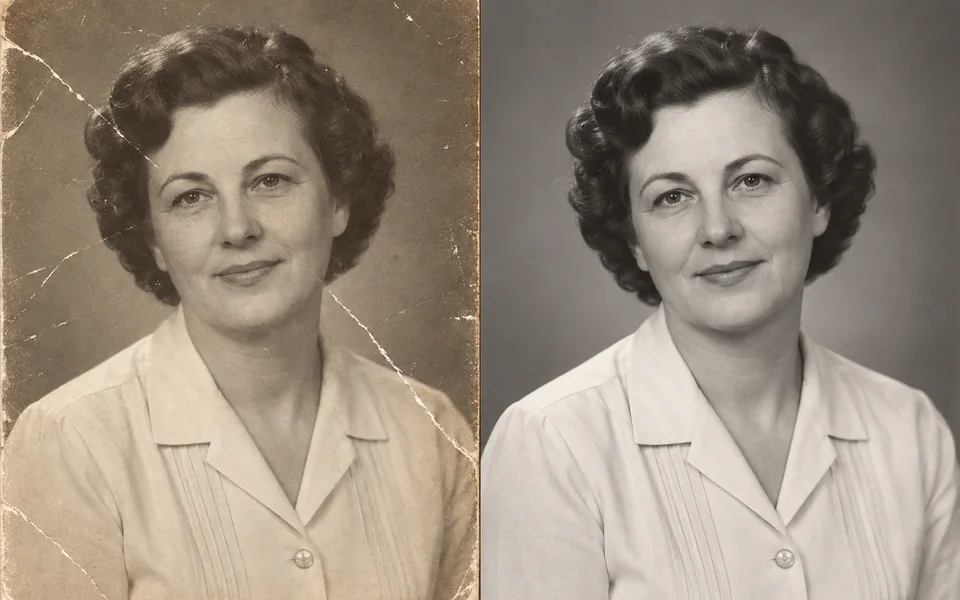
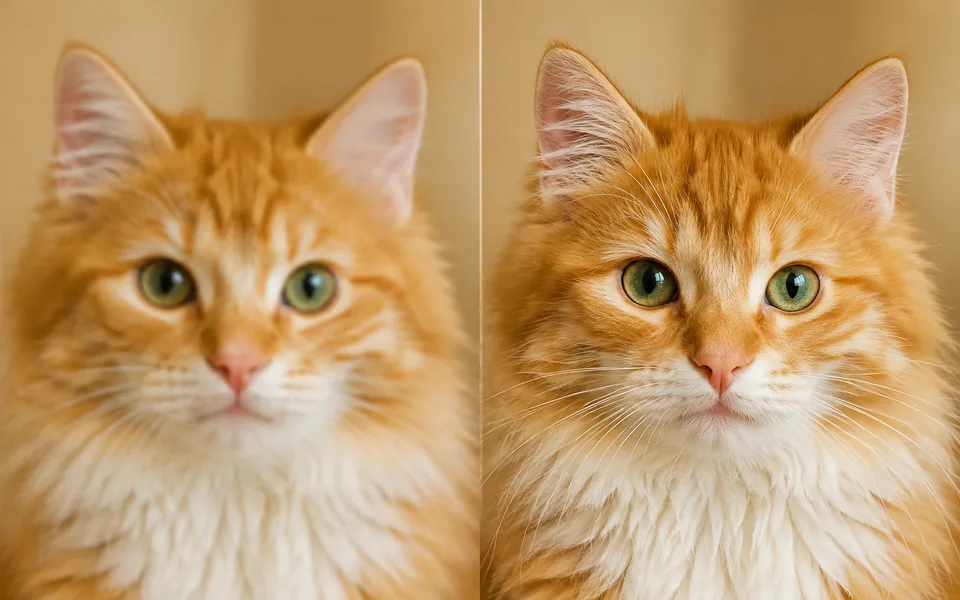
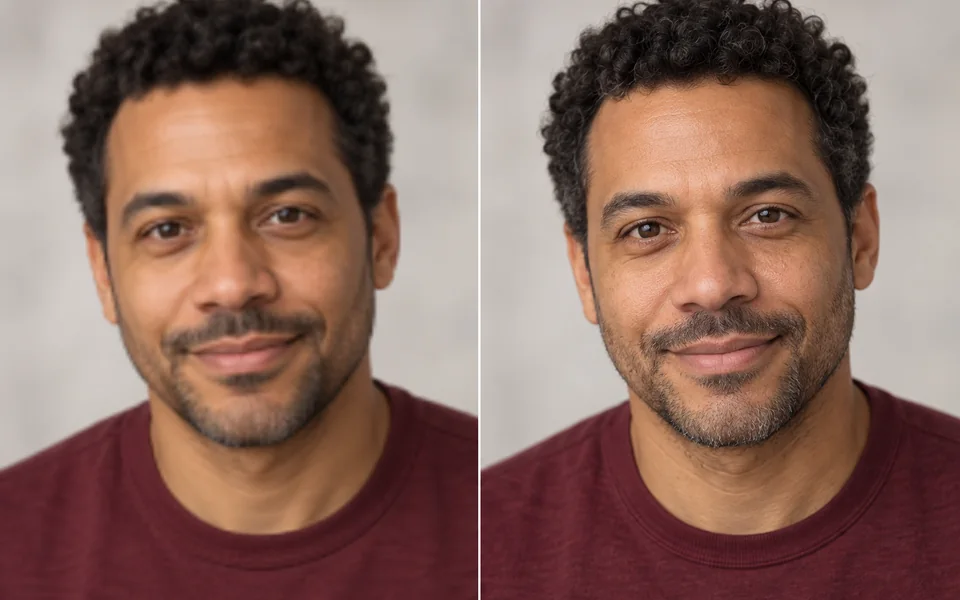
When a face in a group photo is only a few dozen pixels wide, upscaling the whole image repaints the background too. This pipeline processes only the detected face regions and blends them back into the untouched original.
Photo editing steps
Prepare your input, choose the edit and review the output before using it:
- Upload an image
- Detect faces
- Enhance the face regions only
- Blend back into the original
- Export
How to Use Face Enhancer
- Upload the image.
- Adjust Fidelity.
- Zoom in on the faces to check the result.
Supported models
There is no Auto option for this task — pick a model explicitly.
| Model | Developer | Speed | Max output | Credits | Status |
|---|---|---|---|---|---|
| CodeFormer | S-Lab, NTU | Fast | 2x | From 1 | Active |
| Clarity Upscaler | Philz1337x | Balanced | 4x | From 1 | Active |
When the recommended model is unavailable, the page asks you to confirm a switch. It never substitutes silently.
Output spec
- Format: PNG
- Notes: Original size preserved
Frequently Asked Questions
Does it handle group photos?+
Yes — every detected face is processed individually.
Image handling and privacy
This is an AI tool: images you upload are sent to the configured inference service for processing, not handled locally in the browser. The active route is managed internally and is separate from the model developer. You can delete any generation from your history at any time.