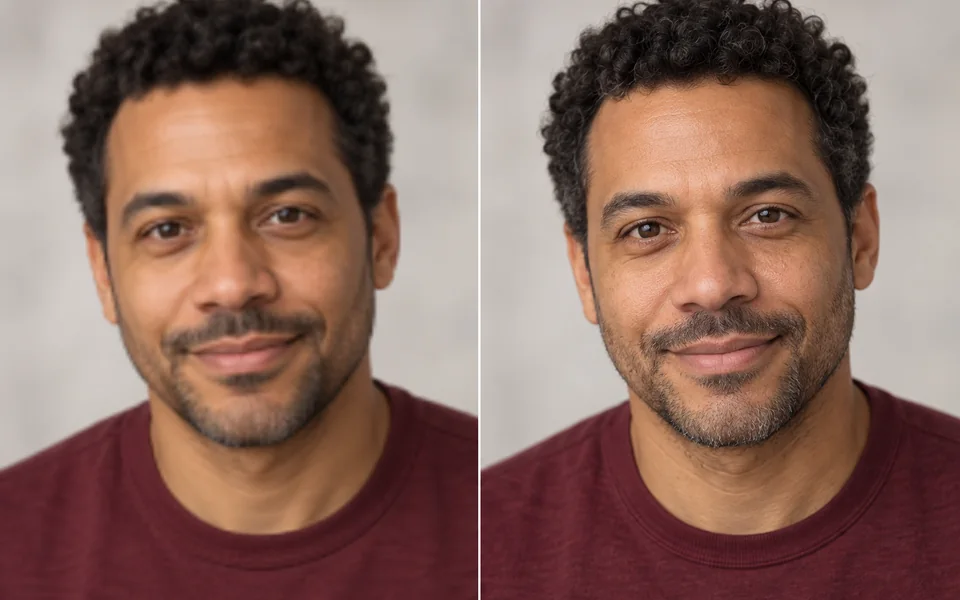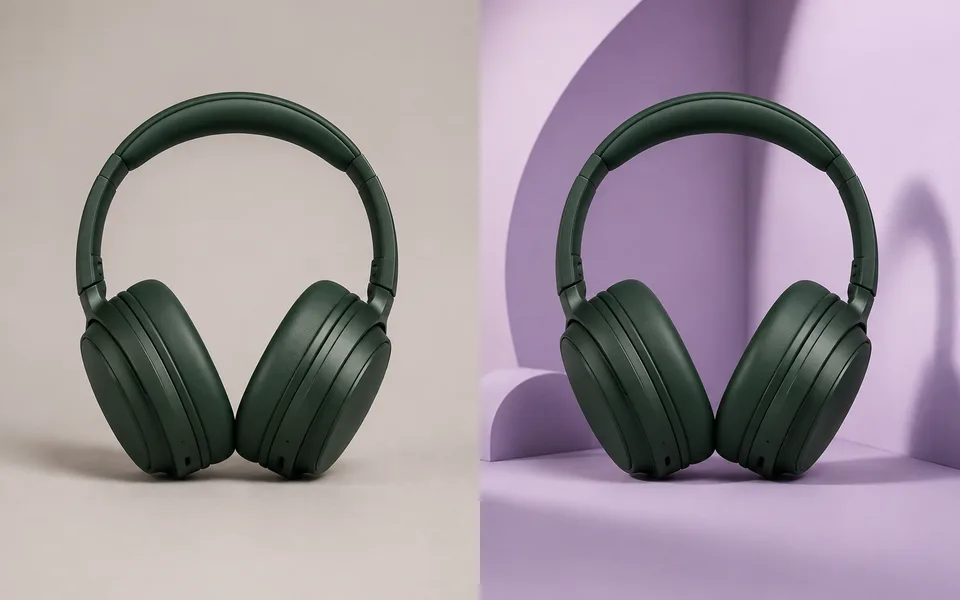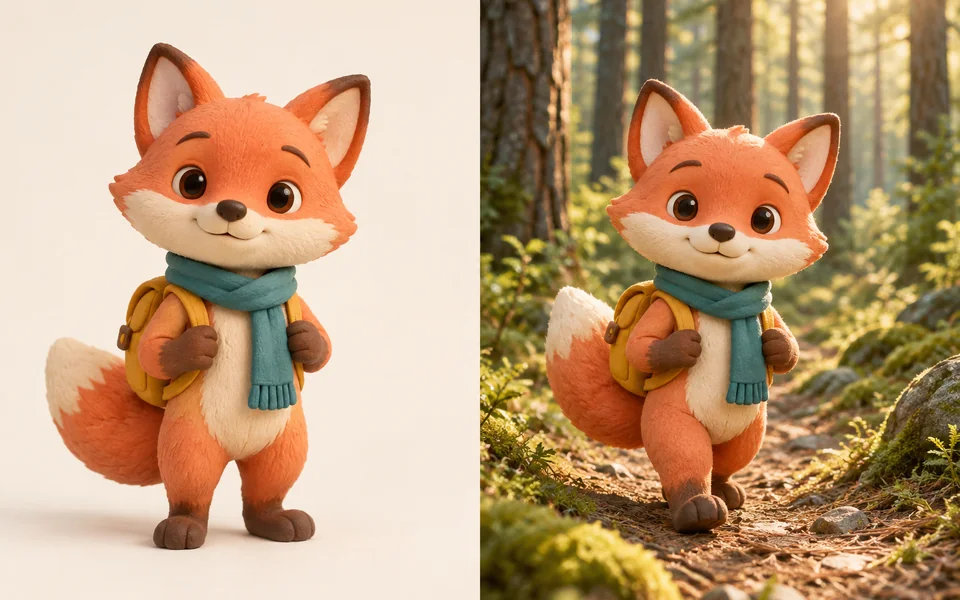
About AI Headshot Generator
The whole point of a headshot is that it still looks like you, so this pipeline locks the facial features from your upload before changing clothes and background. Front-facing, evenly lit, sharp selfies work best; profile angles, backlighting and sunglasses drop the hit rate noticeably.
Photo editing steps
Prepare your input, choose the edit and review the output before using it:
- Upload a selfie
- Lock facial features
- Change attire and background
- Studio lighting
- Crop for avatar and CV
- Export
How to Use AI Headshot Generator
- Upload a sharp, front-facing selfie.
- Choose style and background.
- Generate 4 and pick.
- If it does not look like you, retry with a clearer source photo.
Supported models
There is no Auto option for this task — pick a model explicitly.
| Model | Developer | Speed | Max output | Credits | Status |
|---|---|---|---|---|---|
| MiniMax Image-01 | MiniMax | Fast | 1K | From 1 | Active |
| Seedream 4.5 | ByteDance | Balanced | 4K | From 3 | Active |
| FLUX.1 Kontext Max | Black Forest Labs | Balanced | 1K | From 6 | Active |
| FLUX.1 Kontext Pro | Black Forest Labs | Fast | 1K | From 3 | Active |
| Seedream 5 Lite | ByteDance | Fast | 4K | From 3 | Active |
| Qwen Image Max | Alibaba | Balanced | 1K | From 6 | Active |
| Kling Image V3 | Kuaishou | Balanced | 2K | From 2 | Active |
| Krea 2 Large | Krea | Balanced | 1K | From 5 | Active |
| Krea 2 Medium | Krea | Fast | 1K | From 3 | Active |
| Seedream 5 Pro | ByteDance | Balanced | 2K | From 4 | Active |
| Nano Banana 2 | Fast | 4K | From 5 | Active | |
| FLUX.2 | Black Forest Labs | Balanced | 4K | From 3 | Active |
| Krea 1 | Krea | Fast | 2K | — | Coming soon |
When the recommended model is unavailable, the page asks you to confirm a switch. It never substitutes silently.
Output spec
- Format: JPG
- Notes: 1:1 and 4:5 crops
Frequently Asked Questions
The result does not look like me.+
Use a front-facing, evenly lit, higher-resolution photo. Profile angles and backlighting hurt likeness the most.
Can I use it on LinkedIn?+
Yes. Some platforms require AI-generated images to be labelled — follow their rules.
Image handling and privacy
This is an AI tool: images you upload are sent to the configured inference service for processing, not handled locally in the browser. The active route is managed internally and is separate from the model developer. You can delete any generation from your history at any time.