Create a Professional Suit Photo
Create a polished suit portrait from a clear photo.
Use a clear photo of one adult, facing the camera, with even lighting.
JPG, PNG or WebP · up to 8 MB
Add a photo to get started.
One photo per try. Review your result before using it. How your photos are handled
Example: Business suit
AI illustration · not your result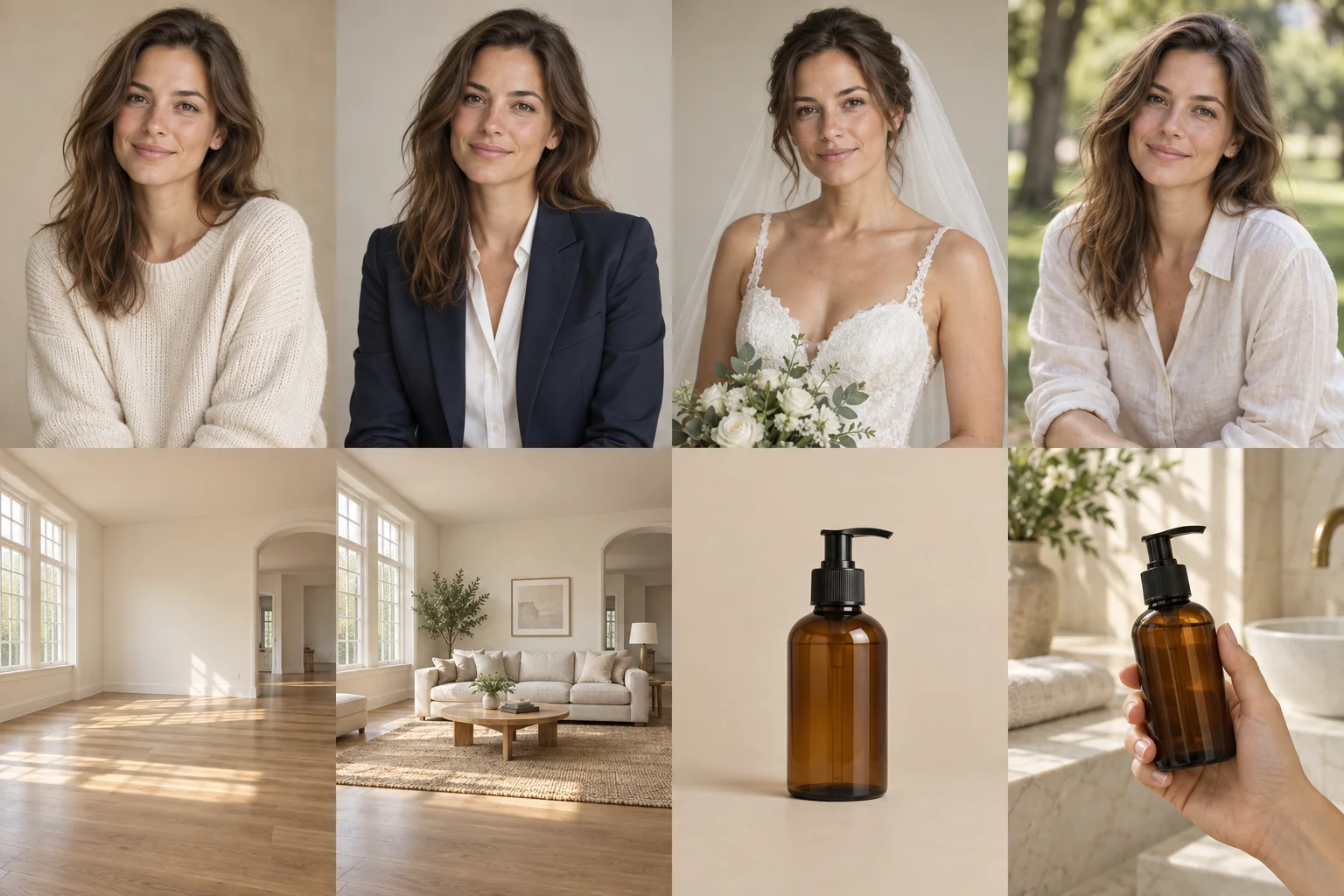
Create a polished suit portrait from a clear photo.
A visual style preview. Results can vary with your photo and are not a guarantee of real-world appearance or fit.
Your generated result will appear here.
How to use Professional Suit Photos
- Use a clear photo of one adult, facing the camera, with even lighting.
- Choose your look: Business suit, Charcoal suit, Beige blazer.
- Select “Try this look”, then compare and download your result.
Photo Requirements & Tips
Use a clear photo of one adult, facing the camera, with even lighting.
A visual style preview. Results can vary with your photo and are not a guarantee of real-world appearance or fit.
Your upload is processed by our image service. Your creations stay in your account history and are not added to the public gallery.
Related Photo Tools
Frequently Asked Questions
What photo works best for Professional Suit Photos?+
Use a clear photo of one adult, facing the camera, with even lighting.
Which effects can I try with Professional Suit Photos?+
Business suit: Tailored · professional. Charcoal suit: Classic · understated. Beige blazer: Light · approachable.
Do I need to write instructions or choose an AI model?+
No. Pick the effect you want and we prepare the edit. The button shows the credit cost before you start. Each new effect is a separate generation.
What should I check in the result?+
A visual style preview. Results can vary with your photo and are not a guarantee of real-world appearance or fit.