Story character sheet
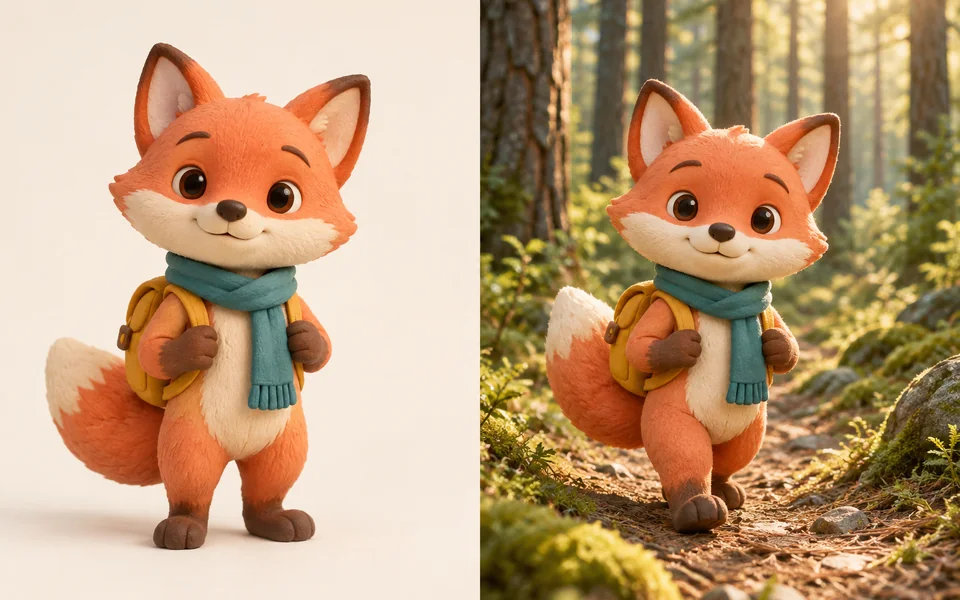
Front, profile and full-body references followed by two scene tests.
Walking through an enchanted pine forest at sunrise.
Build a reference set and scene images from one character design. All editing steps and final files are included in the displayed credit price.
Improve your image results
Practical prompts, tips and next steps.
If the prompt isn't filled in, copy and paste it into your chat.
 Character referenceNew scene
70 credits
fixed total · no per-step charges
Upload a sharp front-facing character image. The same identity is carried through every output.
Charged once when submitted. If any required stage fails, the full workflow charge is refunded automatically.
Character referenceNew sceneFront, profile and full-body references followed by two scene tests.
Walking through an enchanted pine forest at sunrise.
Locks the full design while varying pose, crop and environment.
Presenting a new product inside a bright modern studio.
Generate or upload a base image
A sharp, front-facing half-body shot.
Lock identity features
Decide whether the outfit is locked too.
Feed results back
Add the best outputs to the reference set to tighten consistency.
Picture books, comics and brand mascots all hit the same wall: character drift. The fix is not a longer prompt, it is a reference set — settle a base image, add angles, and carry that set into every generation.
Around four is the knee of the curve; beyond that you mostly add cost.
Yes. With Identity Lock set to Face only, outfit and style are free to vary.