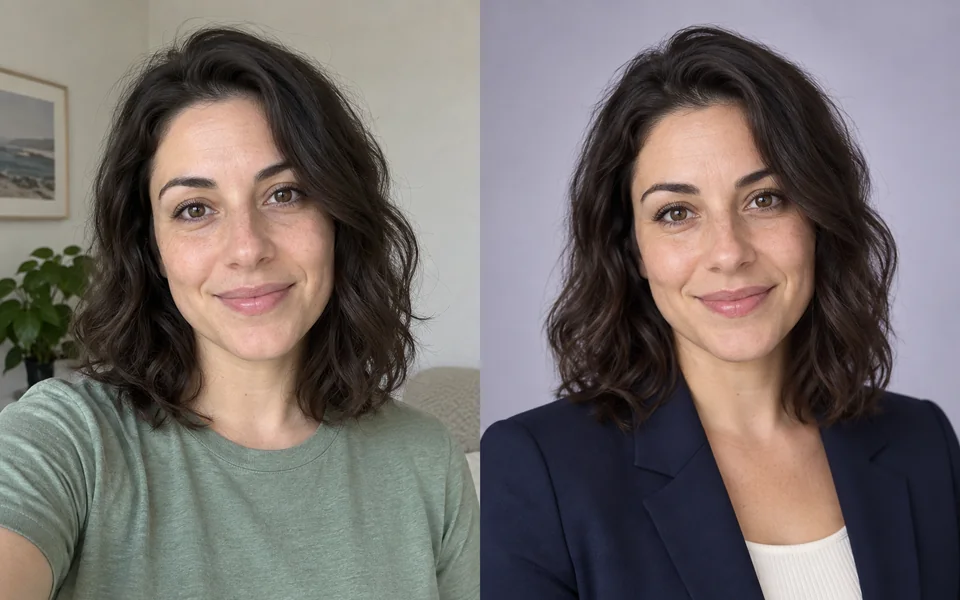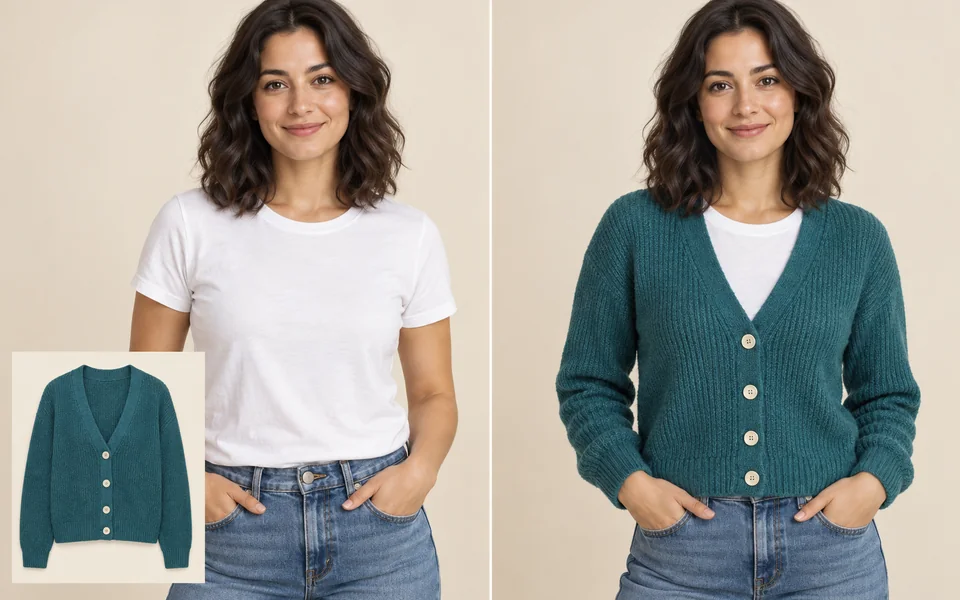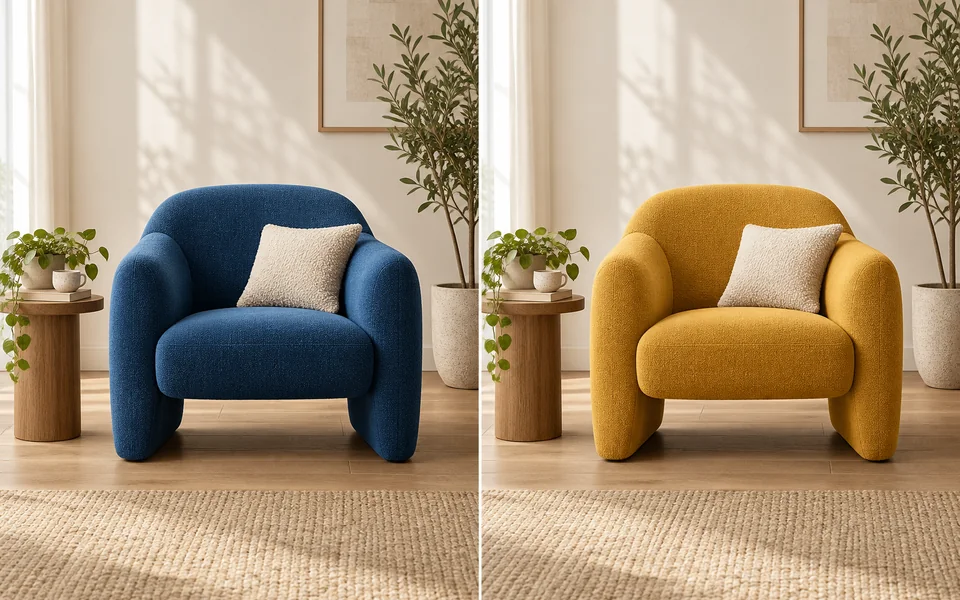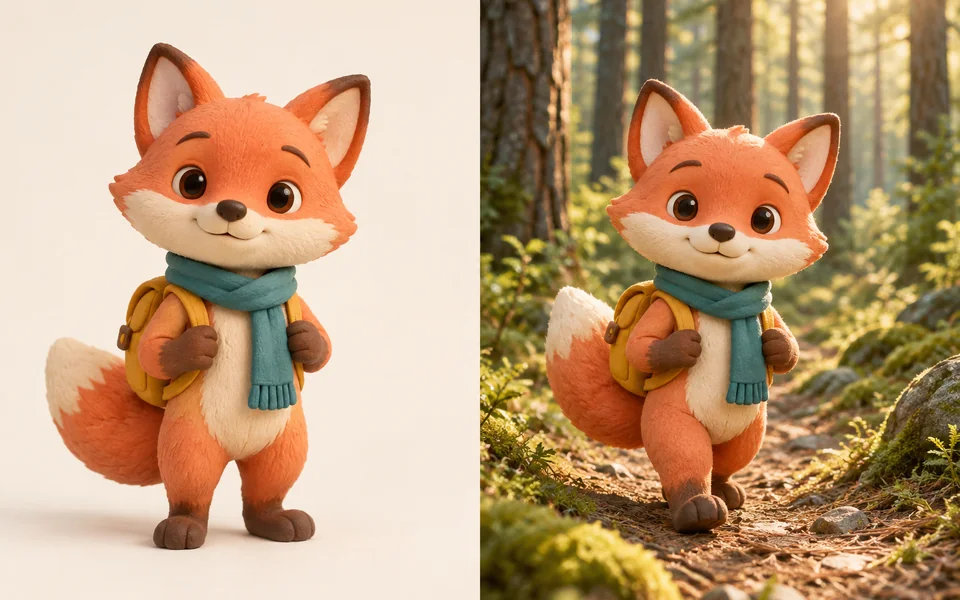
About Consistent Character
Use a clear character reference for picture books, comics, storyboards and recurring mascots. Describe which traits should remain recognizable and which pose, outfit or scene should change. Identity controls express the requested edit; they do not guarantee an exact match.
Photo editing steps
Prepare your input, choose the edit and review the output before using it:
- Upload a clear character reference
- Describe the details to preserve
- Describe a new pose or scene
- Generate and compare with the original
- Download the reviewed result
How to Use Consistent Character
- Upload or generate a base character image.
- Add other angles of the same character if the selected model supports more references.
- Choose the identity details to preserve and include them in your description.
- Describe the new scene and generate.
- Compare with the original before reusing a generated image as a new reference.
Supported models
There is no Auto option for this task — pick a model explicitly.
| Model | Developer | Speed | Max output | Credits | Status |
|---|---|---|---|---|---|
| MiniMax Image-01 | MiniMax | Fast | 1K | From 1 | Active |
| Seedream 4.5 | ByteDance | Balanced | 4K | From 3 | Active |
| FLUX.2 Turbo | Black Forest Labs | Fastest | 2K | From 1 | Active |
| FLUX.1 Kontext Max | Black Forest Labs | Balanced | 1K | From 6 | Active |
| FLUX.1 Kontext Pro | Black Forest Labs | Fast | 1K | From 3 | Active |
| Seedream 5 Lite | ByteDance | Fast | 4K | From 3 | Active |
| Seedream 5 Pro | ByteDance | Balanced | 2K | From 4 | Active |
| Qwen Image Max | Alibaba | Balanced | 1K | From 6 | Active |
| Wan 2.7 Image Pro | Alibaba | Balanced | 4K text / 2K edit | From 4 | Active |
| Reve 2.1 | Reve | Balanced | 1K | From 22 | Active |
| Krea 2 Large | Krea | Balanced | 1K | From 5 | Active |
| Kling Image O3 | Kuaishou | Balanced | 4K | From 2 | Active |
| Nano Banana Pro | Balanced | 4K | From 12 | Active | |
| Nano Banana 2 | Fast | 4K | From 5 | Active | |
| GPT Image | OpenAI | Balanced | 4K | From 5 | Active |
| Seedream 4 | ByteDance | Fast | 4K | From 2 | Active |
When the recommended model is unavailable, the page asks you to confirm a switch. It never substitutes silently.
Output spec
- Format: PNG
- Notes: Exportable as a character reference set
Frequently Asked Questions
How many references do I need?+
Start with one clear image. If the selected model accepts more, add consistent views of the same character within the upload limit shown in the editor. More images do not automatically mean a better match.
Does changing clothes change the face?+
Request that facial details stay the same while the outfit changes. Compare the generated face with your reference; an outfit edit can still introduce identity drift.
Can I keep an object consistent as well as a character?+
Include a clear reference showing the object and describe its shape, material, color and markings. Inspect those details in every output; a prop can change even when the person remains recognizable.
Why does the character change between images?+
Large pose changes, obscured faces, conflicting references and complex scene changes make identity harder to preserve. Return to the clearest original reference and simplify the requested change.
How is this different from the character workflow?+
This tool lets you create and review an individual scene. The character workflow creates a reference and scene set through multiple steps, with one total price displayed before the run.
Image handling and privacy
This is an AI tool: images you upload are sent to the configured inference service for processing, not handled locally in the browser. The active route is managed internally and is separate from the model developer. You can delete any generation from your history at any time.