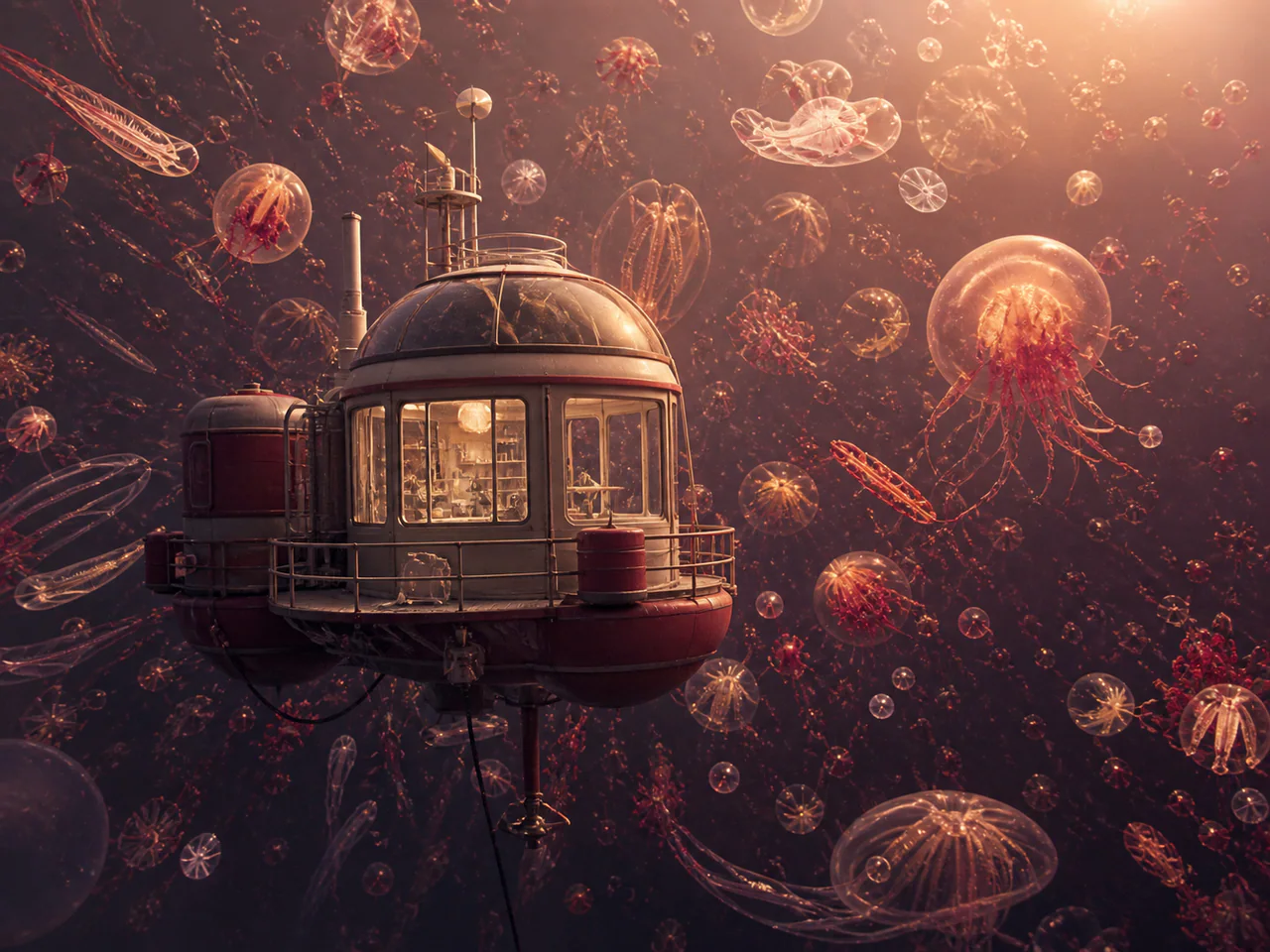
What Is Nucleus Image?
Nucleus Image is an efficient text-to-image model from NucleusAI. It exposes a broad steps and guidance range while keeping the current 1K run at one credit, which makes it practical for inexpensive seeded experiments and prompt exploration.
What Is Nucleus Image Best For?
- Low-cost prompt exploration
- Seeded comparisons
- Illustration concepts
- Negative-prompt experiments
How to Use Nucleus Image
- Write a clear subject and composition.
- Add visible defects to Negative Prompt.
- Fix a seed for comparisons.
- Change one parameter at a time.
Nucleus Image Settings Explained
Steps
Fifty is the documented default; lower values are useful for quick prompt comparisons.
Guidance
Eight is the default. Change it gradually while holding the seed fixed.
The panel above shows only the parameters Nucleus Image actually supports. Switch versions and unsupported controls disappear rather than sitting there doing nothing.
Nucleus Image Prompt Examples
Editorial illustration
Editorial illustration of a city growing around an old tree, layered paper textures, restrained green and rust palette
Atmospheric scene
Small observatory above a sea of clouds before dawn, soft blue hour, tiny warm windows, cinematic wide composition
Nucleus Image Test Results
Testing in progress
Every model runs the same eight-category prompt set — portrait, product, poster text, anime character, interior, multi-reference, image editing and character consistency — recording generation time, success rate, text accuracy and identity retention. That run has not finished for Nucleus Image, so this page shows no scores. We do not publish numbers we have not measured.
Nucleus Image Limitations
- Text-to-image only
- Two outputs per run maximum
- One exposed resolution tier
Nucleus Image Pricing and Credits
Credits scale with resolution and image count. The Generate button always shows what this run costs.
1K
1 credits / image
Failed generations cost 0 credits.
Commercial Use and Image Rights
Commercial use is subject to the Nucleus Image model licence and the selected service terms.
- Model used: Nucleus Image
- Model developer: NucleusAI
- The inference route is managed internally and may change without changing the selected model
- Uploads are sent only to the configured inference service needed to complete the generation
- You can delete any generation from your history at any time
Frequently Asked Questions
Who develops Nucleus Image?+
NucleusAI develops the model; the inference service is intentionally not presented as the creator.
Can it edit an image?+
No. This page exposes only its exact text-to-image operation.
Release History and Sources
April 14, 2026 · Research paper · first submission
The evidence supports this specific event. It should not be read as the model’s first-ever release date.
Explore this event on the image model timeline →
Related Models and Tools
AI Image Generator
Create an image, try a new look or transform a photo. Start with the result you want.
Social Post Generator
One visual, every platform size, one consistent style.

Z-Image
Tongyi MAI (Alibaba)
The full Z-Image Base model for deliberate final renders, diverse concepts and fine prompt control.

FLUX.2 Max
Black Forest Labs
The highest-fidelity FLUX.2 tier for final-publish generation and demanding prompt adherence.
FLUX.2 Flex
Black Forest Labs
FLUX.2 with explicit guidance and step controls for typography-heavy final renders.
FLUX.2 Flash
Black Forest Labs
A low-cost FLUX.2 route for rapid generation and exact multi-reference edits.