What Is Recraft V4.1?
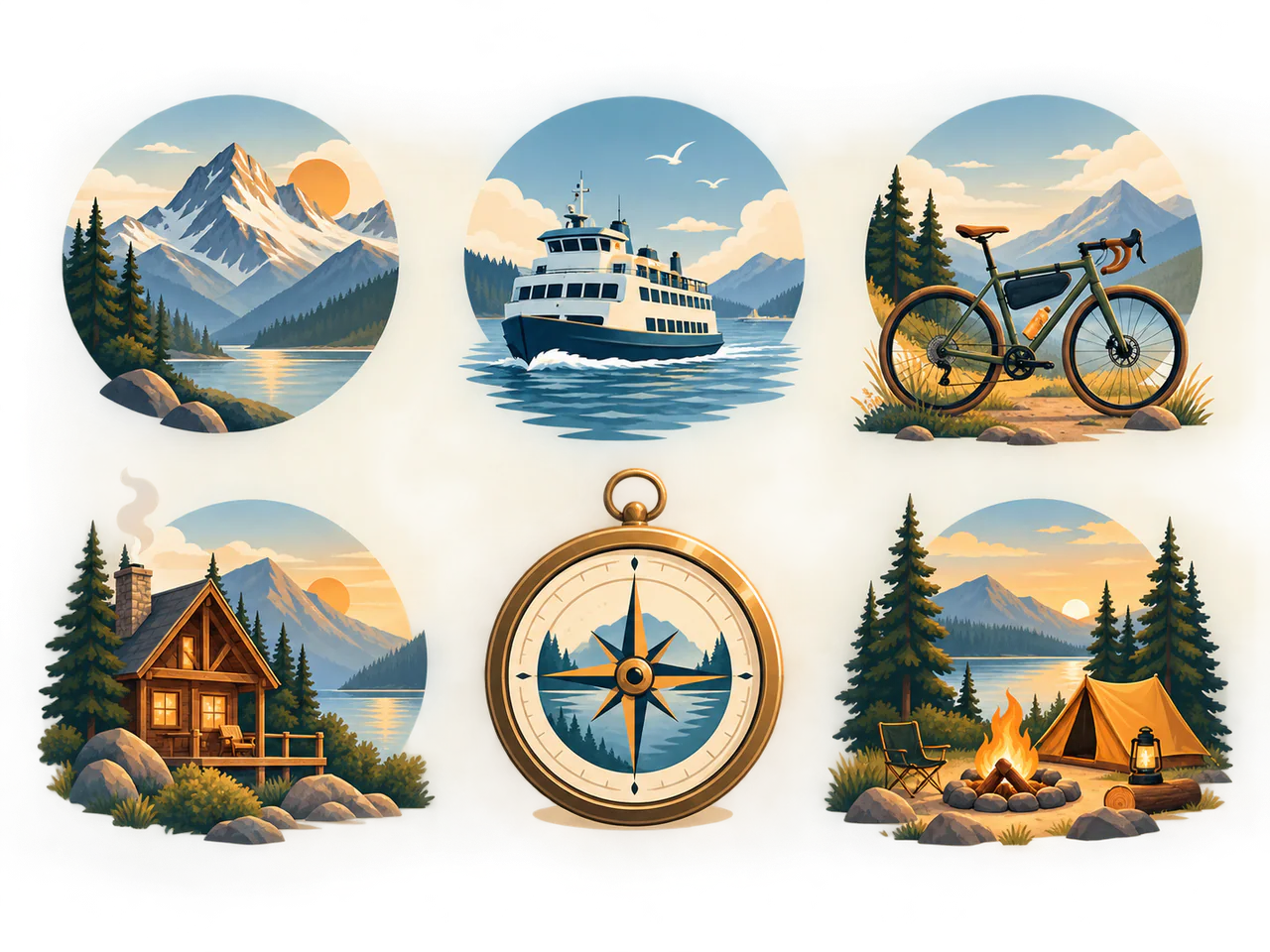
Recraft V4.1 is aimed at design deliverables rather than generic art generation. Raster output produces a normal image, while the dedicated vector operation produces SVG paths that can be recoloured and edited after download.
Recraft Model Versions
Recraft V4.1
Raster + SVG
From 3 Credits
Recraft V4.1 Pro
The premium Recraft V4.1 tier for polished raster assets and native editable SVG.
- Resolutions: 1K
- Reference images: not supported
- Modes: Text to Image, Typography
- Speed: Balanced
Recraft V4.1
A current design model with separate, genuine raster and editable vector outputs.
- Resolutions: 1K
- Reference images: not supported
- Modes: Text to Image, Typography
- Speed: Fast
Recraft V3
A design-oriented model that exports editable SVG.
- Resolutions: 1K / 2K
- Reference images: not supported
- Modes: Text to Image, Typography
- Speed: Fast
What Is Recraft V4.1 Best For?
- Icons and pictograms
- Logo concepts
- Brand illustration
- Editable SVG assets
How to Use Recraft V4.1
- Describe the shape language and constraints.
- Choose Vector when the file must remain editable.
- Generate a small set of directions.
- Clean and brand-check the selected SVG.
Recraft V4.1 Settings Explained
Output Format
Raster returns PNG; Vector calls the model’s SVG operation and costs more.
Aspect Ratio
Choose the final canvas shape before generating; vector output remains scalable.
The panel above shows only the parameters Recraft V4.1 actually supports. Switch versions and unsupported controls disappear rather than sitting there doing nothing.
Recraft V4.1 Prompt Examples
Icon family
Six consistent outline icons for a travel app: map, train, hotel, ticket, camera, suitcase; rounded two-pixel stroke
Brand mark
Minimal geometric fox mark for a security company, one continuous shape, strong negative space, monochrome
Recraft V4.1 Test Results
Testing in progress
Every model runs the same eight-category prompt set — portrait, product, poster text, anime character, interior, multi-reference, image editing and character consistency — recording generation time, success rate, text accuracy and identity retention. That run has not finished for Recraft V4.1, so this page shows no scores. We do not publish numbers we have not measured.
Recraft V4.1 Limitations
- Text-to-image only
- No reference-image input
- Complex SVG output may need path cleanup
Recraft V4.1 Pricing and Credits
Credits scale with resolution and image count. The Generate button always shows what this run costs.
1K
3 credits / image
Failed generations cost 0 credits.
Commercial Use and Image Rights
Commercial use is governed by Recraft terms and the selected service terms.
- Model used: Recraft V4.1
- Model developer: Recraft
- The inference route is managed internally and may change without changing the selected model
- Uploads are sent only to the configured inference service needed to complete the generation
- You can delete any generation from your history at any time
Frequently Asked Questions
Is vector output a traced PNG?+
No. It uses the model’s dedicated SVG output operation.
Why does SVG cost more credits?+
The vector operation has a higher upstream cost than raster generation.
Release History and Sources
May 14, 2026 · Model family announced
This date applies to the event shown. Later API access, weights and availability on All Image AI may have different dates.
Explore this event on the image model timeline →
Related Models and Tools
Logo Generator
Editable SVG logo concepts, not flattened bitmaps.
Icon Generator
Generate a whole set in one style, in one pass.
Poster Generator
Posters with headlines that come out right the first time.

Ideogram 4
Ideogram
Current-generation typography and design output with explicit speed and quality tiers.
Ideogram 4 Instant
Ideogram
Ideogram typography at the lowest current price for rapid poster, label and layout drafts.
Ideogram 4 Fast
Ideogram
A fixed balanced-speed Ideogram route for sharper production design without a variable quality bill.
Ideogram 3 Transparent
Ideogram
A purpose-built Ideogram route that generates transparent-background assets directly from text.