About Icon Generator
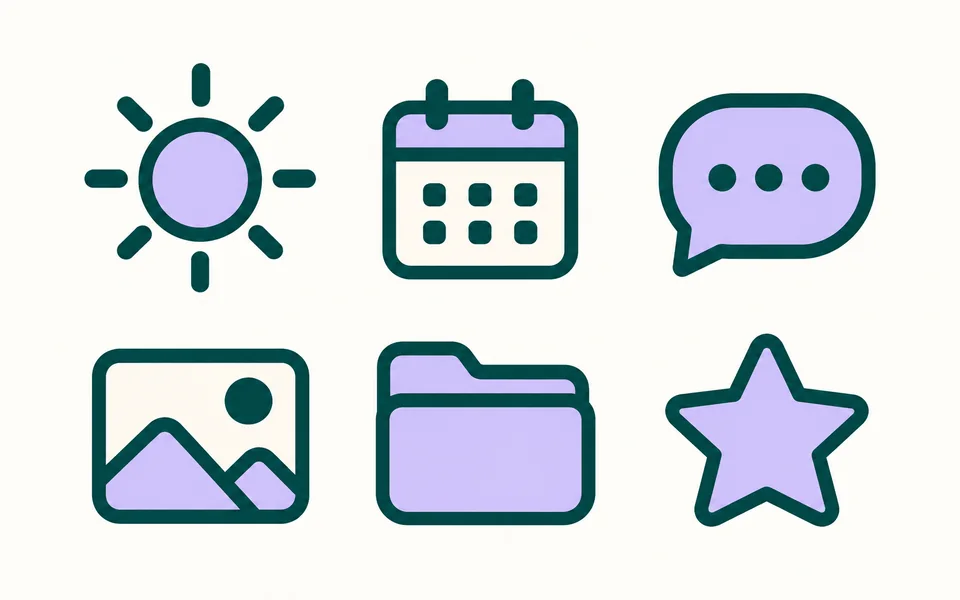
An icon set lives or dies on consistency: stroke width, corner radius, optical spacing. Asking for the whole set in a single prompt produces a far more coherent result than generating icons one at a time and assembling them.
Photo editing steps
Prepare your input, choose the edit and review the output before using it:
- List the icons you need
- Fix stroke width and style
- Generate as a set
- Export SVG
How to Use Icon Generator
- List every icon at once, e.g. wallet, chart, card, lock.
- Pick a grid size.
- Export as SVG.
Supported models
There is no Auto option for this task — pick a model explicitly.
| Model | Developer | Speed | Max output | Credits | Status |
|---|---|---|---|---|---|
| Recraft V4.1 Pro | Recraft | Balanced | 1K / SVG | From 18 | Active |
| Recraft V4.1 | Recraft | Fast | 1K / SVG | From 3 | Active |
| Qwen Image Max | Alibaba | Balanced | 1K | From 6 | Active |
| Ideogram 4 | Ideogram | Fast | 2K | From 3 | Active |
| Qwen Image 3 Pro | Alibaba | Balanced | 2K | From 3 | Active |
| Recraft V3 | Recraft | Fast | 2K / SVG | From 3 | Active |
| Ideogram 3 | Ideogram | Fast | 1K | From 5 | Active |
When the recommended model is unavailable, the page asks you to confirm a switch. It never substitutes silently.
Output spec
- Format: SVG
- Notes: Aligned to the chosen grid
Frequently Asked Questions
Can it match an existing icon style?+
Describing the existing style (stroke width, corner radius, filled or outlined) gets close, but an exact match is not guaranteed.
Image handling and privacy
This is an AI tool: images you upload are sent to the configured inference service for processing, not handled locally in the browser. The active route is managed internally and is separate from the model developer. You can delete any generation from your history at any time.