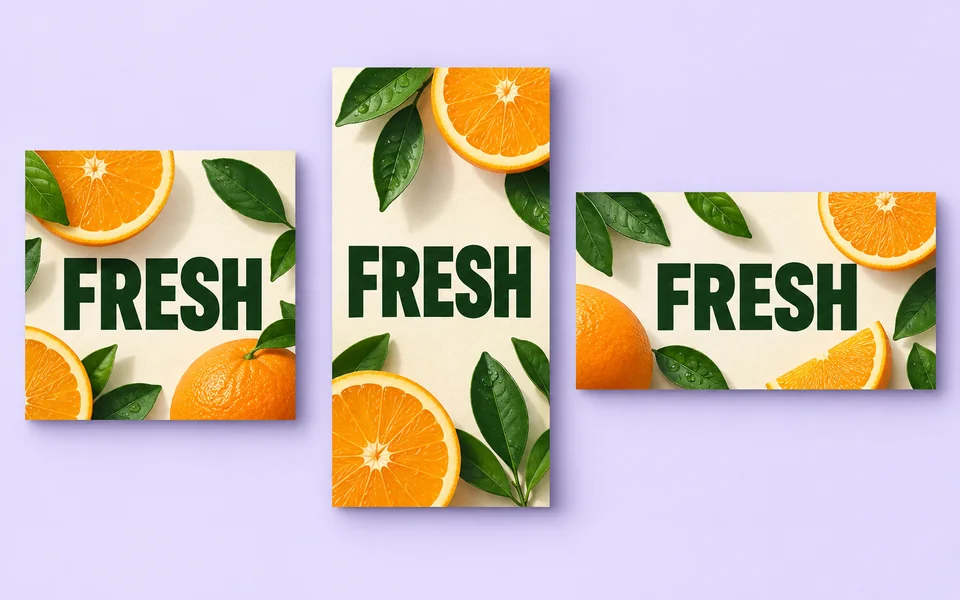
About Poster Generator
Posters succeed or fail on their text. This tool routes to the models with the best text accuracy by default and asks you to put the headline in quotes. If only a couple of letters are wrong afterwards, fixing them in the editor is cheaper than regenerating the whole poster.
Photo editing steps
Prepare your input, choose the edit and review the output before using it:
- Enter headline and details
- Choose a layout direction
- Generate on a text-first model
- Check text accuracy
- Upscale for print
How to Use Poster Generator
- Write headline, subtitle and date separately, with the headline in quotes.
- Choose a poster type.
- Generate 4 and compare text accuracy.
- Upscale the winner to print size.
Supported models
A specific model is selected by default. Auto is optional, and its result names the model that ran.
| Model | Developer | Speed | Max output | Credits | Status |
|---|---|---|---|---|---|
| MAI Image 2.6 | Microsoft AI | Balanced | 1K | From 5 | Preview |
| Ideogram 4 Instant | Ideogram | Fastest | 2K | From 1 | Active |
| Ideogram 4 Fast | Ideogram | Fast | 2K | From 1 | Active |
| Bria Image Base | Bria | Balanced | 2K | From 3 | Active |
| Bria Image Fast | Bria | Fast | 2K | From 2 | Active |
| Nucleus Image | NucleusAI | Balanced | 1K | From 1 | Active |
| SenseNova U1 Infographic | SenseTime | Slow | 1K | From 4 | Active |
| GLM Image | Z.ai | Slow | 2K | From 4 | Active |
| ERNIE Image | Baidu | Balanced | 2K | From 3 | Active |
| LongCat Image | Meituan LongCat | Balanced | 2K | From 10 | Active |
| CogView4 | Z.ai | Slow | 2K | From 8 | Active |
| Bria Fibo Lite | Bria | Fast | 1K | From 3 | Active |
| Ovis Image | AIDC-AI (Alibaba) | Fast | 1K | From 1 | Active |
| Emu 3.5 Image | BAAI Vision | Slow | 720p | From 11 | Active |
| Z-Image | Tongyi MAI (Alibaba) | Balanced | 2K | From 1 | Active |
| Lumina Image 2.0 | Alpha-VLLM | Balanced | 1K | From 6 | Active |
| Cosmos 3 Super Image | NVIDIA | Slow | 1K | From 3 | Active |
| Bria FIBO 1.5 | Bria | Balanced | 2K | From 3 | Active |
| Seedream 4.5 | ByteDance | Balanced | 4K | From 3 | Active |
| FLUX.2 Flex | Black Forest Labs | Balanced | 2K | From 4 | Active |
| FLUX.1 Kontext Max | Black Forest Labs | Balanced | 1K | From 6 | Active |
| Recraft V4.1 Pro | Recraft | Balanced | 1K / SVG | From 18 | Active |
| Ideogram 4 | Ideogram | Fast | 2K | From 3 | Active |
| Qwen Image Max | Alibaba | Balanced | 1K | From 6 | Active |
| Qwen Image 3 Pro | Alibaba | Balanced | 2K | From 3 | Active |
| Recraft V4.1 | Recraft | Fast | 1K / SVG | From 3 | Active |
| FLUX.2 Max | Black Forest Labs | Balanced | 2K | From 10 | Active |
| Reve 2.1 | Reve | Balanced | 1K | From 22 | Active |
| Ideogram 3 | Ideogram | Fast | 1K | From 5 | Active |
| Nano Banana Pro | Balanced | 4K | From 12 | Active | |
| GPT Image | OpenAI | Balanced | 4K | From 5 | Active |
| Qwen Image | Alibaba | Fast | 1K | From 2 | Active |
When the recommended model is unavailable, the page asks you to confirm a switch. It never substitutes silently.
Output spec
- Format: PNG / PDF
- Notes: Upscalable to 300 DPI
Frequently Asked Questions
Which model handles CJK headlines?+
Qwen Image has the best CJK accuracy here.
Can I export PDF?+
Yes — choosing PDF exports at 300 DPI.
Image handling and privacy
This is an AI tool: images you upload are sent to the configured inference service for processing, not handled locally in the browser. The active route is managed internally and is separate from the model developer. You can delete any generation from your history at any time.