What Is Cosmos 3 Super Image?
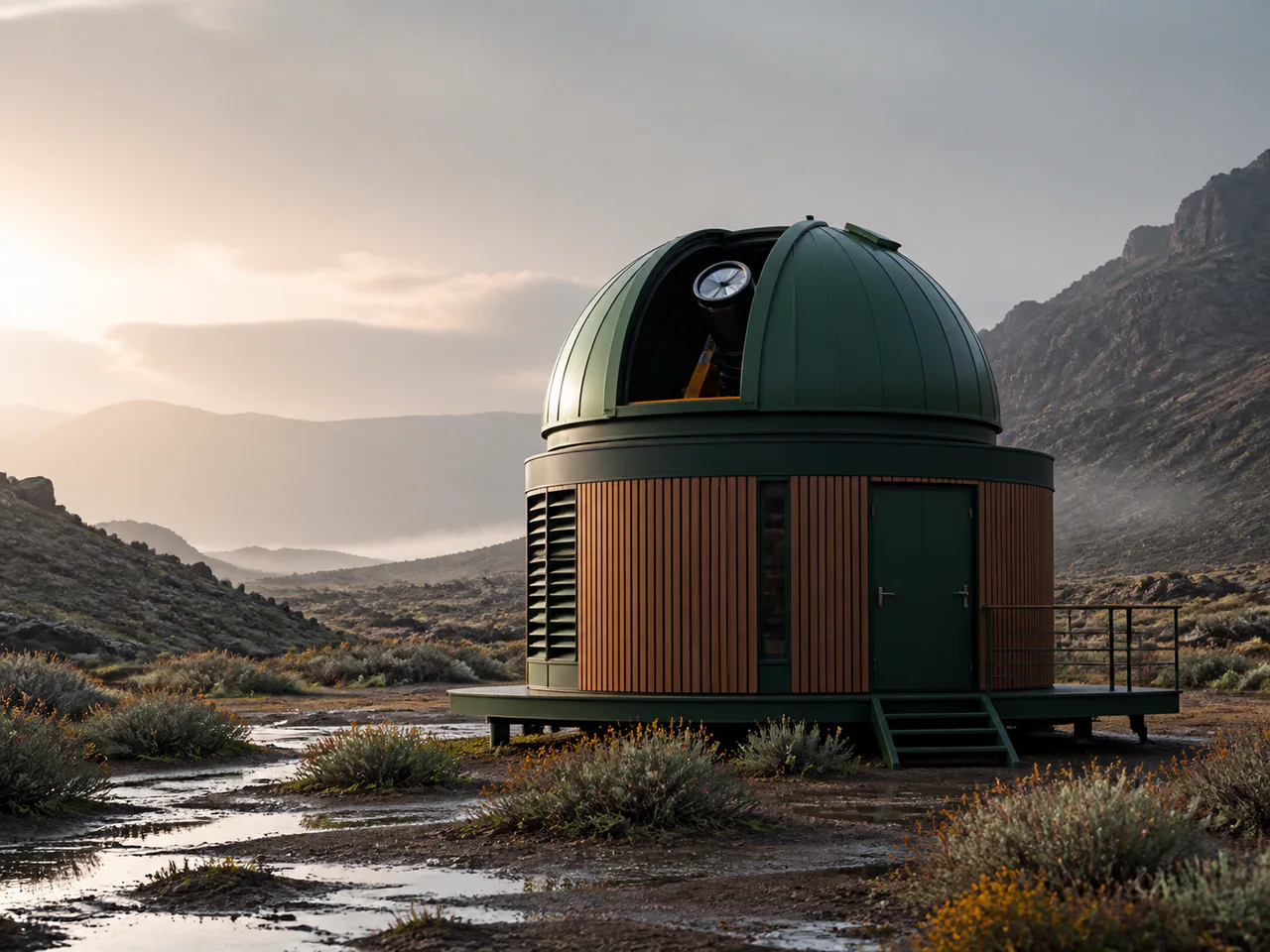
Cosmos 3 Super Text2Image is NVIDIA’s 64B image branch of its omnimodal physical-world family. It is suited to scenes where lighting, material interaction, machinery and spatial relationships matter more than rapid iteration.
What Is Cosmos 3 Super Image Best For?
- Physical-world scenes
- Machinery and engineering concepts
- Cinematic environments
- Material-rich product visuals
How to Use Cosmos 3 Super Image
- Describe objects, materials and their physical relationships.
- Keep paid expansion off by writing a complete prompt.
- Generate one or two candidates.
- Upscale the selected image separately.
Cosmos 3 Super Image Settings Explained
Steps
28 is the documented default and the predictable cost-quality point.
Negative Prompt
Exclude visual artefacts without invoking a paid prompt-rewrite service.
The panel above shows only the parameters Cosmos 3 Super Image actually supports. Switch versions and unsupported controls disappear rather than sitting there doing nothing.
Cosmos 3 Super Image Prompt Examples
Engineering scene
Macro product photograph of a mechanical watch assembling itself, polished steel gears, physically plausible reflections, clean white studio
Grounded landscape
Weathered fishing boat in a misty harbour at dawn, wet timber, soft directional light, realistic water and rope tension
Cosmos 3 Super Image Test Results
Testing in progress
Every model runs the same eight-category prompt set — portrait, product, poster text, anime character, interior, multi-reference, image editing and character consistency — recording generation time, success rate, text accuracy and identity retention. That run has not finished for Cosmos 3 Super Image, so this page shows no scores. We do not publish numbers we have not measured.
Cosmos 3 Super Image Limitations
- 1K output on this integration
- Slower than compact draft models
- Agentic generation and paid prompt expansion are intentionally disabled
Cosmos 3 Super Image Pricing and Credits
Credits scale with resolution and image count. The Generate button always shows what this run costs.
1K
3 credits / image
Failed generations cost 0 credits.
Commercial Use and Image Rights
Commercial use is subject to NVIDIA’s Cosmos model licence and the selected service terms.
- Model used: Cosmos 3 Super Image
- Model developer: NVIDIA
- The inference route is managed internally and may change without changing the selected model
- Uploads are sent only to the configured inference service needed to complete the generation
- You can delete any generation from your history at any time
Frequently Asked Questions
Why is agentic generation disabled?+
It generates and judges multiple hidden candidates, so cost is not predictable from the requested output count.
Is this the video model?+
No. This page calls the exact Cosmos 3 Super text-to-image operation.
Release History and Sources
Date not yet established
The exact model, checkpoint or provider-specific tier needs to be established before it can be placed on the timeline.
Explore this event on the image model timeline →
Related Models and Tools
AI Image Generator
Create an image, try a new look or transform a photo. Start with the result you want.
Product Photo Generator
Turn a product photo into a studio or lifestyle scene.

FLUX.2 Max
Black Forest Labs
The highest-fidelity FLUX.2 tier for final-publish generation and demanding prompt adherence.
FLUX.2 Flex
Black Forest Labs
FLUX.2 with explicit guidance and step controls for typography-heavy final renders.
FLUX.2 Flash
Black Forest Labs
A low-cost FLUX.2 route for rapid generation and exact multi-reference edits.
FLUX.2 Turbo
Black Forest Labs
A fast FLUX.2 draft model with prompt expansion and unusually low megapixel cost.