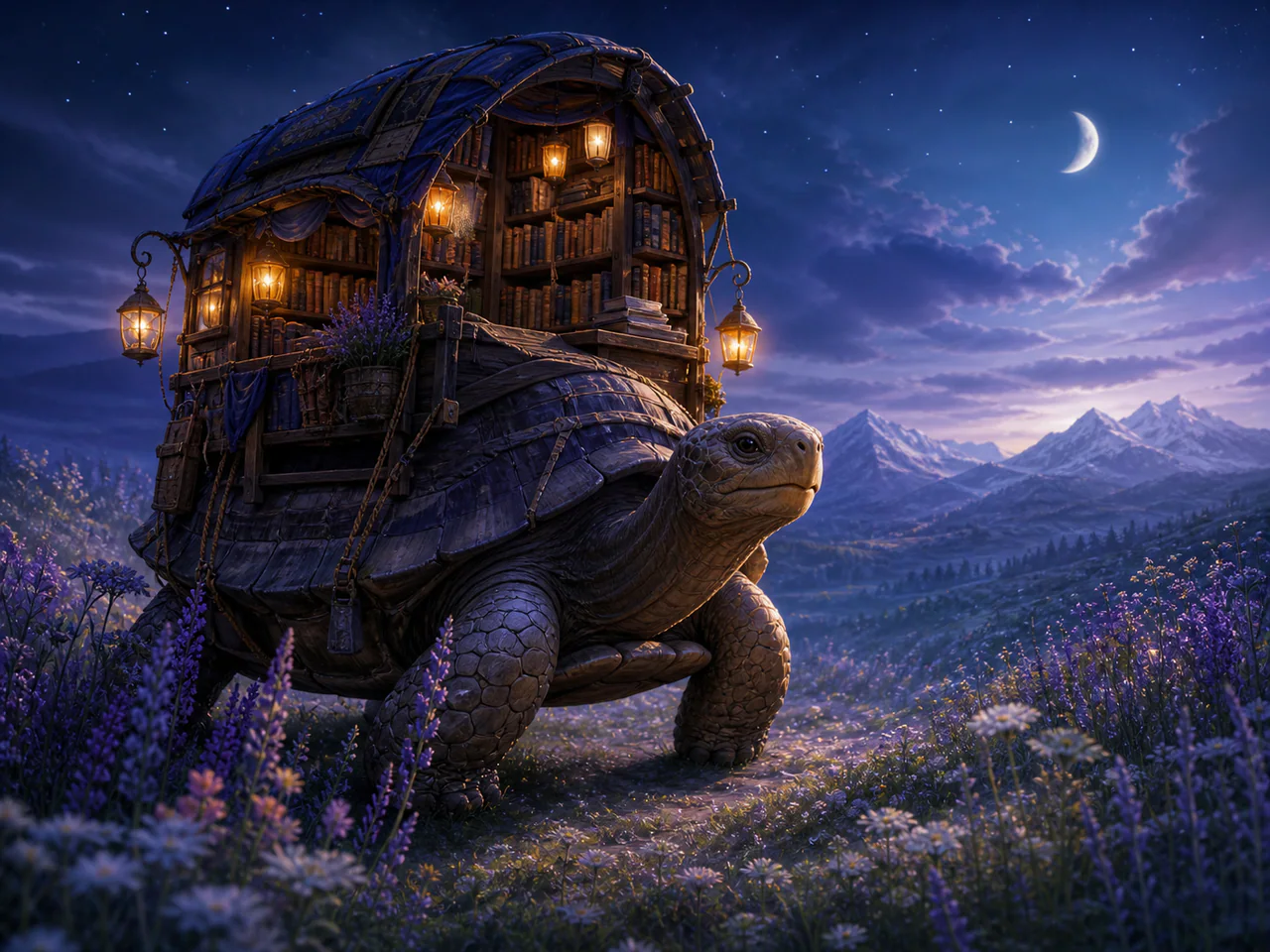
What Is Wan 2.5 Image?
Wan 2.5 Image is Alibaba’s preview-era still-image checkpoint between Wan 2.2 and the later 2.6/2.7 services. Its direct generation route combines a negative prompt, optional prompt expansion and deterministic seed with five practical compositions.
Wan Image Model Versions
Wan 2.5 Image
Preview · 1K
From 4 Credits
Wan 2.7 Image Pro
The production Wan image tier with 4K text generation and multi-reference editing.
- Resolutions: 1K / 2K / 4K
- Reference images: up to 9
- Modes: Text to Image, Image to Image, Edit Image, Multi-reference
- Speed: Balanced
Wan 2.7 Image
A fast Wan image model for prompt generation and multi-reference edits.
- Resolutions: 1K / 2K
- Reference images: up to 9
- Modes: Text to Image, Image to Image, Edit Image, Multi-reference
- Speed: Fast
Wan 2.6 Image
A bilingual Wan image model with an optional single reference for style-guided generation.
- Resolutions: 1K
- Reference images: up to 1
- Modes: Text to Image, Image to Image
- Speed: Balanced
Wan 2.5 Image
Alibaba’s 2.5 image checkpoint for cinematic scenes, prompt expansion and controlled negative prompts.
- Resolutions: 1K
- Reference images: not supported
- Modes: Text to Image
- Speed: Balanced
Wan 2.2 A14B Image
Alibaba’s mixture-of-experts Wan 2.2 image model for detailed photoreal and cinematic scenes.
- Resolutions: 1K
- Reference images: not supported
- Modes: Text to Image
- Speed: Balanced
Wan 2.2 5B Image
The compact Wan 2.2 checkpoint for economical high-resolution drafts with full diffusion controls.
- Resolutions: 1K
- Reference images: not supported
- Modes: Text to Image
- Speed: Fast
What Is Wan 2.5 Image Best For?
- Cinematic environments
- Dramatic character concepts
- Prompt-expanded story scenes
- Seeded visual exploration
How to Use Wan 2.5 Image
- Write the scene and camera direction.
- Add only specific exclusions.
- Choose whether the model may expand the prompt.
- Reuse the seed while refining wording.
Wan 2.5 Image Settings Explained
Prompt Expansion
Enabled by default to enrich brief cinematic prompts; switch it off for exact direction.
Negative Prompt
List concrete unwanted artifacts such as watermark, duplicate hands or modern objects.
The panel above shows only the parameters Wan 2.5 Image actually supports. Switch versions and unsupported controls disappear rather than sitting there doing nothing.
Wan 2.5 Image Prompt Examples
Twilight scene
Lone samurai on a cliff at twilight overlooking a mist-filled valley, deep orange and violet sky, hyper-real cinematic atmosphere
Interior narrative
Ancient observatory workshop during a thunderstorm, brass instruments, wet glass, one scholar studying a glowing map, cinematic wide shot
Wan 2.5 Image Test Results
Testing in progress
Every model runs the same eight-category prompt set — portrait, product, poster text, anime character, interior, multi-reference, image editing and character consistency — recording generation time, success rate, text accuracy and identity retention. That run has not finished for Wan 2.5 Image, so this page shows no scores. We do not publish numbers we have not measured.
Wan 2.5 Image Limitations
- Preview-era checkpoint
- Text-to-image only here
- Later Wan versions offer newer image capabilities
Wan 2.5 Image Pricing and Credits
Credits scale with resolution and image count. The Generate button always shows what this run costs.
1K
4 credits / image
Failed generations cost 0 credits.
Commercial Use and Image Rights
Commercial use is governed by Alibaba’s Wan model licence and the selected service terms.
- Model used: Wan 2.5 Image
- Model developer: Alibaba
- The inference route is managed internally and may change without changing the selected model
- Uploads are sent only to the configured inference service needed to complete the generation
- You can delete any generation from your history at any time
Frequently Asked Questions
Why keep Wan 2.5 when newer versions exist?+
A named checkpoint can have a useful visual character and a separate fixed price; it is never silently replaced by another Wan model.
Does this route edit images?+
No. This page intentionally exposes the verified text-to-image contract only.
Release History and Sources
Date not yet established
The audit does not establish a reliable event date. This entry remains in the catalog without a position on the dated timeline.
Explore this event on the image model timeline →
Related Models and Tools
AI Image Generator
Create an image, try a new look or transform a photo. Start with the result you want.
AI Image Editor
Upload an image, describe the change. Only the part you named moves.
Product Photo Generator
Turn a product photo into a studio or lifestyle scene.

Qwen Image 3 Pro
Alibaba
The higher-fidelity Qwen Image 3 tier for polished text, editing and final assets.
Qwen Image 3
Alibaba
A fast, economical Qwen generation for ideation, localisation and everyday image work.
Qwen Image Max
Alibaba
A high-fidelity Qwen tier for natural-looking scenes, bilingual prompts and controlled edits.
Qwen Image 2512
Alibaba
Alibaba’s upgraded Qwen Image checkpoint for more realistic people, richer texture and bilingual prompts.