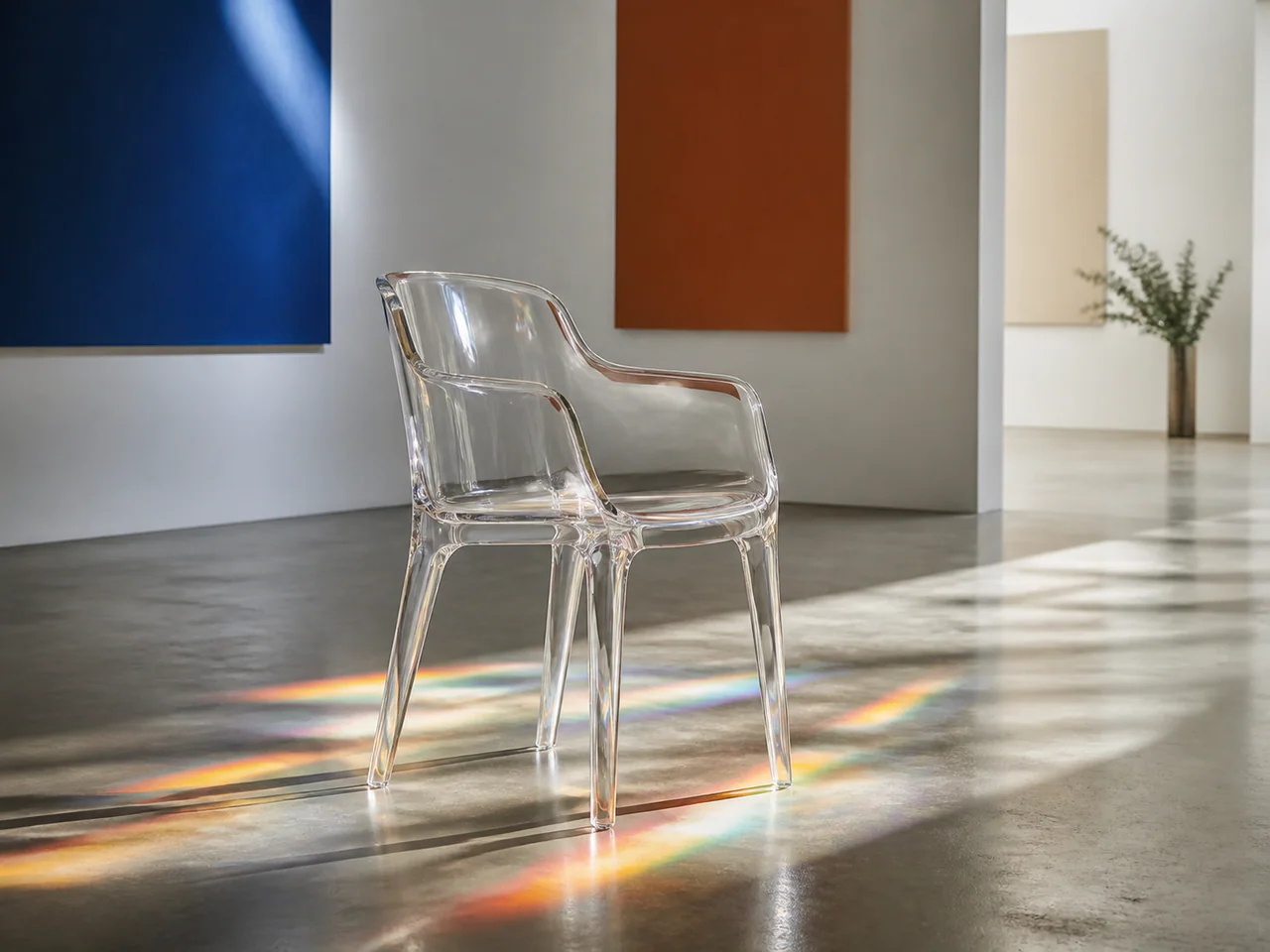
What Is Stable Diffusion 3.5 Large Turbo?
Stable Diffusion 3.5 Large Turbo distils the Large checkpoint into a four-step workflow. It keeps the familiar negative-prompt and seed controls while trading some surface detail for much faster iteration.
Stable Diffusion Model Versions
Stable Diffusion 3.5 Large Turbo
Fast draft · 2K
From 2 Credits
Stable Diffusion 3.5 Large
The full 8B SD 3.5 model with negative prompts, CFG and sampling-step control.
- Resolutions: 1K / 2K
- Reference images: not supported
- Modes: Text to Image
- Speed: Balanced
Stable Diffusion 3.5 Large Turbo
The four-step distilled SD 3.5 Large for fast, controllable open-model drafts.
- Resolutions: 1K / 2K
- Reference images: not supported
- Modes: Text to Image
- Speed: Fastest
Stable Diffusion 3.5 Medium
The resource-efficient SD3.5 tier with classic CFG, steps and negative-prompt controls.
- Resolutions: 1K / 2K
- Reference images: not supported
- Modes: Text to Image, Typography
- Speed: Balanced
Stable Diffusion 3 Medium
Stability AI’s two-billion-parameter SD3 checkpoint with typography, negative prompts and familiar diffusion controls.
- Resolutions: 1K
- Reference images: not supported
- Modes: Text to Image, Typography
- Speed: Balanced
Stable Image Ultra
The full classic parameter set: Negative Prompt, Steps, Guidance, Strength.
- Resolutions: 1K / 2K
- Reference images: up to 1
- Modes: Text to Image, Image to Image, Edit Image
- Speed: Balanced
What Is Stable Diffusion 3.5 Large Turbo Best For?
- Fast open-model drafts
- Seeded prompt comparisons
- Stylised concepts
- Low-cost batches
How to Use Stable Diffusion 3.5 Large Turbo
- Write the positive prompt.
- Add only concrete exclusions to Negative Prompt.
- Fix the seed before tuning.
- Generate at 1K first and use 2K selectively.
Stable Diffusion 3.5 Large Turbo Settings Explained
Negative Prompt
Explicitly lists defects, objects or styles that should not appear.
Steps
Four is the intended default; extra steps have limited returns.
The panel above shows only the parameters Stable Diffusion 3.5 Large Turbo actually supports. Switch versions and unsupported controls disappear rather than sitting there doing nothing.
Stable Diffusion 3.5 Large Turbo Prompt Examples
Controlled illustration
Ancient observatory above a cloud sea, midnight blue and brass, detailed storybook illustration, dramatic moonlight
Negative: watermark, blurry, duplicate objects.
Product concept
Minimal ceramic desk lamp, warm white glaze, pale grey studio sweep, soft directional shadow
Stable Diffusion 3.5 Large Turbo Test Results
Testing in progress
Every model runs the same eight-category prompt set — portrait, product, poster text, anime character, interior, multi-reference, image editing and character consistency — recording generation time, success rate, text accuracy and identity retention. That run has not finished for Stable Diffusion 3.5 Large Turbo, so this page shows no scores. We do not publish numbers we have not measured.
Stable Diffusion 3.5 Large Turbo Limitations
- Less detail than the full Large model
- Text-to-image only here
- Four steps leave less room for fine tuning
Stable Diffusion 3.5 Large Turbo Pricing and Credits
Credits scale with resolution and image count. The Generate button always shows what this run costs.
1K
2 credits / image
2K
5 credits / image
Failed generations cost 0 credits.
Commercial Use and Image Rights
Open weights under the Stability AI Community License; service use also follows the selected provider terms.
- Model used: Stable Diffusion 3.5 Large Turbo
- Model developer: Stability AI
- The inference route is managed internally and may change without changing the selected model
- Uploads are sent only to the configured inference service needed to complete the generation
- You can delete any generation from your history at any time
Frequently Asked Questions
Can I download the model weights here?+
No. This is a hosted inference route; Stability AI distributes the open weights separately.
Which SD 3.5 variant should I choose?+
Choose Turbo for speed and Large for final detail and a wider sampling range.
Release History and Sources
October 22, 2024 · Open weights released
This date applies to the event shown. Later API access, weights and availability on All Image AI may have different dates.
Explore this event on the image model timeline →
Related Models and Tools
AI Image Generator
Create an image, try a new look or transform a photo. Start with the result you want.
Image to Image
Start from an image. You decide how much of it survives.
Image Upscaler
Scale up to print size and rebuild texture on the way.

FLUX.2 Max
Black Forest Labs
The highest-fidelity FLUX.2 tier for final-publish generation and demanding prompt adherence.
FLUX.2 Flex
Black Forest Labs
FLUX.2 with explicit guidance and step controls for typography-heavy final renders.
FLUX.2 Flash
Black Forest Labs
A low-cost FLUX.2 route for rapid generation and exact multi-reference edits.
FLUX.2 Turbo
Black Forest Labs
A fast FLUX.2 draft model with prompt expansion and unusually low megapixel cost.