What Is MAI Image 2.5 Pro?
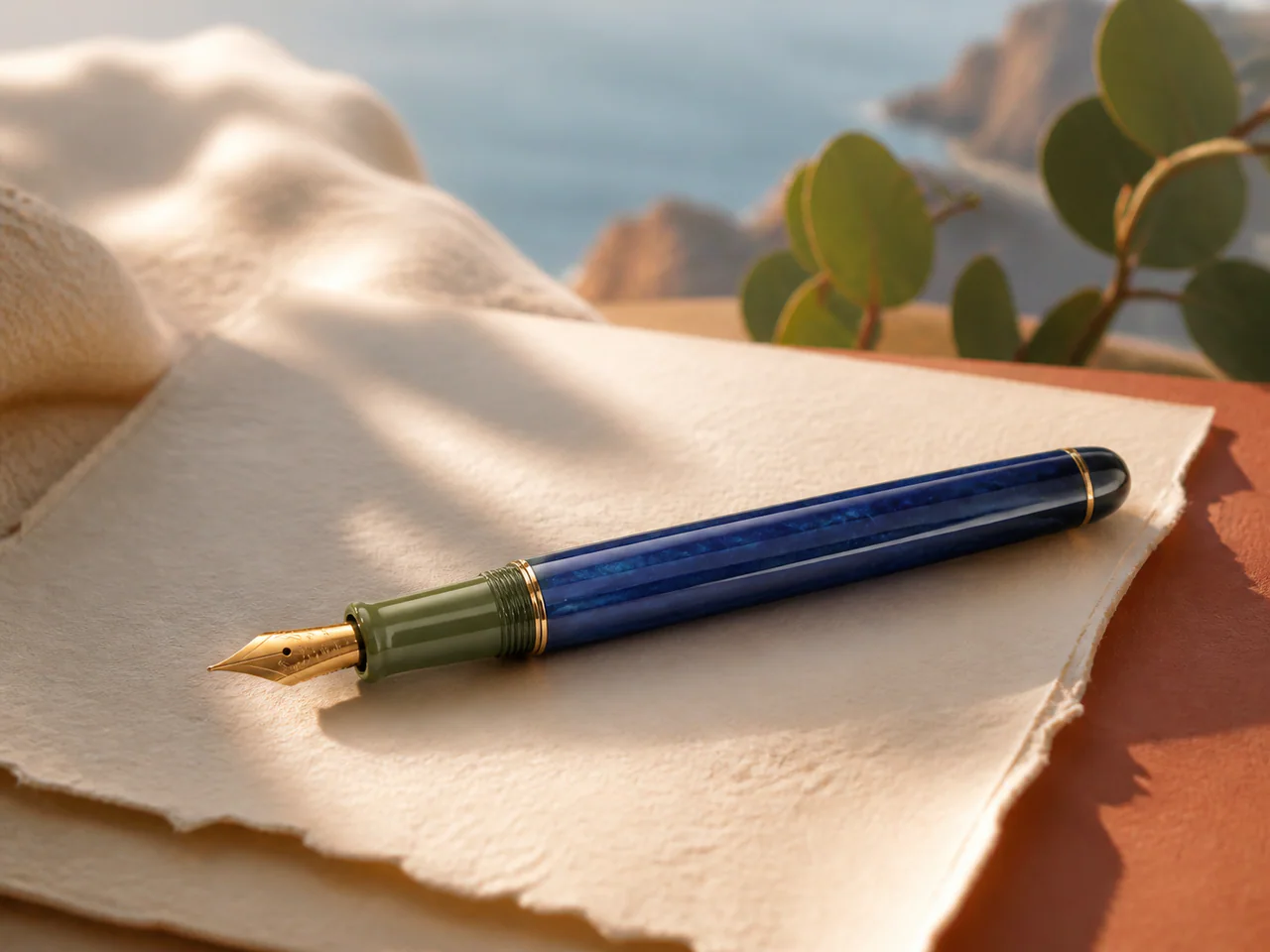
MAI Image 2.5 Pro is Microsoft’s flagship text-to-image tier for high-fidelity, design-ready visuals. It spends more compute on typography, fine texture, lighting and complex prompt alignment, so it is best reserved for final assets rather than broad drafting.
MAI Image Model Versions
MAI Image 2.5 Pro
Microsoft flagship · 1K
From 14 Credits
MAI Image 2.6
Microsoft’s image model for readable poster text, natural portraits and targeted photo edits.
- Resolutions: 1K
- Reference images: up to 1
- Modes: Text to Image, Edit Image, Typography
- Speed: Balanced
MAI Image 2.5 Pro
Microsoft’s flagship MAI image model for precise typography, rich detail and production-ready compositions.
- Resolutions: 1K
- Reference images: not supported
- Modes: Text to Image, Typography
- Speed: Slow
MAI Image 2.5
Microsoft’s photoreal image model for natural people, polished materials and design-ready visual concepts.
- Resolutions: 1K
- Reference images: not supported
- Modes: Text to Image, Typography
- Speed: Balanced
What Is MAI Image 2.5 Pro Best For?
- Final campaign artwork
- Precise display typography
- Detailed product concepts
- Complex art direction
How to Use MAI Image 2.5 Pro
- Describe the intended asset and composition.
- Put required copy in quotation marks.
- Choose the final aspect ratio.
- Proofread text and small product details.
MAI Image 2.5 Pro Settings Explained
Aspect Ratio
Choose the delivery composition before generation; the model does not need a separate pixel-size control.
Output Format
PNG is the lossless default; JPEG and WebP are useful for smaller delivery files.
The panel above shows only the parameters MAI Image 2.5 Pro actually supports. Switch versions and unsupported controls disappear rather than sitting there doing nothing.
MAI Image 2.5 Pro Prompt Examples
Campus campaign
Photoreal concept-art poster of a university campus at sunset, cinematic amber light, a fabric banner reading “FUTURE / BUILT”, precise serif typography
Material portrait
Editorial portrait of a ceramic artist in a daylight studio, natural skin texture, chalk dust on linen, glazed vessels catching soft window reflections
MAI Image 2.5 Pro Test Results
Testing in progress
Every model runs the same eight-category prompt set — portrait, product, poster text, anime character, interior, multi-reference, image editing and character consistency — recording generation time, success rate, text accuracy and identity retention. That run has not finished for MAI Image 2.5 Pro, so this page shows no scores. We do not publish numbers we have not measured.
MAI Image 2.5 Pro Limitations
- Premium token-priced route
- Text-to-image only here
- Use the standard tier for broad exploration
MAI Image 2.5 Pro Pricing and Credits
Credits scale with resolution and image count. The Generate button always shows what this run costs.
1K
14 credits / image
Failed generations cost 0 credits.
Commercial Use and Image Rights
Commercial use is governed by Microsoft’s model terms and the selected service terms.
- Model used: MAI Image 2.5 Pro
- Model developer: Microsoft AI
- The inference route is managed internally and may change without changing the selected model
- Uploads are sent only to the configured inference service needed to complete the generation
- You can delete any generation from your history at any time
Frequently Asked Questions
What makes MAI Image 2.5 Pro different?+
Pro spends more on prompt alignment, typography and finish; the standard tier is the economical choice for iteration.
Why is the credit price conservative?+
The upstream bill combines image-output tokens with prompt tokens, so credits include room for the full supported prompt length.
Release History and Sources
Date not yet established
The audit does not establish a reliable event date. This entry remains in the catalog without a position on the dated timeline.
Explore this event on the image model timeline →
Related Models and Tools
AI Image Generator
Create an image, try a new look or transform a photo. Start with the result you want.
Poster Generator
Posters with headlines that come out right the first time.
Social Post Generator
One visual, every platform size, one consistent style.

GPT Image 2.5 Flare
OpenAI
Create product photos, posters and image assets with OpenAI’s faster Image 2.5 model.
GPT Image 2.5 Sunburst
OpenAI
Refine product photos and reference images with OpenAI’s most capable Image 2.5 editor.
GPT Image
OpenAI
Generate and edit images with detailed prompts, multiple reference photos and readable text.
GPT Image 1.5
OpenAI
OpenAI’s high-fidelity image generation model for precise composition, lighting, detail and readable text.