About Image to Prompt
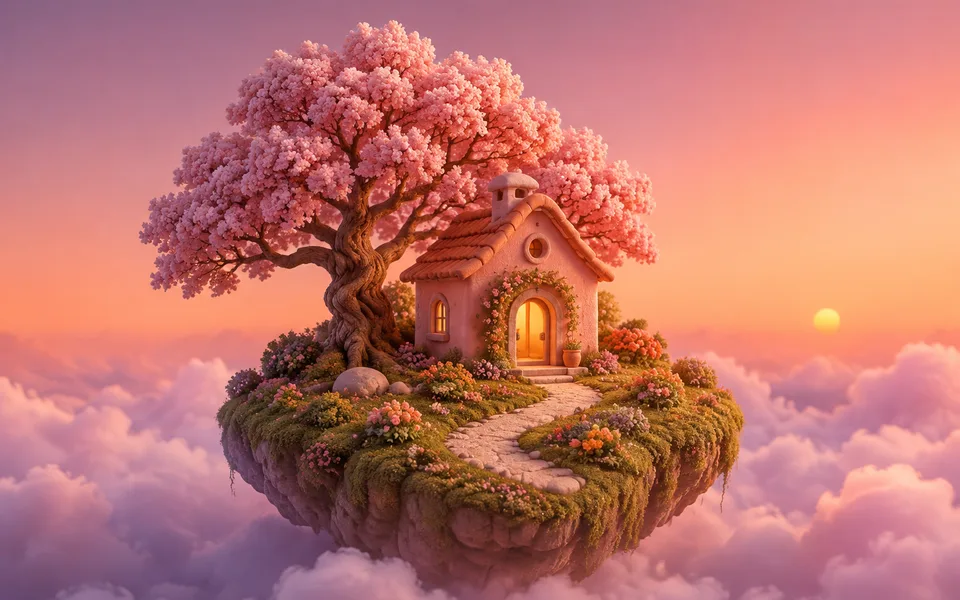
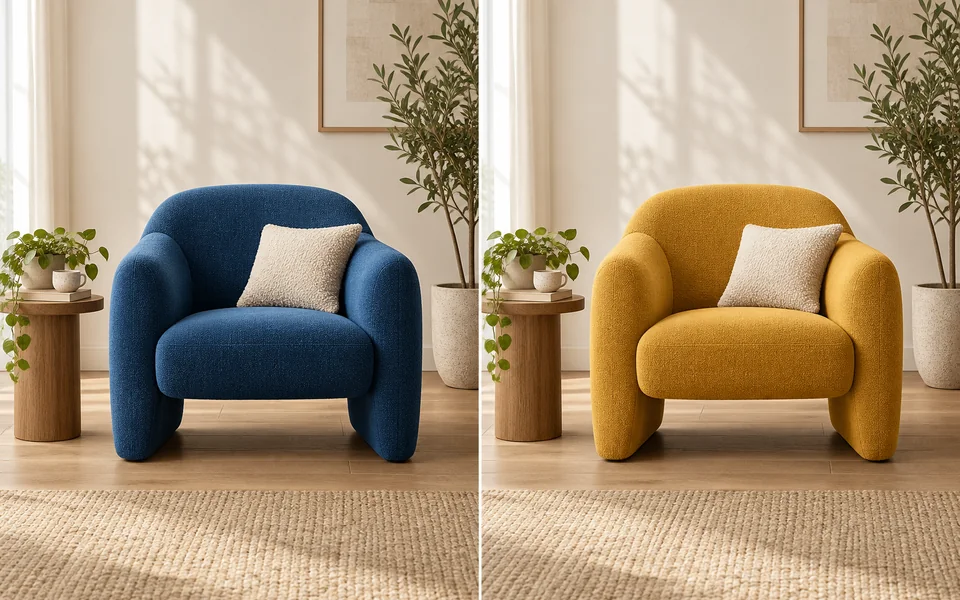
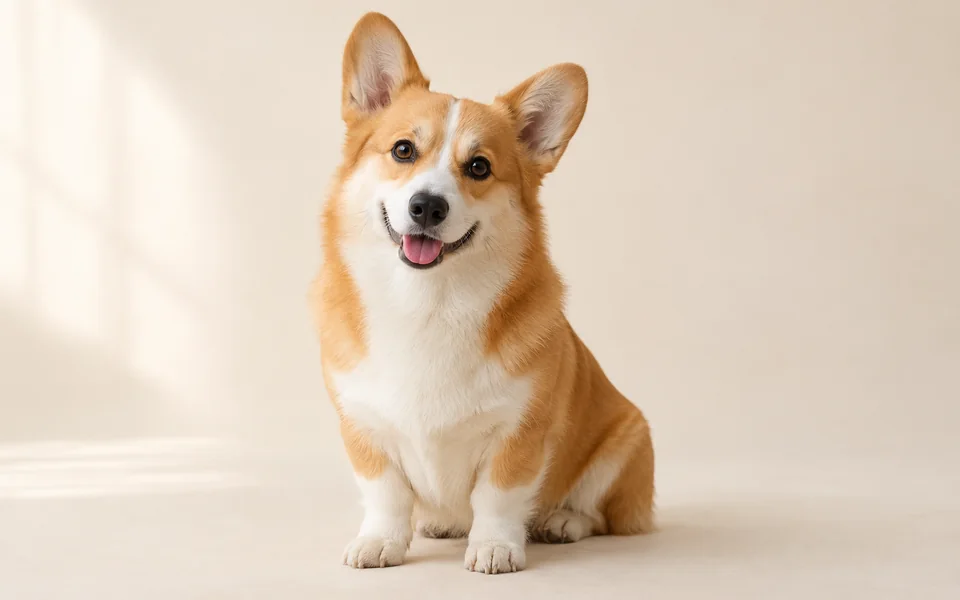
You found an image you like but cannot describe it. This works backwards from it — and returns a structured prompt broken into subject, composition, lighting, lens, palette and style, phrased for the model you plan to use, rather than one vague sentence.
Photo editing steps
Prepare your input, choose the edit and review the output before using it:
- Upload a reference
- Analyse subject / light / lens / style
- Produce a structured prompt
- Adapt phrasing to the target model
- Send to the generator
How to Use Image to Prompt
- Upload the reference image.
- Choose which model you want to recreate it with.
- Send the prompt to the generator.
Supported models
There is no Auto option for this task — pick a model explicitly.
| Model | Developer | Speed | Max output | Credits | Status |
|---|---|---|---|---|---|
| GPT Image | OpenAI | Balanced | 4K | From 5 | Active |
| Nano Banana 2 | Fast | 4K | From 5 | Active |
When the recommended model is unavailable, the page asks you to confirm a switch. It never substitutes silently.
Output spec
- Format: Text prompt
- Notes: Can be sent straight to the generator
Frequently Asked Questions
Can it reproduce the original exactly?+
No. The prompt captures style and composition, not pixels.
Will it tell me which model made the image?+
No. Identifying the model behind an image is not reliable, so we do not guess.
Image handling and privacy
This is an AI tool: images you upload are sent to the configured inference service for processing, not handled locally in the browser. The active route is managed internally and is separate from the model developer. You can delete any generation from your history at any time.